Mac can't see wireless network - have checked other posts but no solution!

I have scanned many posts on this topic but have not seen my specific problem resolved, so I'm starting a new post. Here's all the facts and things I've checked.

Hardware Details
iMac 1.25 GHz G4
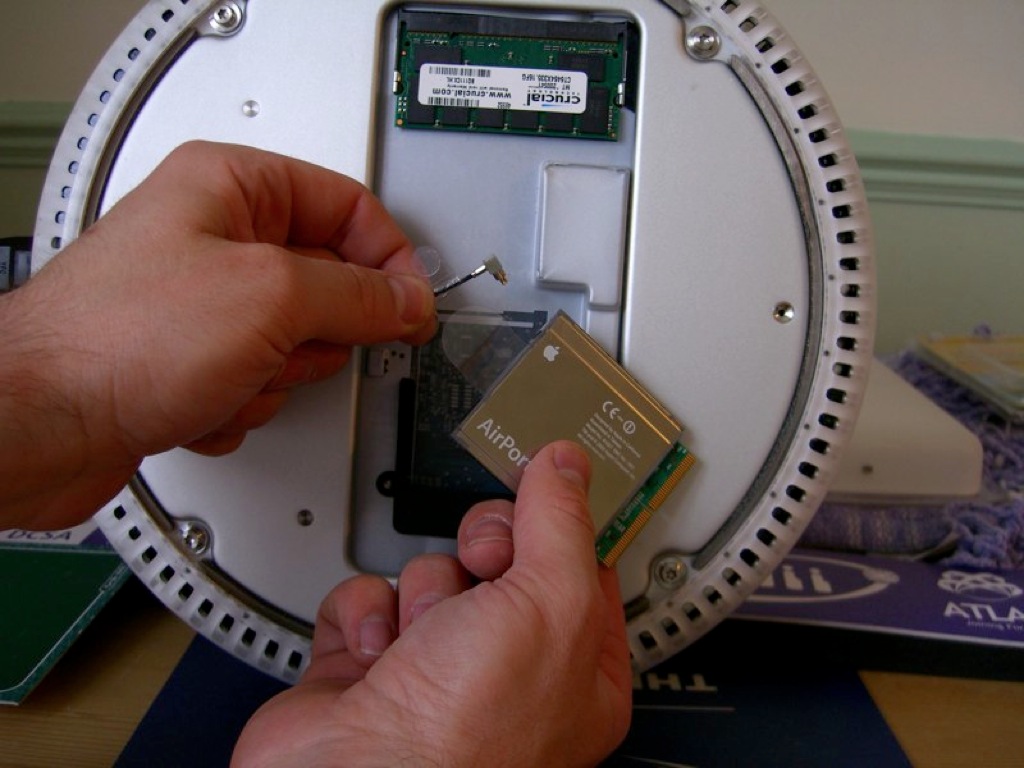
Airport Extreme card (shows up in system profiler)
Linksys 802.11g router

Network Details
WPA Personal
Have never had a problem using this network. 2 PC's an 2 Macs regularly connect. Right now one PC and my wife's MacBook Pro are using the network.
The iMac was seeing the network yesterday - today it can't even see it!
Per the advice from many helpful posters, I have checked that mac addressing is disabled on the router.
I have checked that appletalk is active on the iMac
I have restarted the iMac several times after applying various changes.

This is a very perplexing problem. Any help would be appreciated.

iMac G4 FP 1.25 GHZ, Mac OS X (10.5.5)

Posted on Oct 17, 2008 6:07 PM

Reply
5 replies

Oct 17, 2008 7:35 PM in response to kmacwilliam

I assume you're using Leopard... You could try adding the network manually. Normally you would do this if your router is set to not broadcast the network name. To do this go to System Preferences, then Network. On the left hand side, click Airport and make sure the status is on. Verify from the click down menu that the network does not appear. Click join other network from that menu and put it your network's information.

Worth a shot if you haven't tried.

Oct 18, 2008 12:20 PM in response to fortunate

Thanks fortunate.

Yes, I'm using Leopard - 10.5.5.
My router is set to broadcast the network name - but the computer does not seem to see any networks.
This morning, I turned on the computer, and 4 networks were showing, including my own, which I successfully logged on to.
This afternoon, I turned on the computer, and no networks were showing again.

Perplexing.

Thanks again for your post.

Oct 19, 2008 10:39 PM in response to kmacwilliam

Hi kmacwilliam,

I am having a similar issues with yours, my MBP and MB couldnt not stay connect to the dlink router recently. But the PC's been working fine all the time. The wireless would drop and could not see the network again while my neighbours' networks were still displaying. Even restarting the MBP and router wont see my wireless network.

You can try these things and see if it works for you, it's worked for me for time being. Please post back the outcomes:
1. Delete any airport-related passwords in the "Keychain" so no airport passwords are stored
2. Shut down the iMac
3. Reset the PMU in your case for the G4 iMac, you may need to open your back case to reset it
3. Turn on your iMac and you should see the network again

I am suspecting this might be software issue, hope this works for you.

This thread has been closed by the system or the community team. You may vote for any posts you find helpful, or search the Community for additional answers.

Mac can't see wireless network - have checked other posts but no solution!

Welcome to Apple Support Community
A forum where Apple customers help each other with their products. Get started with your Apple Account.