Hello JPTissue1,
Thanks for choosing Apple Support Communities. I understand from your post that you have the iPhone XR and are utilizing the Dual SIM feature. I understand that your purpose is so you don't have to carry to phones at once but it seems that you can only use iMessage from one line at a time which defeats your purpose of having just one phone. I am happy to provide some information.
Now that your iPhone is set up with two phone numbers, here's how to use them.

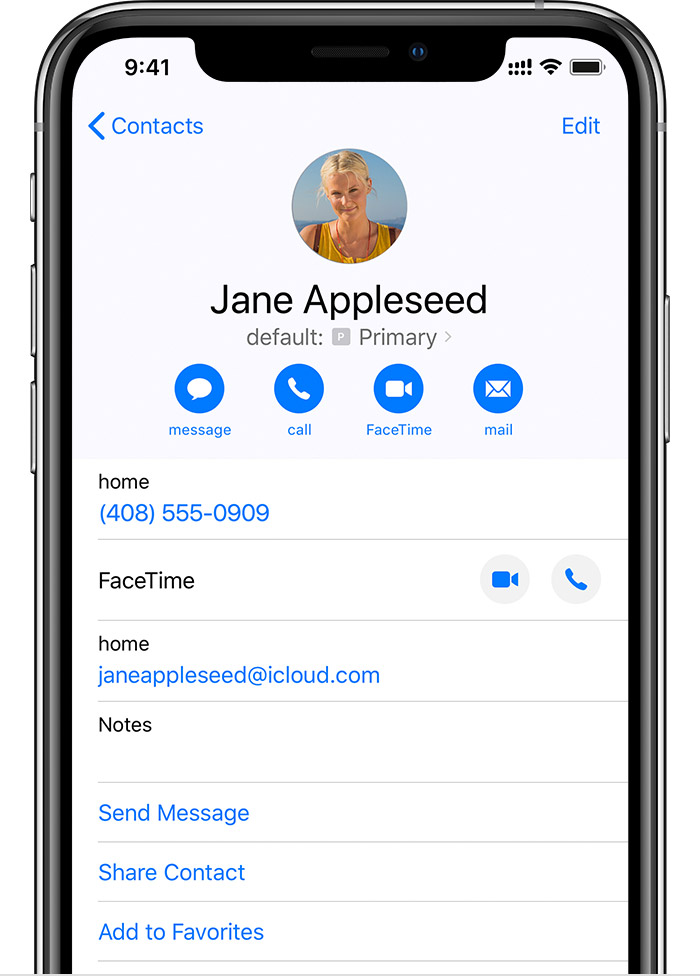
When you call one of your contacts, you don't need to choose which number to use every time. By default, your iPhone uses the same number that you used the last time you called that contact. If you haven't called that contact, your iPhone uses your default number. If you want to, you can specify which number to use for your calls with a contact. Follow these steps:
Tap the contact.
Tap Preferred Cellular Plan.
Tap the number you want to use with that contact.
You can send messages with iMessage and use FaceTime on one phone line. To change which line uses iMessage, follow these steps:
Go to Settings > Messages.
Tap iMessage & FaceTime Line.
Select the phone number you want to use.
You can use SMS/MMS to send messages with either phone number.* You can switch phone numbers before you send an SMS/MMS message. Here's how:
Open Messages.
Tap the New button, in the upper right corner of the screen.
Enter your contact's name.
Tap the current phone number.
Tap the number you want to use.
* Additional fees may apply. Check with your carrier.
Using Dual SIM with an eSIM
Let me know if you have any questions.
Have a great day!



