
iCloud BackUp
i have over 4GB free off iCloud storage on my phone because i removes my photos from iCloud, and now when I try to backup my iCloud it says I don’t have enough free storage.
iPhone 8
i have over 4GB free off iCloud storage on my phone because i removes my photos from iCloud, and now when I try to backup my iCloud it says I don’t have enough free storage.
iPhone 8
Hello and welcome to Apple Support Communities, Hollyjade04!
I understand you're unable to complete a backup of your iPhone because you're being told you do not have enough storage available. I'd be happy to provide more information about why this message may be coming up.
Have a look at this article: If iCloud Backup couldn’t be completed or you can’t restore
" 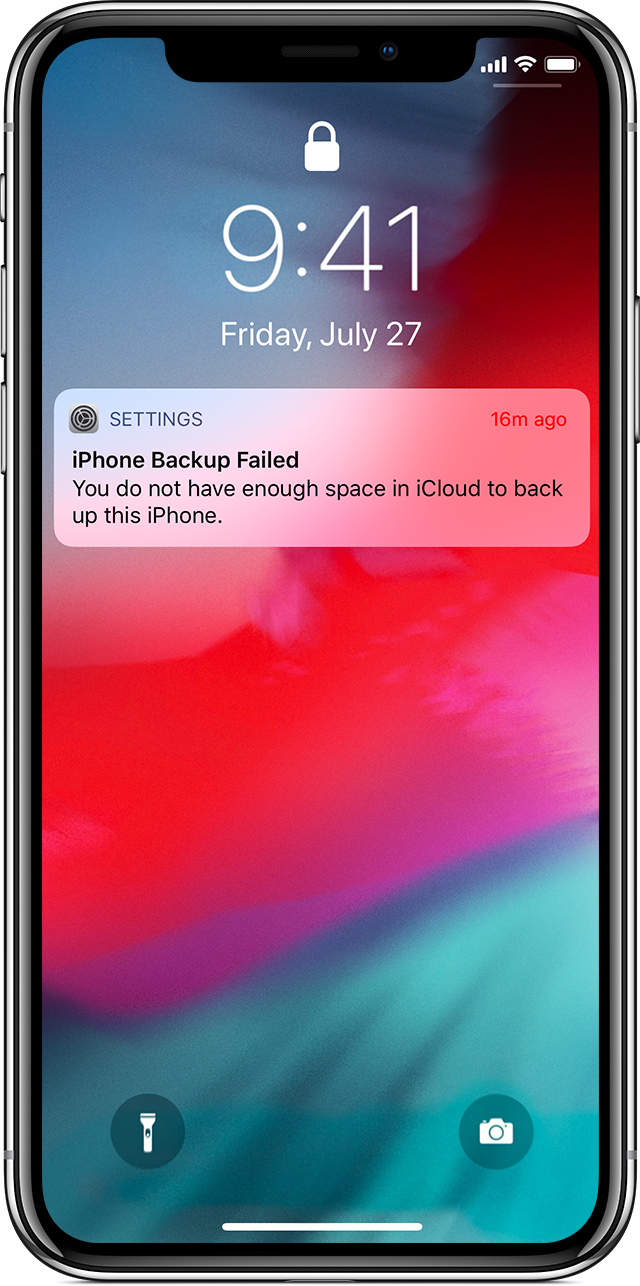
If an alert says that there's not enough iCloud storage
This message appears when you need more iCloud storage to back up (The available space on your iOS device is different than your available space in iCloud).
Here are some things you can do:
You can go to Settings > ["Your Name"] > iCloud > Manage Storage > Backups > This iPhone and look at the next backup size. It should also allow you to turn off backup for features that you determine do not need to be backed up.
I hope this information clears things up.
Have a great day!
Hello and welcome to Apple Support Communities, Hollyjade04!
I understand you're unable to complete a backup of your iPhone because you're being told you do not have enough storage available. I'd be happy to provide more information about why this message may be coming up.
Have a look at this article: If iCloud Backup couldn’t be completed or you can’t restore
"
If an alert says that there's not enough iCloud storage
This message appears when you need more iCloud storage to back up (The available space on your iOS device is different than your available space in iCloud).
Here are some things you can do:
You can go to Settings > ["Your Name"] > iCloud > Manage Storage > Backups > This iPhone and look at the next backup size. It should also allow you to turn off backup for features that you determine do not need to be backed up.
I hope this information clears things up.
Have a great day!
iCloud BackUp

