Hello xTh3r3sax.
Welcome to Apple Support Communities.
If I'm understanding correctly, you are having some trouble sending messages with your iPad. I will be glad to assist.
Please the information below to see if it helps from our article: If you can't send or receive messages on your iPhone, iPad, or iPod touch

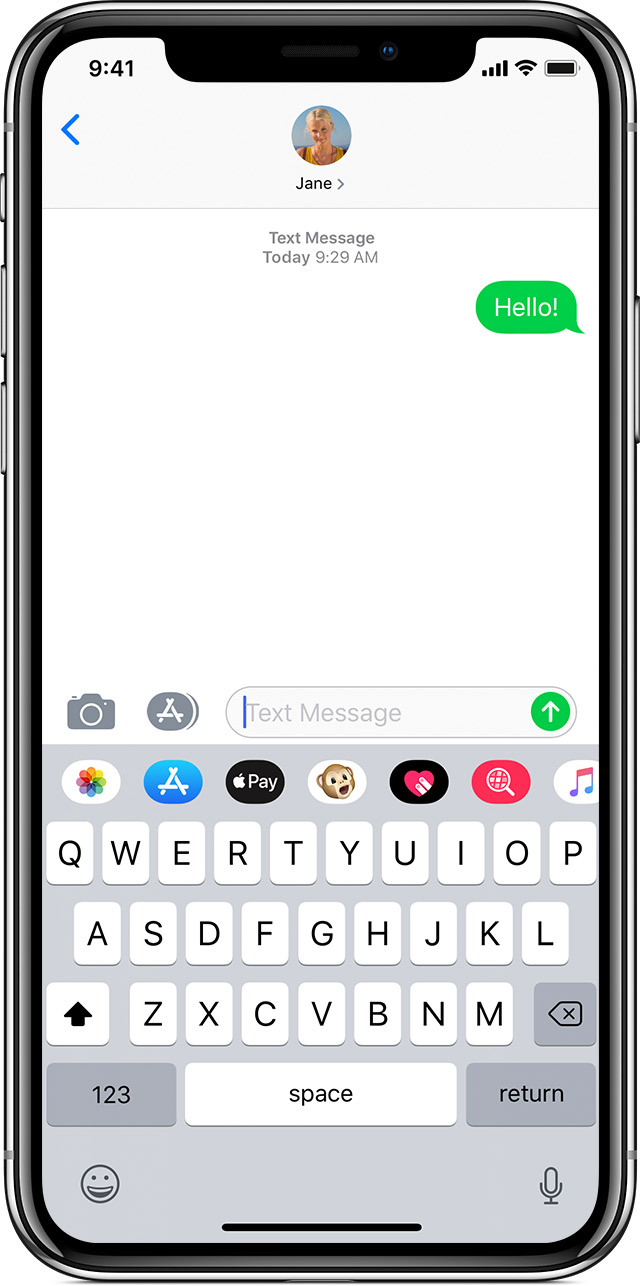 If you see a green message bubble
If you see a green message bubble instead of a blue one, then that message was sent using MMS/SMS instead of iMessage. There are several reasons for this:
- The person that you sent the message to doesn't have an Apple device.
- iMessage is turned off on your device or on your recipient’s device. To check if iMessage is turned on for your device, go to Settings > Messages > iMessage.
- iMessage is temporarily unavailable on your device or on your recipient’s device.
Learn the difference between iMessage and MMS/SMS messages.
Cheers.


