Flashing green snake

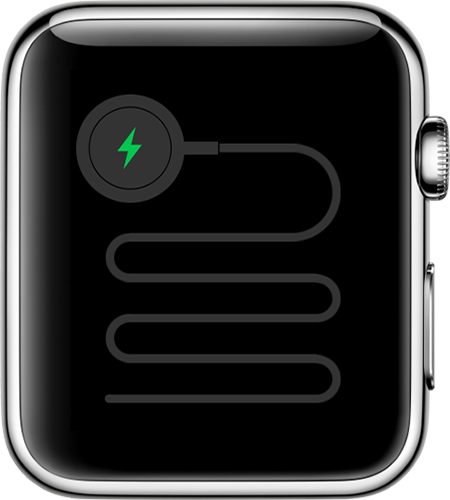
I’m having the flashing green snake on my I watch and it won’t charge or turn on.

Posted on Jan 19, 2019 8:11 PM

Reply
Question marked as Top-ranking reply

Posted on Jan 20, 2019 2:08 AM

If your Apple Watch won't charge or it won't turn on

Try the steps below if you need help or can't charge your Apple Watch. 

See if your Apple Watch is charging

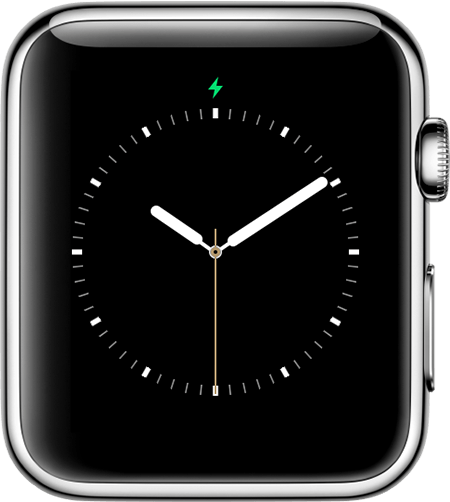
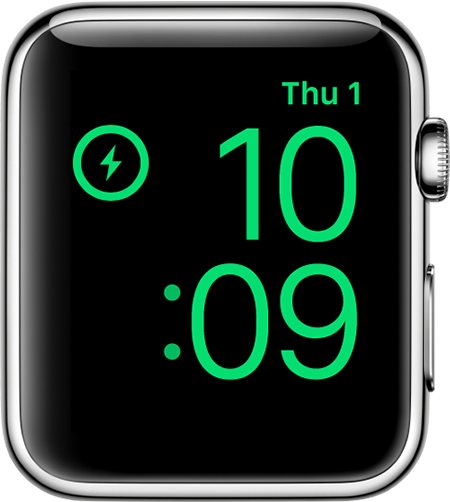
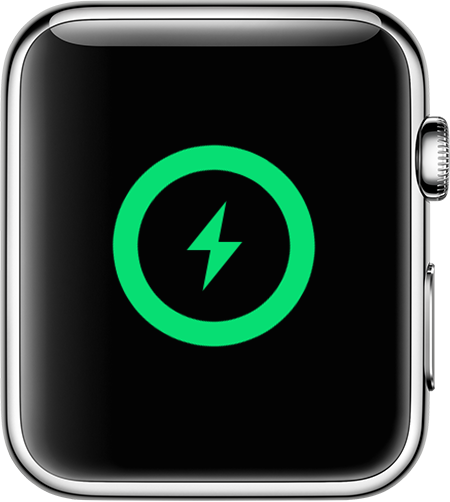
When you connect your Apple Watch to its charging cable and power, you should see  on the screen. 

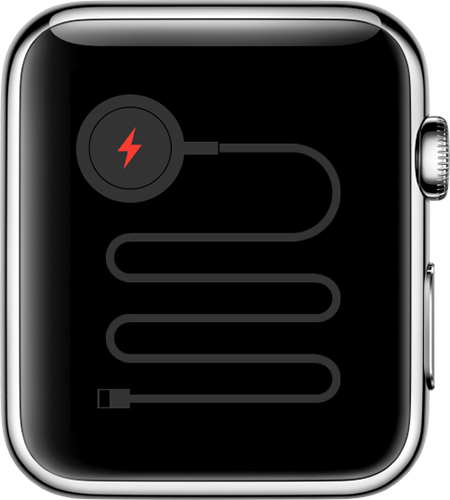
If you need to charge your watch,  appears on the screen. (You might need to click the side button to see the watch face.) When your watch is charging,  changes to . If your screen is blank or you see the Apple Magnetic Charging Cable icon and  on the screen, charge your watch for up to 30 minutes. 


Get help

If you use a third-party charging stand, use the charging cable that shipped in the box with your Apple Watch.

If your Apple Watch won't charge or you see a message on your watch that charging with this accessory isn't supported: 

  1. Make sure that you plug the Apple Magnetic Charging Cable all the way into the USB Power Adapter, then make sure that you plug the adapter all the way into a power outlet.
  2. Make sure that you're using the Apple Magnetic Charging Cable and the USB Power Adapter that came with your Apple Watch. 
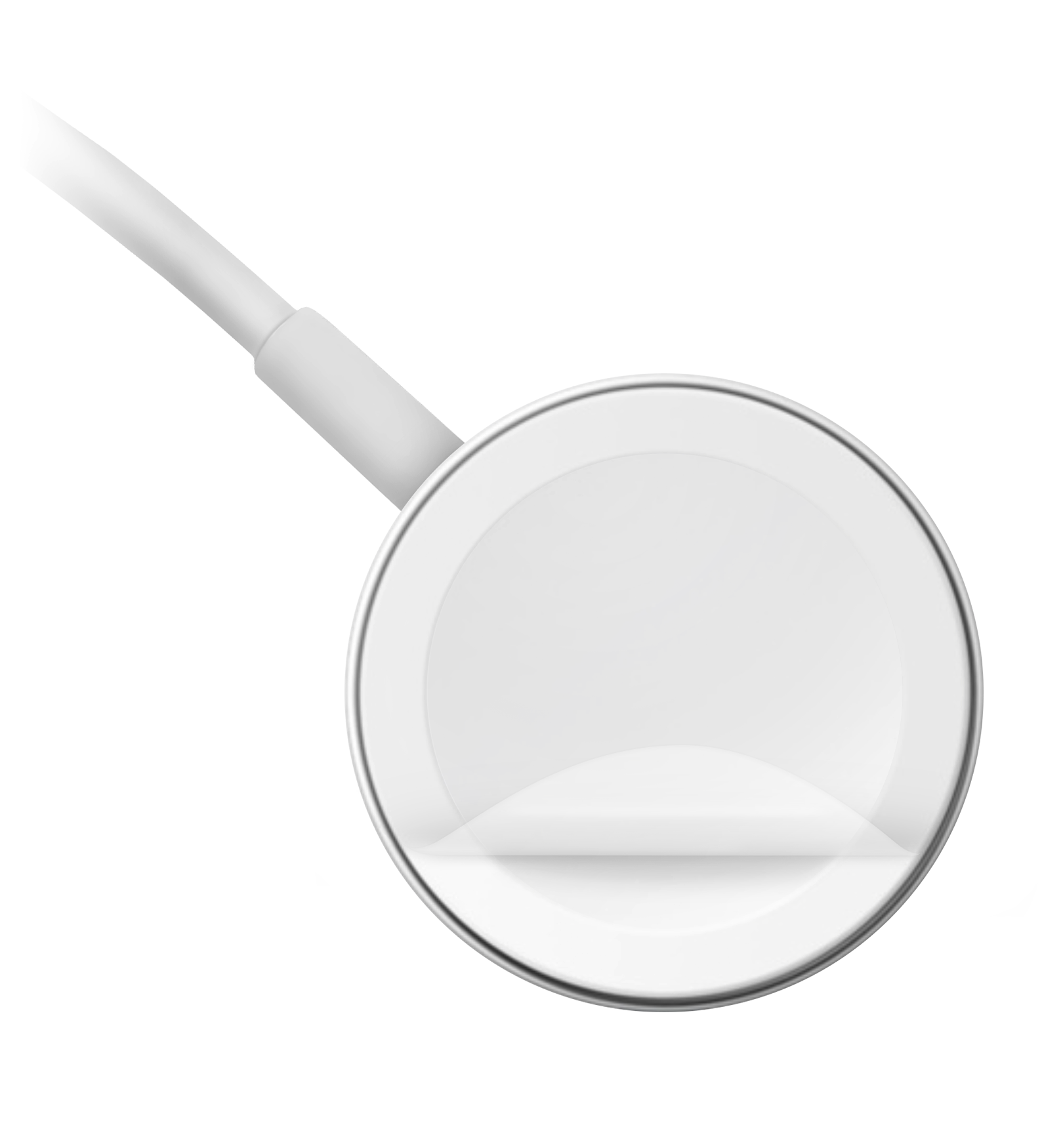
  3. Completely remove any plastic wrap from both sides of the charger. 
  4. Make sure that the back of your Apple Watch and the magnetic charger are clean.
  5. Position the back of your Apple Watch on the charger. The charger's magnets align your Apple Watch, and you should see  on the watch face.
  6. If your Apple Watch still won't charge, force it to restart. Press and hold both the side button and Digital Crown for at least 10 seconds, or until you see the Apple logo.
  7. Try a different Apple Watch Magnetic Charging Cable and a different USB Power Adapter. If your Apple Watch is out of power, you might need to wait a few minutes for  to appear after you start charging your device. 


1 reply
Question marked as Top-ranking reply

Jan 20, 2019 2:08 AM in response to Samanthajojames

If your Apple Watch won't charge or it won't turn on

Try the steps below if you need help or can't charge your Apple Watch. 

See if your Apple Watch is charging

When you connect your Apple Watch to its charging cable and power, you should see  on the screen. 

If you need to charge your watch,  appears on the screen. (You might need to click the side button to see the watch face.) When your watch is charging,  changes to . If your screen is blank or you see the Apple Magnetic Charging Cable icon and  on the screen, charge your watch for up to 30 minutes. 


Get help

If you use a third-party charging stand, use the charging cable that shipped in the box with your Apple Watch.

If your Apple Watch won't charge or you see a message on your watch that charging with this accessory isn't supported: 
  1. Make sure that you plug the Apple Magnetic Charging Cable all the way into the USB Power Adapter, then make sure that you plug the adapter all the way into a power outlet.
  2. Make sure that you're using the Apple Magnetic Charging Cable and the USB Power Adapter that came with your Apple Watch. 
  3. Completely remove any plastic wrap from both sides of the charger. 
  4. Make sure that the back of your Apple Watch and the magnetic charger are clean.
  5. Position the back of your Apple Watch on the charger. The charger's magnets align your Apple Watch, and you should see  on the watch face.
  6. If your Apple Watch still won't charge, force it to restart. Press and hold both the side button and Digital Crown for at least 10 seconds, or until you see the Apple logo.
  7. Try a different Apple Watch Magnetic Charging Cable and a different USB Power Adapter. If your Apple Watch is out of power, you might need to wait a few minutes for  to appear after you start charging your device. 


This thread has been closed by the system or the community team. You may vote for any posts you find helpful, or search the Community for additional answers.

Flashing green snake

Welcome to Apple Support Community
A forum where Apple customers help each other with their products. Get started with your Apple Account.