
purchased ringtones does not work as alarm
I purchased a ringtone from app store but still am not able to set it as alarm.
iOS version 12.1.2
iPhone XS Max
I purchased a ringtone from app store but still am not able to set it as alarm.
iOS version 12.1.2
iPhone XS Max
Re-download previously purchased tones
With iOS 11 or later, you can re-download purchased tones that you bought using your Apple ID.
Go to Settings > Sounds & Haptics, then tap on any sound. At the top of the page, tap Download All Purchased Tones to check for any previously purchased tones that are not currently downloaded to your device. You might not see this option if you've already downloaded your previously purchased tones or if you haven't purchased any tones.
Move custom ringtones from iTunes to your iOS device
If you have a custom ringtone or tone in iTunes on your Mac or PC that you want to move to your iOS device, you can manually add it to your device using iTunes.
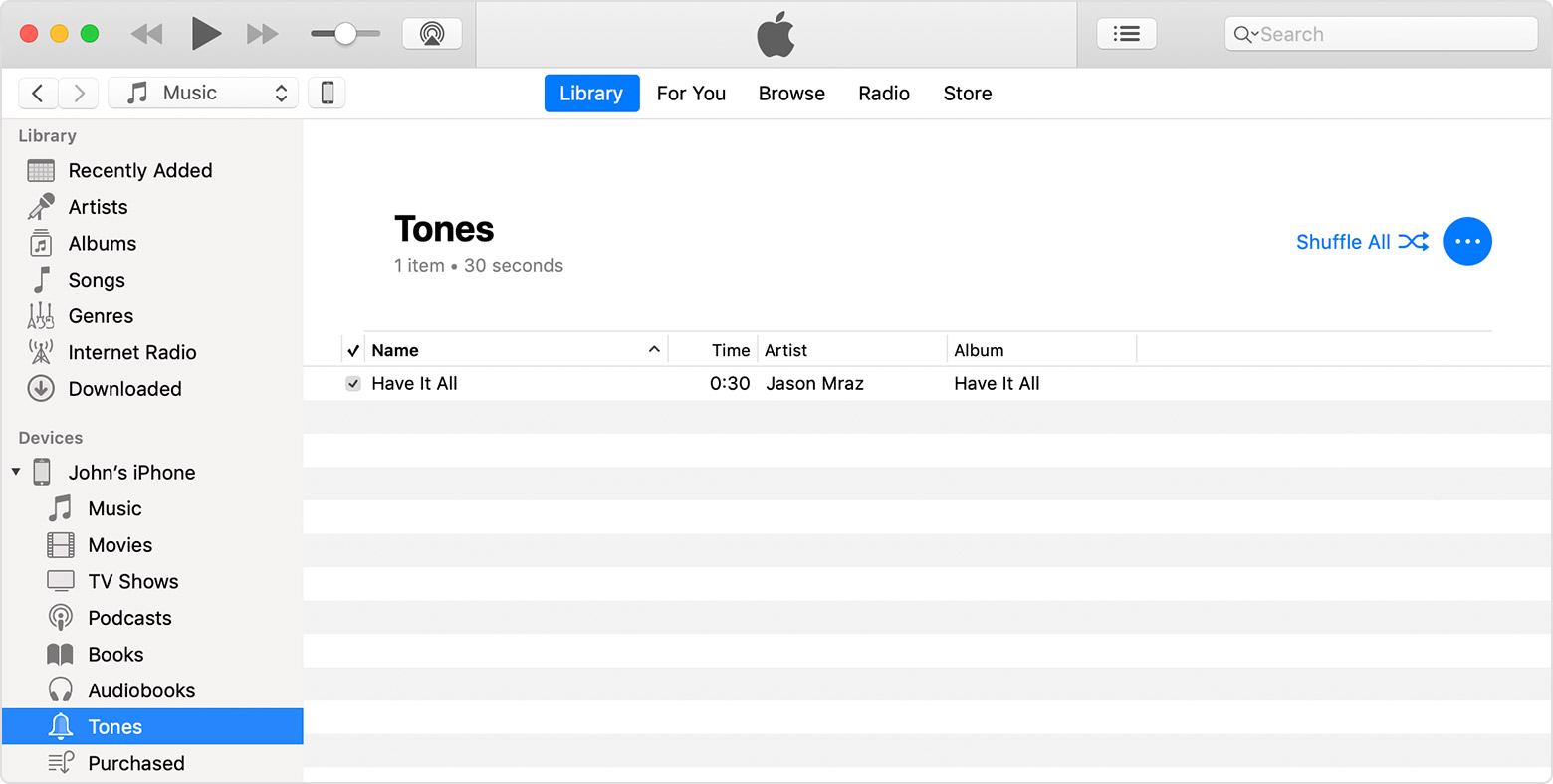
Use tones and ringtones with your iPhone, iPad, or iPod touch - Apple ...
Thanks a lot for your help, but unfortunately it does not work. I re-downloaded purchases ringtones , tried to set one of them as alarm, but still I listen only original apple tone (as was last set up) . :-/
Original tones are able changes...
Any another idea?
Thanks a lot in advance
purchased ringtones does not work as alarm
