If you are using macOS 10.14 Mojave, then iTunes comes as a pre-bundled with macOS. To get the latest version of iTunes, update the software on your Mac: First Go to the Apple () menu > System Preferences, then finally click on the Software Update.
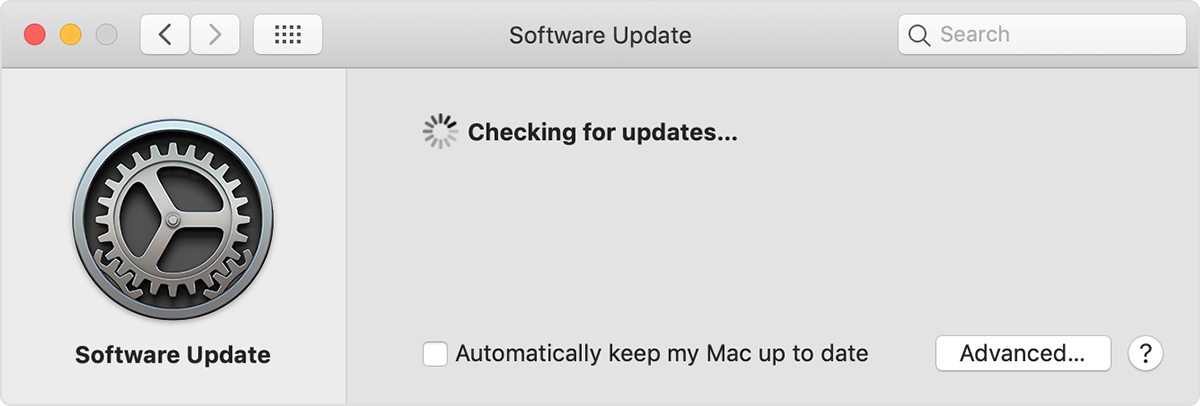
The Software Update panel of System Preferences on a Mac. The image shows "Checking for updates."
If you can’t update to macOS 10.14 Mojave, you might still be able to get some updates for iTunes (up to iTunes 12.8). Open the App Store on your Mac, then click Updates at the top of the App Store window. If any iTunes updates are available, click Install.
Hope it will helps you to update your iTunes with latest version.


