
Family information is not available
We want to turn off family sharing and it says FAmily information is not available where the Family Sharing should be.
iPhone 7, iOS 12
We want to turn off family sharing and it says FAmily information is not available where the Family Sharing should be.
iPhone 7, iOS 12
Leave Family Sharing
Learn the different ways you can leave or be removed from a family group and what happens when you stop using Family Sharing. If you're the family organizer, you can remove members at any time or disband the family group completely.
Leave your family group
Any family member over the age of 13* can remove themselves from a family group.
On your iPhone, iPad, or iPod touch:
On your Mac:
When you leave Family Sharing, you lose access to any shared purchases or services shared by the family group.

Remove someone from your family group
The family organizer can remove anyone over the age of 13* from the family group. If you need to, you can transfer a child to another family.
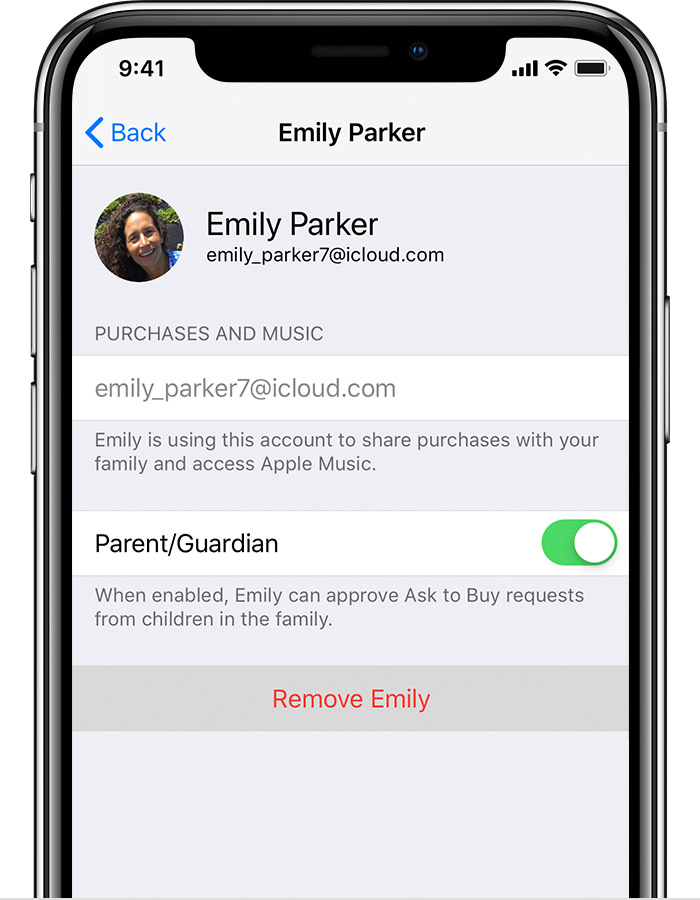
On your iPhone, iPad, or iPod touch:

On your Mac:
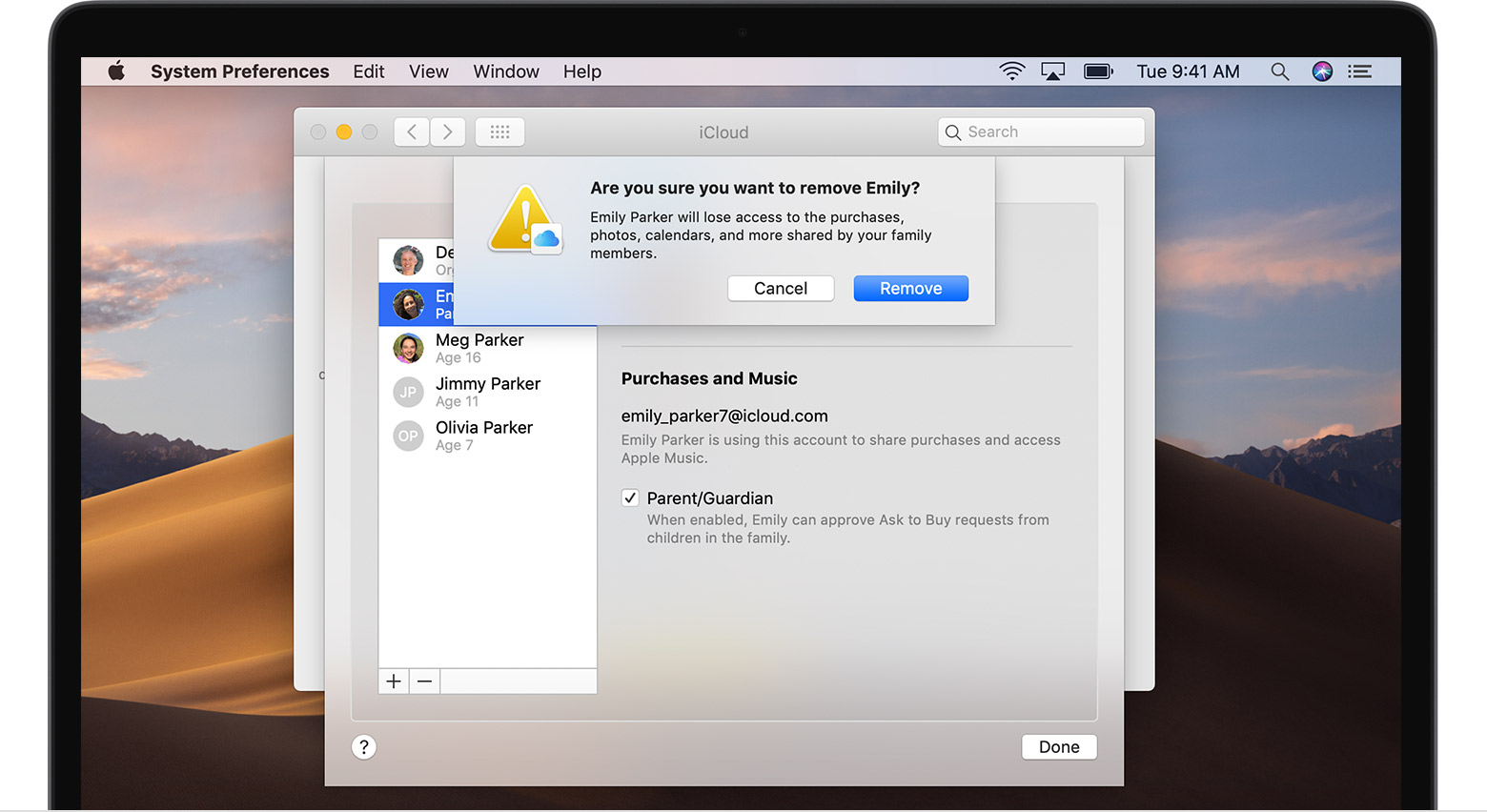
Remove your account from a family group
If your Apple ID is being used to share purchases with a family group that you no longer want to be part of, you can visit your Apple ID account page and remove the account from the family directly. Go to appleid.apple.com and sign in with the Apple ID and password for the account you want to remove. In the Family Sharing section, choose Remove Account > Remove. After you leave the family group, you can start your own family group or join another one.
Disband a family group
When the family organizer turns off Family Sharing, it removes all family members from the family group at once. If there are children under 13* in your family group, you must transfer them to another family before you can disband yours.
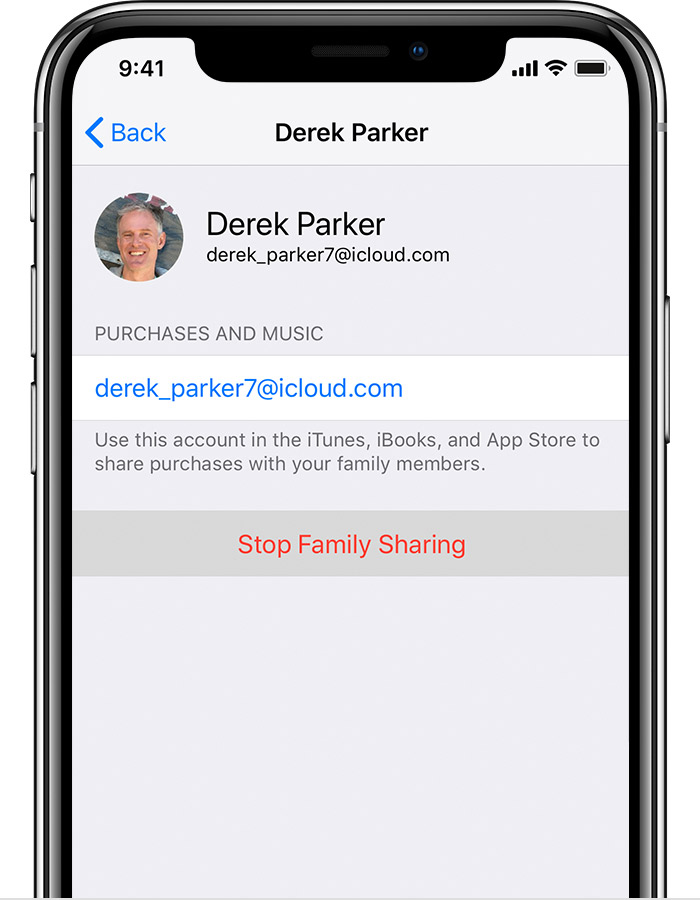
On your iPhone, iPad, or iPod touch:
On your Mac:
The organizer keeps the family calendar, reminders, and shared photo album in their account. They can share the content again with individual family members. Learn how to share calendars and reminders.
Family information is not available
