
Quick start
So I’m trying to quick start a iPhone 6 from my IPhone 7 but i don’t want to transfer anything..
Can I do the quick start without transferring my data to the phone
iPhone 7 Plus, iOS 12
So I’m trying to quick start a iPhone 6 from my IPhone 7 but i don’t want to transfer anything..
Can I do the quick start without transferring my data to the phone
iPhone 7 Plus, iOS 12
Set up your iPhone, iPad, or iPod touch
Learn how to set up your iPhone, iPad, or iPod touch.
If you're switching to a new device
If you want to transfer your information from another device to your new iPhone, iPad, or iPod touch, follow these steps:
Make sure that you back up your previous iOS device so that you can transfer the content to the new device.

If you're setting up your first iOS device
If you already set up your new device but want to start over, learn how to erase your iPhone, iPad, or iPod touch.
Otherwise, follow these steps:
Turn on your device
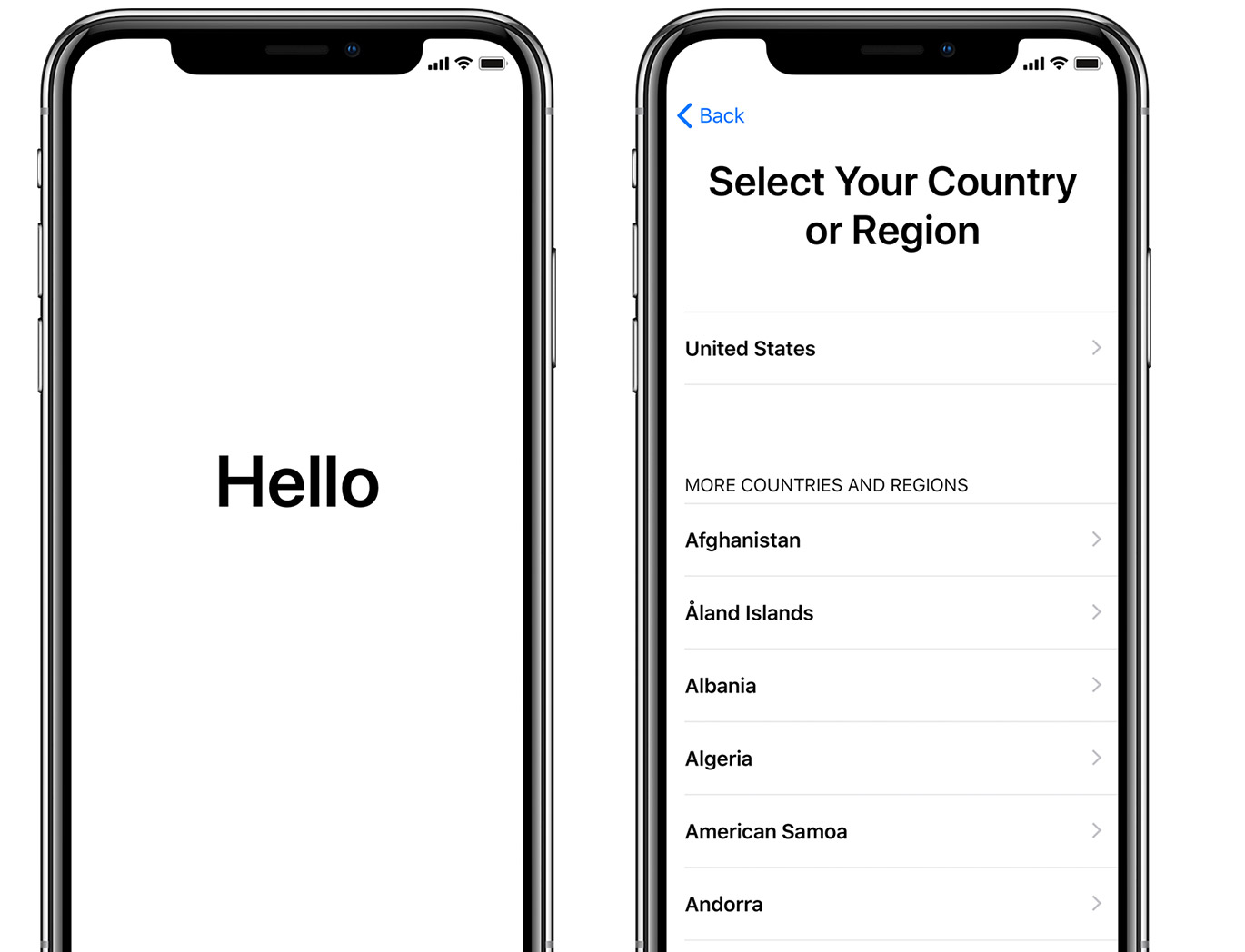
You'll see "Hello" in many languages. Follow the steps to get started. If you're blind or have low vision, you can turn on VoiceOver or Zoom from the Hello screen.
When asked, choose your language. Then tap your country or region. This affects how information looks on your device, including date, time, contacts, and more.
Get help if your device won't turn on, or if it's disabled or requires a passcode.
If you have another device on iOS 11 or later, use Quick Start
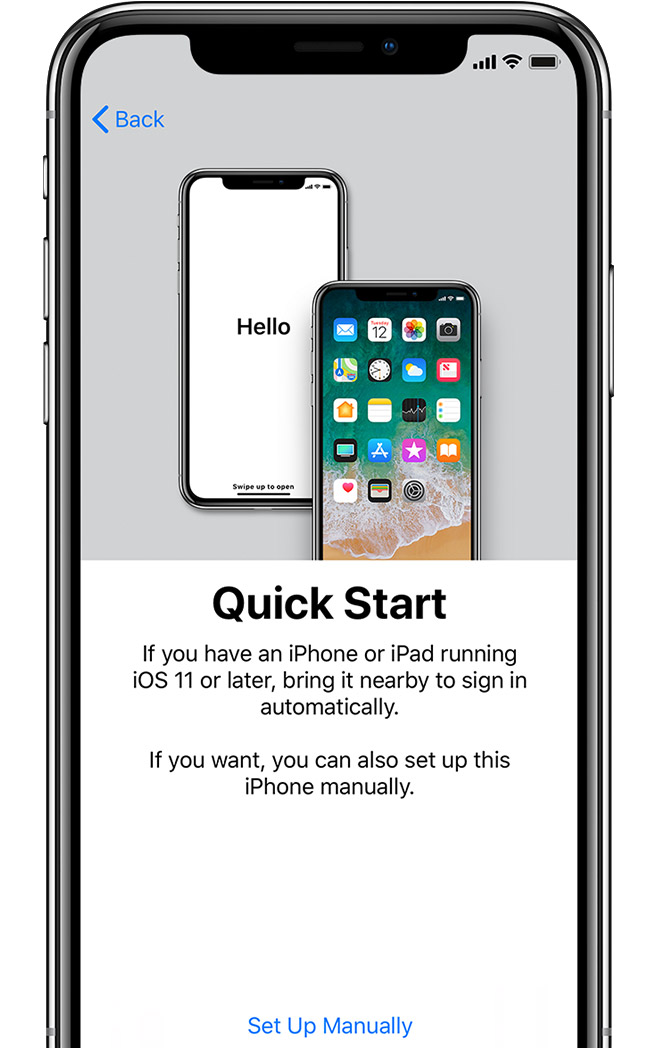
If you have another device that's running iOS 11 or later, you can use it to automatically set up your new device with Quick Start. Bring the two devices close together, and then follow the instructions.
If you don’t have another device with iOS 11 or later, tap "Set Up Manually" to continue.
 Activate your device
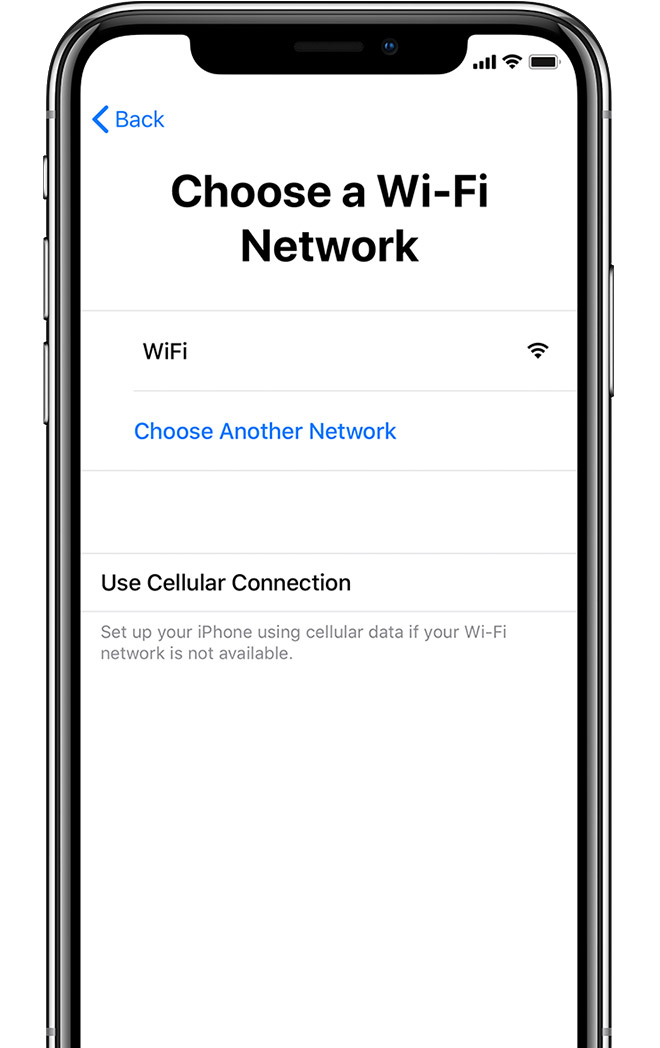
You need to connect to a Wi-Fi network, a cellular network, or iTunes to activate and continue setting up your device.
Tap the Wi-Fi network that you want to use or select a different option. If you're setting up an iPhone or iPad (Wi-Fi + Cellular), you might need to insert your SIM card first.
Get help if you can't connect to Wi-Fi or if you can't activate your iPhone.
Quick start
