
Apple Pay success sound is not working
Normally when I make a payment or I get an app in the App Store it sounds after using Face ID, but is not working anymore. I already turn sound up but still is not working
Normally when I make a payment or I get an app in the App Store it sounds after using Face ID, but is not working anymore. I already turn sound up but still is not working
Pay in stores and other places
With your iPhone or Apple Watch, you can use Apple Pay wherever you see one of these symbols.1,2 You can pay with Apple Pay in stores, restaurants, taxis, vending machines, and many other places.
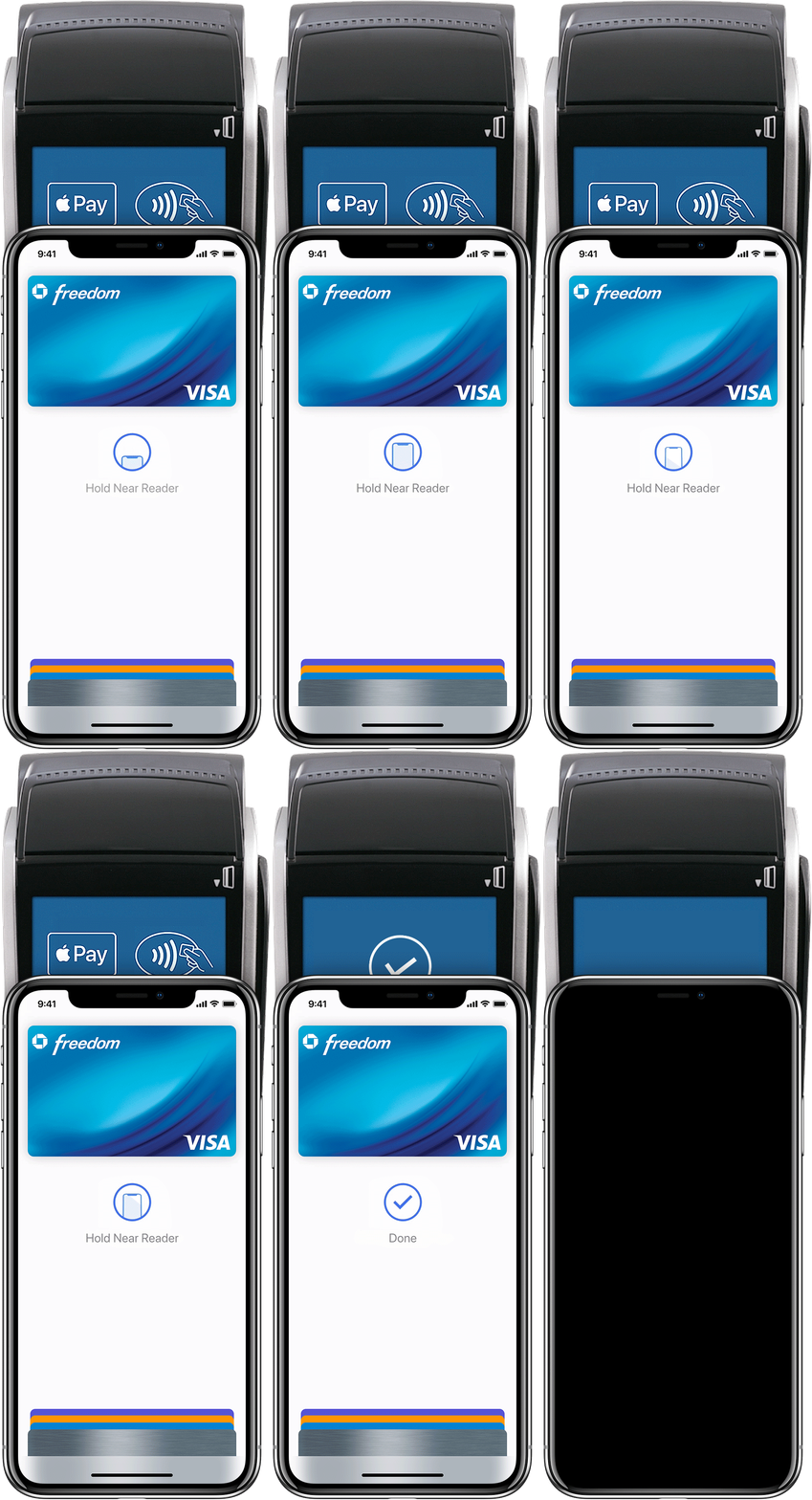
Pay with iPhone with Face ID
Watch the demo to see how it works.
Pay with iPhone with Touch ID
Watch the demo to see how it works.
Apple Pay success sound is not working
