
how to set up a payment method?
Can t understan how to set up a payment method . i v got one but it doesn’t work . It says error aurum.needsreautification
[Re-Titled by Moderator]
Can t understan how to set up a payment method . i v got one but it doesn’t work . It says error aurum.needsreautification
[Re-Titled by Moderator]
You have not mentioned the iPhone Model and iOS Version. However...
*With iOS 12.2 or later, you can also manage your payment methods from Settings > [your name] > Payment & Shipping. If you have a device with iOS 12.1.x or earlier and you edit your payment methods from Payment & Shipping, all payment methods that you have on file will be removed.
Update or add
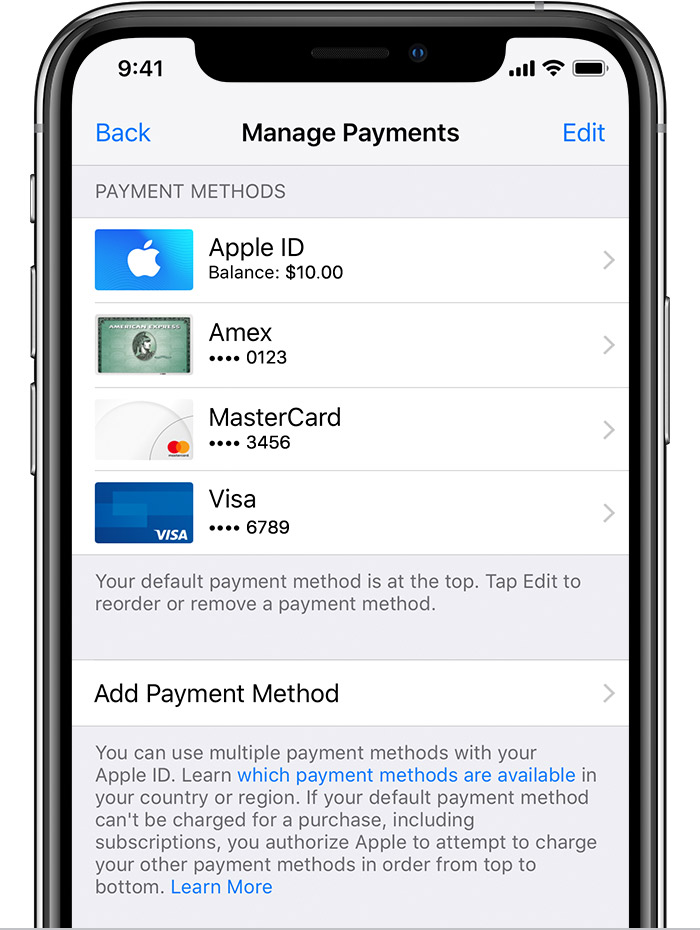
Remove or reorder
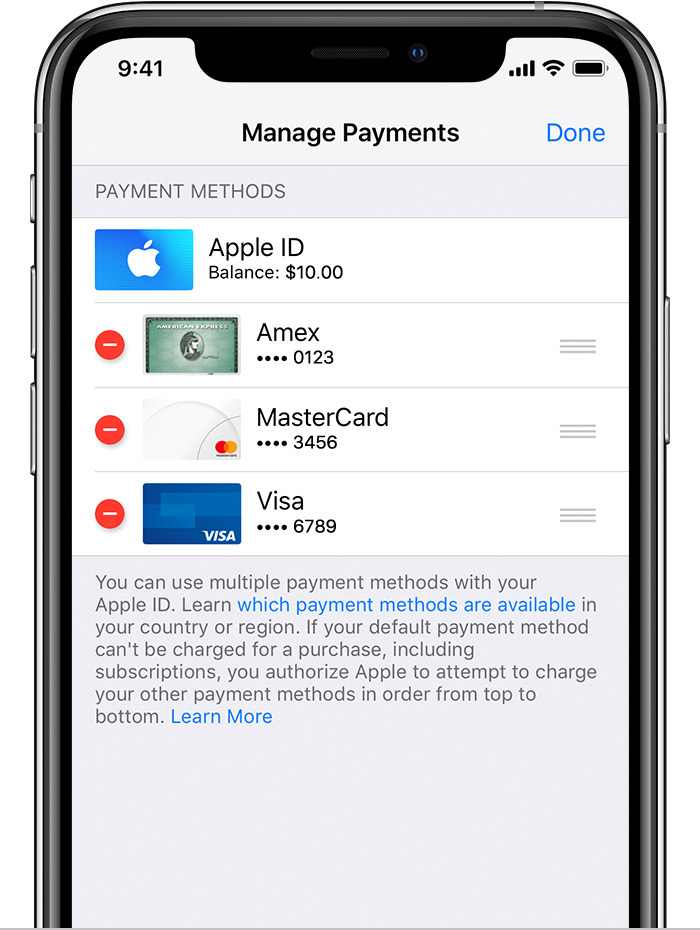
 or swipe left and tap delete.
 to rearrange your payment methods. Apple will attempt to charge payment methods in order from top to bottom. You can't change the order in which Apple ID balance is charged.
Change, add, or remove Apple ID payment methods - Apple Support
You have not mentioned the iPhone Model and iOS Version. However...
*With iOS 12.2 or later, you can also manage your payment methods from Settings > [your name] > Payment & Shipping. If you have a device with iOS 12.1.x or earlier and you edit your payment methods from Payment & Shipping, all payment methods that you have on file will be removed.
Update or add
Remove or reorder
or swipe left and tap delete. to rearrange your payment methods. Apple will attempt to charge payment methods in order from top to bottom. You can't change the order in which Apple ID balance is charged.Change, add, or remove Apple ID payment methods - Apple Support
how to set up a payment method?
