
iPhone does not scan QR code
I am trying to transfer everything from my iPhone to android and my iPhone 10 does not scan QR code. I already tried everything, but no luck
I am trying to transfer everything from my iPhone to android and my iPhone 10 does not scan QR code. I already tried everything, but no luck
Scan a QR code with your iPhone, iPad, or iPod touch
Learn how to use the built-in camera on your iPhone, iPad, or iPod touch to scan a Quick Response (QR) code.
QR codes give you quick access to websites without having to type or remember a web address. You can use the Camera app that's built in to your iPhone, iPad, or iPod touch to scan a QR code.
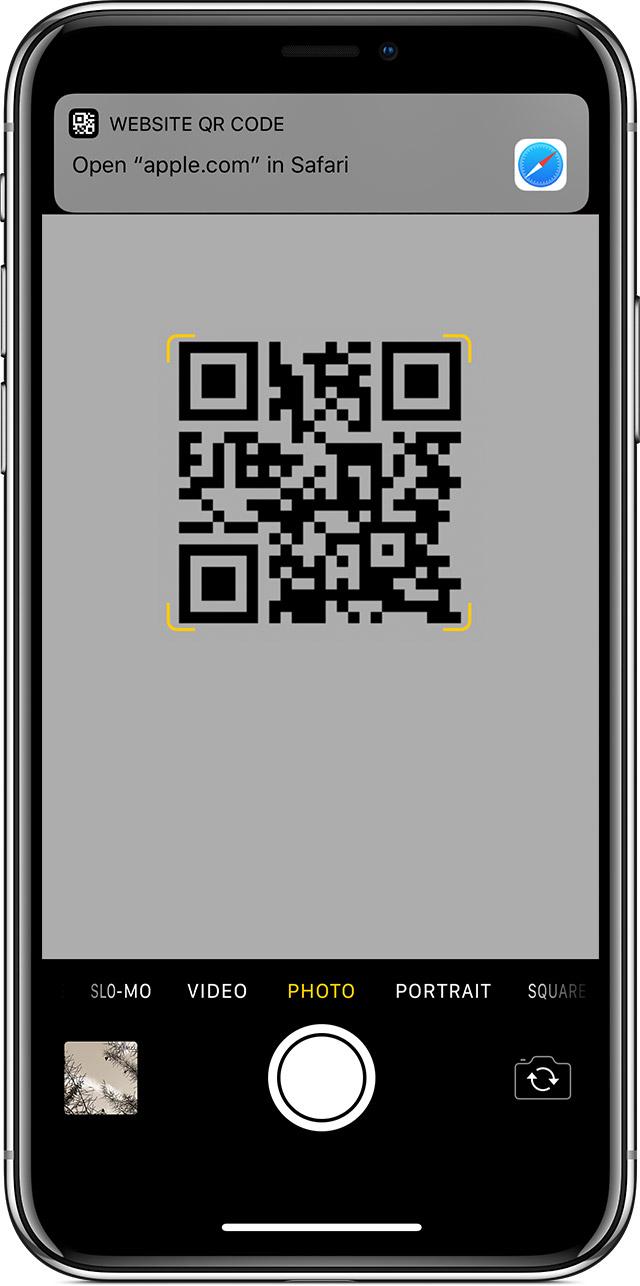
How to scan a QR code
Scan a QR code with your iPhone, iPad, or iPod touch - Apple Support
iPhone does not scan QR code
