
Download of app
I purchased my iPhone in Malaysia and am on holiday in UK. How do I download the Alexa app on my phone
I purchased my iPhone in Malaysia and am on holiday in UK. How do I download the Alexa app on my phone
To download and buy apps from the App Store, you need an Apple ID. Your Apple ID is the account that you use to access Apple services.
1-Open the App Store on your iPhone
2-Tap Search to use a keyword to find an app.
When you find an app that you want, download it to your device:
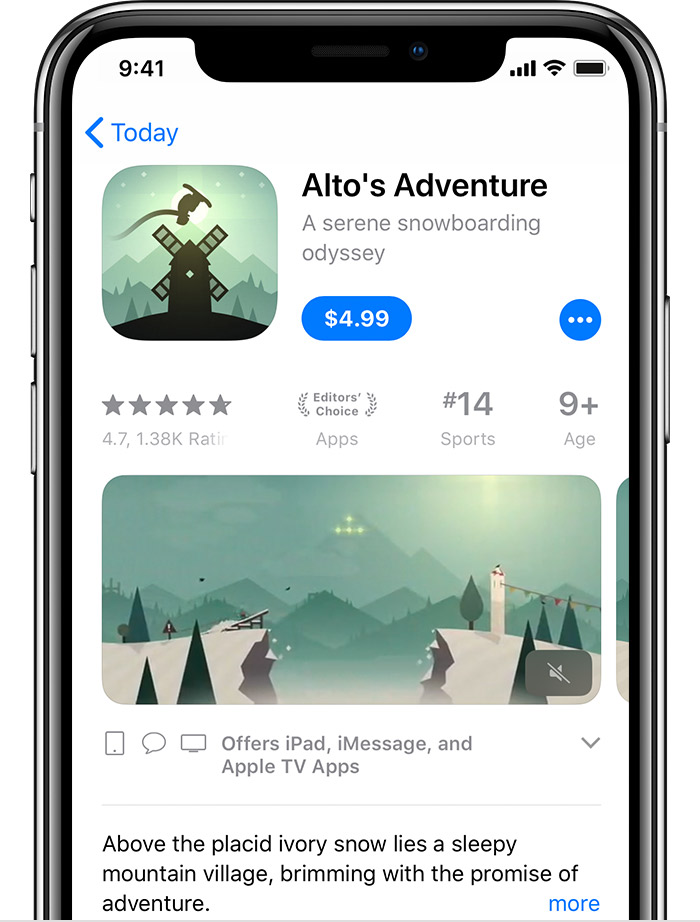
I hope this was helpful and solved your problem.
-Leon Elegant
Download of app
