
Barcodes,where do I find the scanner?
Barcodes,where do I find the scanner for the barcodes?
iPhone XR
Barcodes,where do I find the scanner for the barcodes?
iPhone XR
Scan a QR code with your iPhone, iPad, or iPod touch
Learn how to use the built-in camera on your iPhone, iPad, or iPod touch to scan a Quick Response (QR) code.
QR codes give you quick access to websites without having to type or remember a web address. You can use the Camera app that's built in to your iPhone, iPad, or iPod touch to scan a QR code.
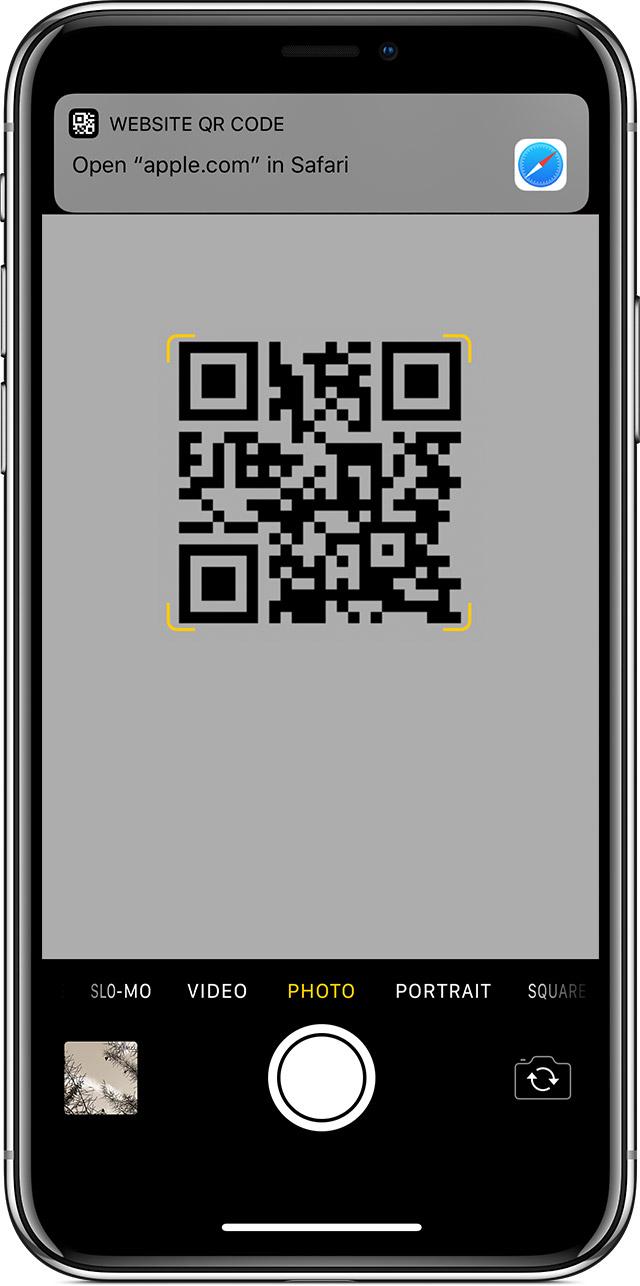
How to scan a QR code

Scan a QR code with your iPhone, iPad, or iPod touch - Apple Support
There are a number of barcode scanners, depending on what it is that you are trying to do. Many store apps have one as part of their app so you can scan items in their store and get pricing or inventory information. There are others in the App Store. You can do a search.
Apple Support Links --- Setting this Up for Your Own Company
If you are looking to purchase set this up for your own company, visit these links for more info on doing so:
Barcodes,where do I find the scanner?


