Unable fingerprint setting

I have iPhone 5s.. got new one.. but in the setting have fingerprint option but when I open it.. it says unable to create fingerprint.. why it says like that?

Posted on Aug 6, 2019 1:05 PM

Reply
1 reply

Aug 6, 2019 1:20 PM in response to sajith93

Set up Touch ID

Before you can set up Touch ID, you need to create a passcode for your device.* Then follow these steps:
  1. Make sure that the Home button and your finger are clean and dry.
  2. Tap Settings > Touch ID & Passcode, then enter your passcode.
  3. Tap Add a Fingerprint and hold your device as you normally would when touching the Home button.
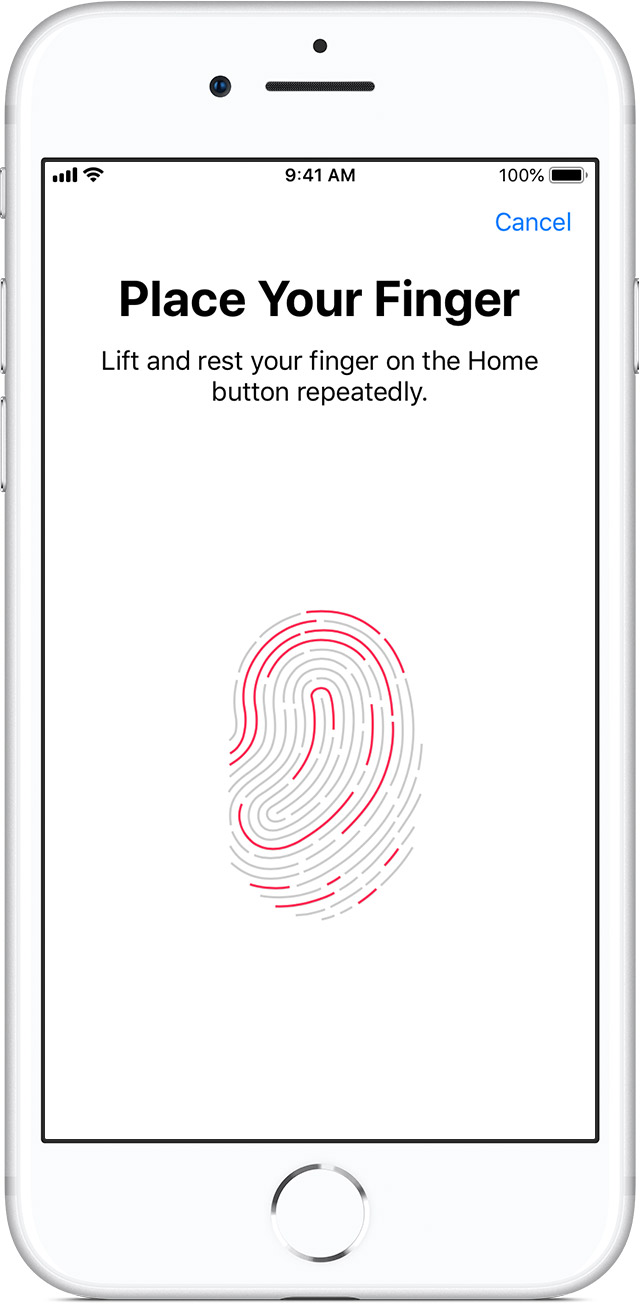
  4. Touch the Home button with your finger—but don't press. Hold it there until you feel a quick vibration, or until you're asked to lift your finger.

  5. Continue to lift and rest your finger slowly, making small adjustments to the position of your finger each time.
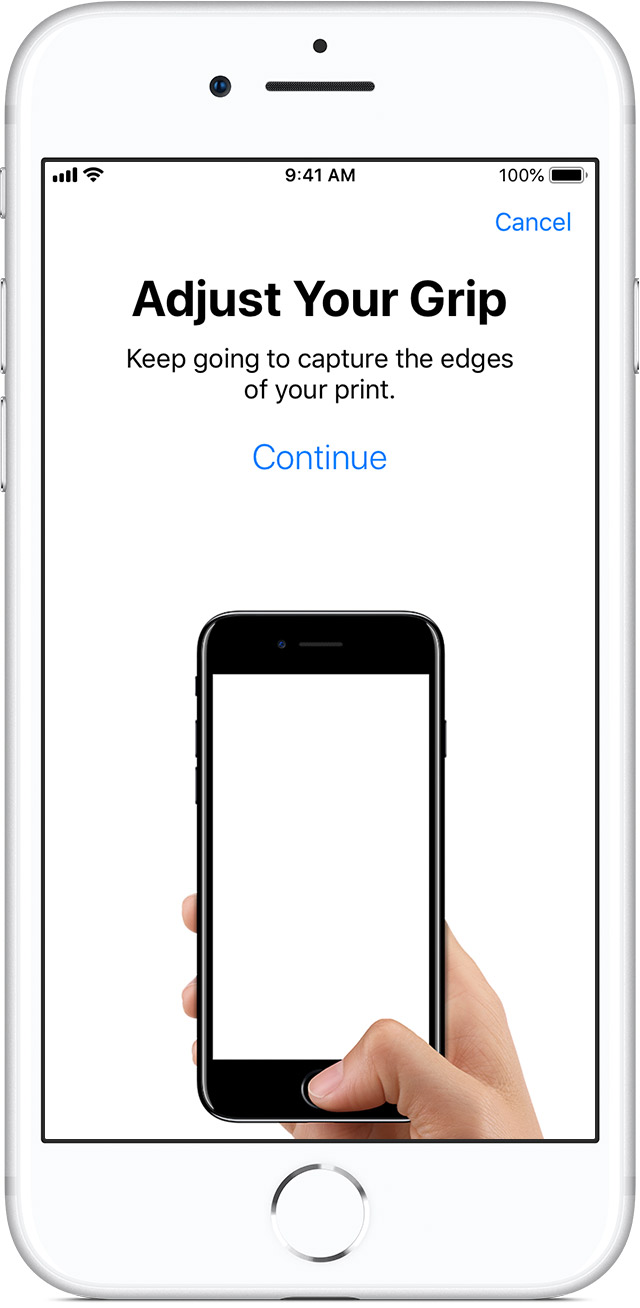
  6. The next screen asks you to adjust your grip. Hold your device as you normally would when unlocking it, and touch the Home button with the outer areas of your fingertip, instead of the center portion that you scanned first.

If you have trouble enrolling one finger, try another. Still need help setting up Touch ID


Use Touch ID on iPhone and iPad - Apple Support

https://support.apple.com/en-us/HT201371

This thread has been closed by the system or the community team. You may vote for any posts you find helpful, or search the Community for additional answers.

Unable fingerprint setting

Welcome to Apple Support Community
A forum where Apple customers help each other with their products. Get started with your Apple Account.