
It says internet connection lost and doesn’t download
iPhone 6s
iPhone 6s
Hi ifan123,
Thank you for using the Apple Support Communities. I see you're unable to update your iPhone, and I'm glad to help.
To verify, which exact iOS version are you currently using under Settings > General > About?
Depending, this resource may help you out: Get help with over-the-air iOS updates
"If you can’t reach the update server or can’t verify the update
If you try to update the iOS on your device, you might see one of these messages:
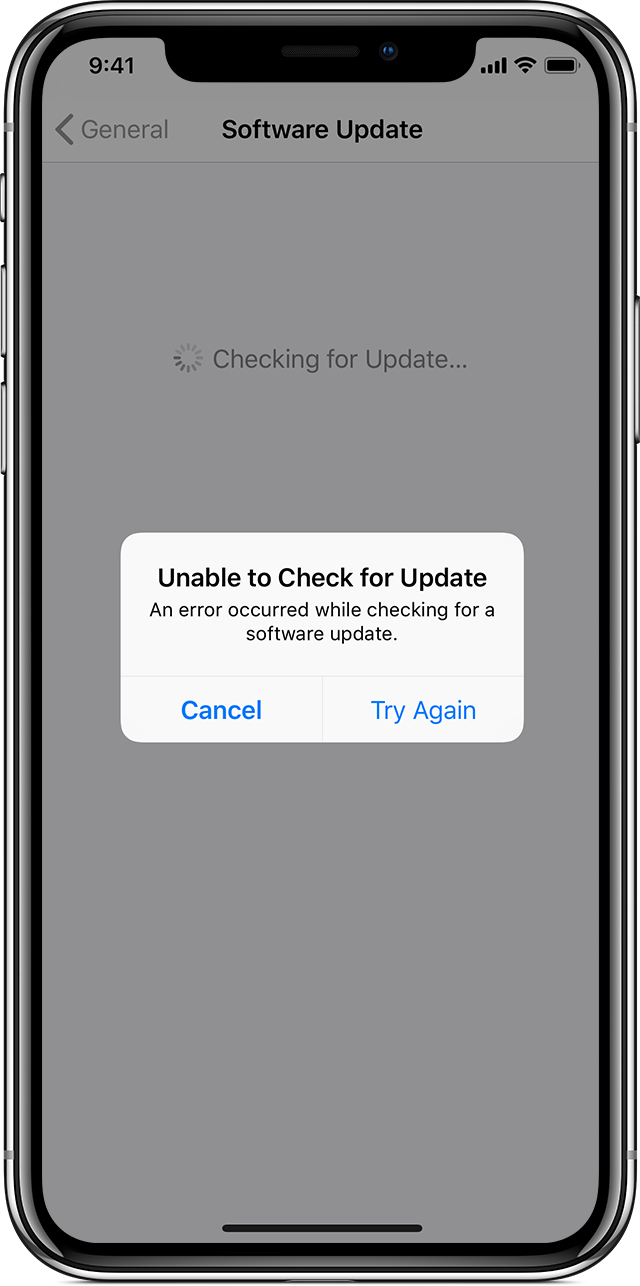
"Unable to Check for Update. An error occurred while checking for a software update."
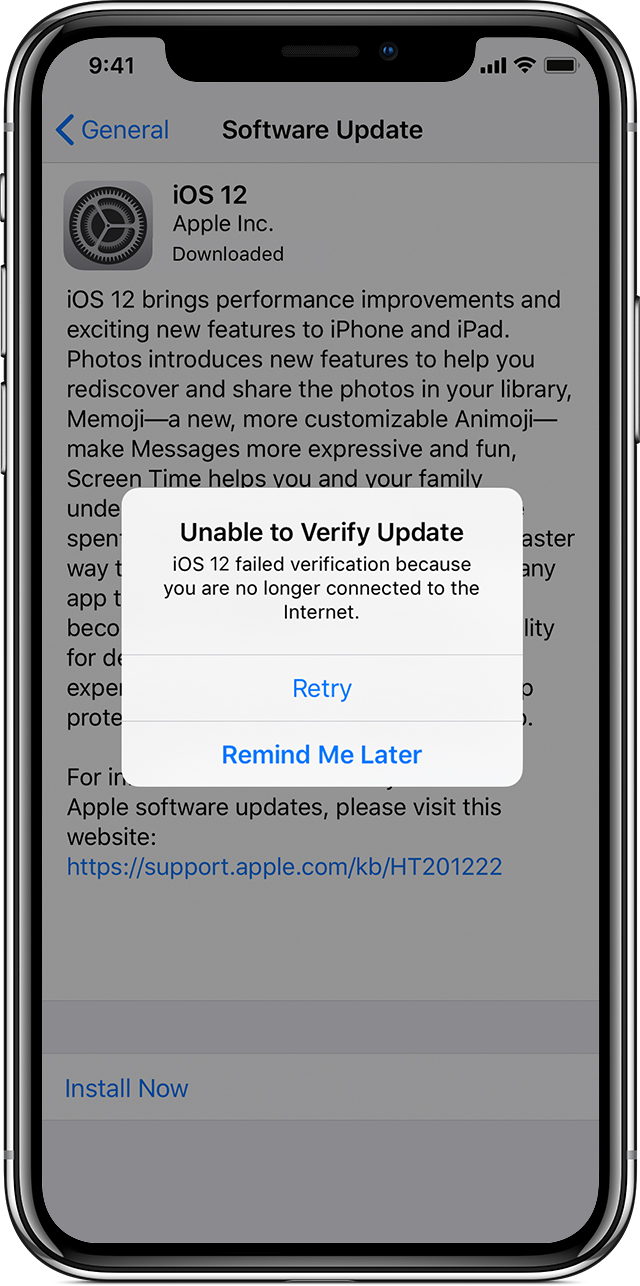
"Unable to Verify Update. iOS failed verification because you are no longer connected to the Internet."
Try updating your device again using the same network. If you still see one of these messages, try updating your device using another network or update your device with iTunes. If the issue happens again after trying to update with multiple networks, remove the update."
As a side note, I see you have a "No Service" alert. Have you tried the steps here to see if that helps? If you see No Service or Searching on your iPhone or iPad
I hope this helps get you started. Take care.
Hi ifan123,
Thank you for replying.
Can you verify your current iOS version under Settings > General > About?
Did you try to update your device using iTunes? What happens when you try? Update your iPhone, iPad, or iPod touch
Best wishes.
thank you for helping but I’ve tried everything and nothing works it says that if I want to use my 4g or signal I need do download iOS 12.1.4
It says internet connection lost and doesn’t download


