
unable to check for updates
I am unable to check for software update I keep getting a unable to check for updates error message
I am unable to check for software update I keep getting a unable to check for updates error message
Hi zyhanna128,
Welcome to Apple Support Communities. I understand you're seeing an "Unable to check for updates" error on your iPhone. I know how important it is to keep your iPhone up-to-date; I'd like to help. I'd recommend using the steps below for the error you see:
"If you can’t reach the update server or can’t verify the update
If you try to update the iOS on your device, you might see one of these messages:
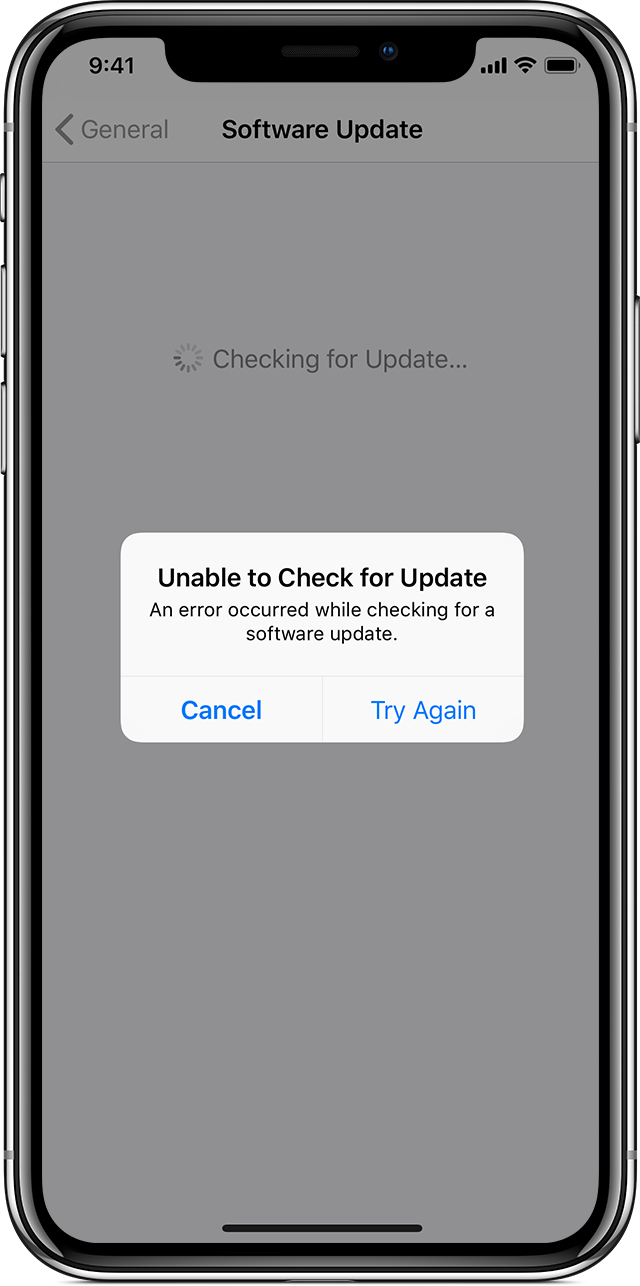
"Unable to Check for Update. An error occurred while checking for a software update."
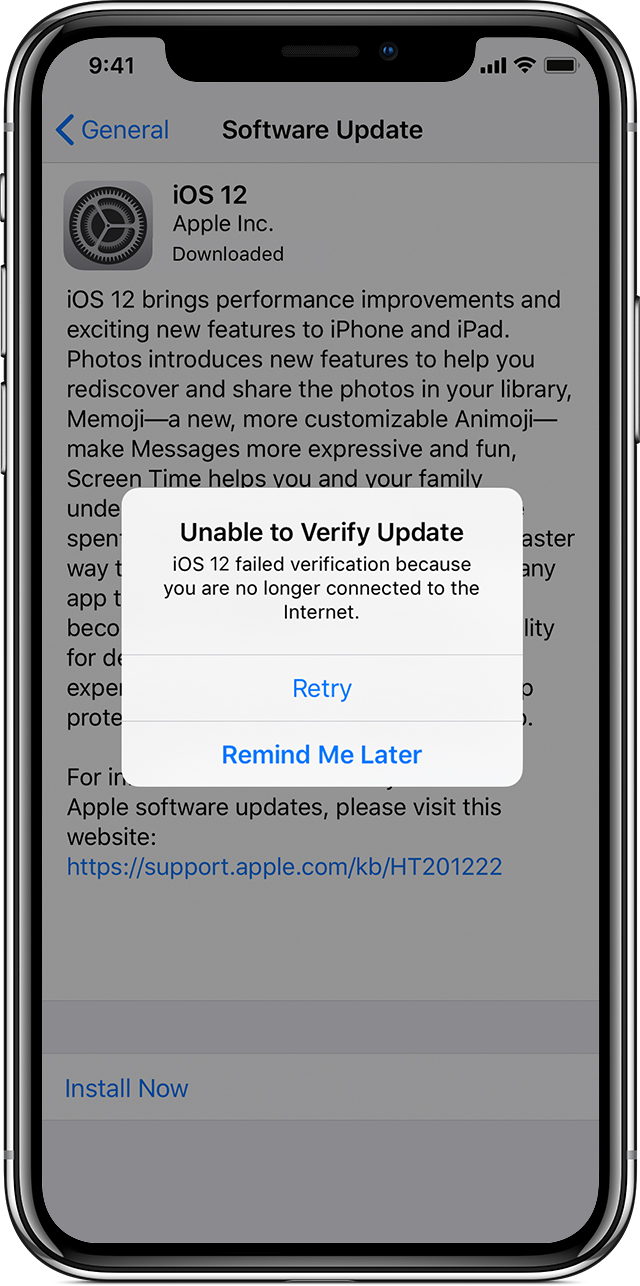
"Unable to Verify Update. iOS failed verification because you are no longer connected to the Internet."
Try updating your device again using the same network. If you still see one of these messages, try updating your device using another network or update your device with iTunes. If the issue happens again after trying to update with multiple networks, remove the update.
ersion of iOS, try downloading the update again:
If you don’t see the update in the list of apps or if the issue happens again, you need to update your device with iTunes."
Get help with over-the-air iOS updates
Best Regards.
Hi zyhanna128,
Welcome to Apple Support Communities. I understand you're seeing an "Unable to check for updates" error on your iPhone. I know how important it is to keep your iPhone up-to-date; I'd like to help. I'd recommend using the steps below for the error you see:
"If you can’t reach the update server or can’t verify the update
If you try to update the iOS on your device, you might see one of these messages:
"Unable to Check for Update. An error occurred while checking for a software update."
"Unable to Verify Update. iOS failed verification because you are no longer connected to the Internet."
Try updating your device again using the same network. If you still see one of these messages, try updating your device using another network or update your device with iTunes. If the issue happens again after trying to update with multiple networks, remove the update.
ersion of iOS, try downloading the update again:
If you don’t see the update in the list of apps or if the issue happens again, you need to update your device with iTunes."
Get help with over-the-air iOS updates
Best Regards.
unable to check for updates

