
upgrading apps in App Store
How do we upgrade our apps with iOS 13.?
How do we upgrade our apps with iOS 13.?
Open the App Store, tap on the icon on the top right corner (user pic), and then scroll down to see the apps that needs updates or were recently updated.
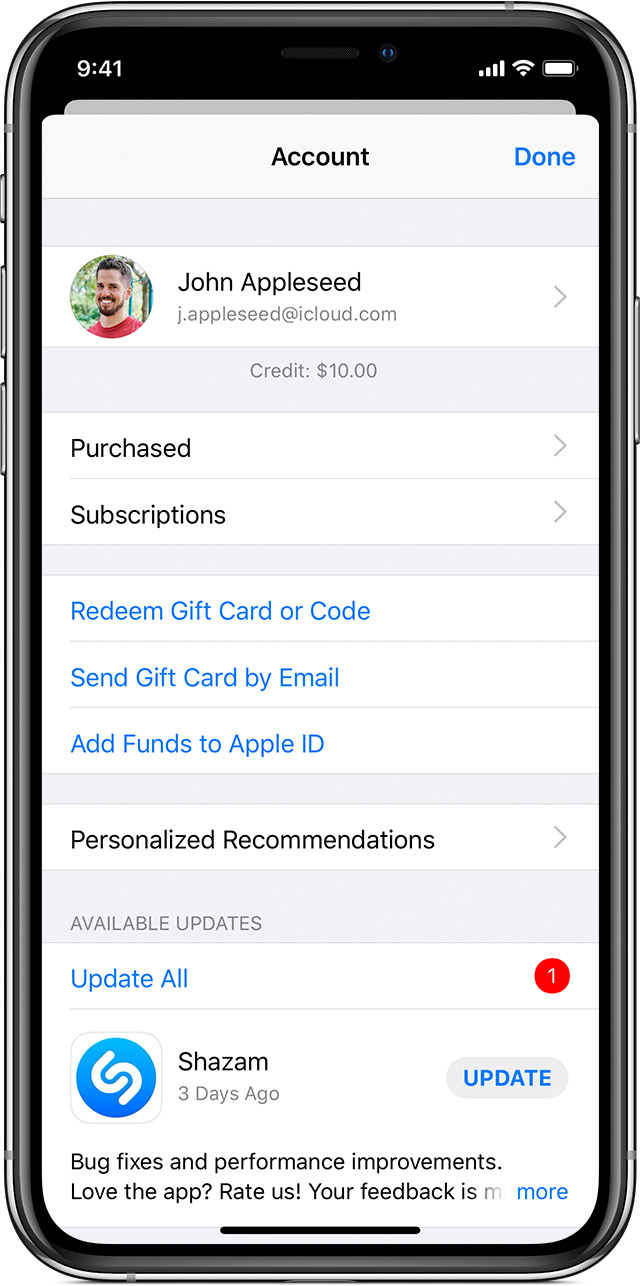
Open the App Store, tap on the icon on the top right corner (user pic), and then scroll down to see the apps that needs updates or were recently updated.
Thank you! Who would have thought....?
upgrading apps in App Store
