Review individual transactions
To view a specific transaction made with Apple Card, follow one of these steps:
- Open Wallet on your iPhone, tap Apple Card, then scroll to Latest Transactions and tap a recent transaction.
- Open Wallet on your iPhone, tap Apple Card, then scroll down, tap the current year, tap a month, and tap a transaction.
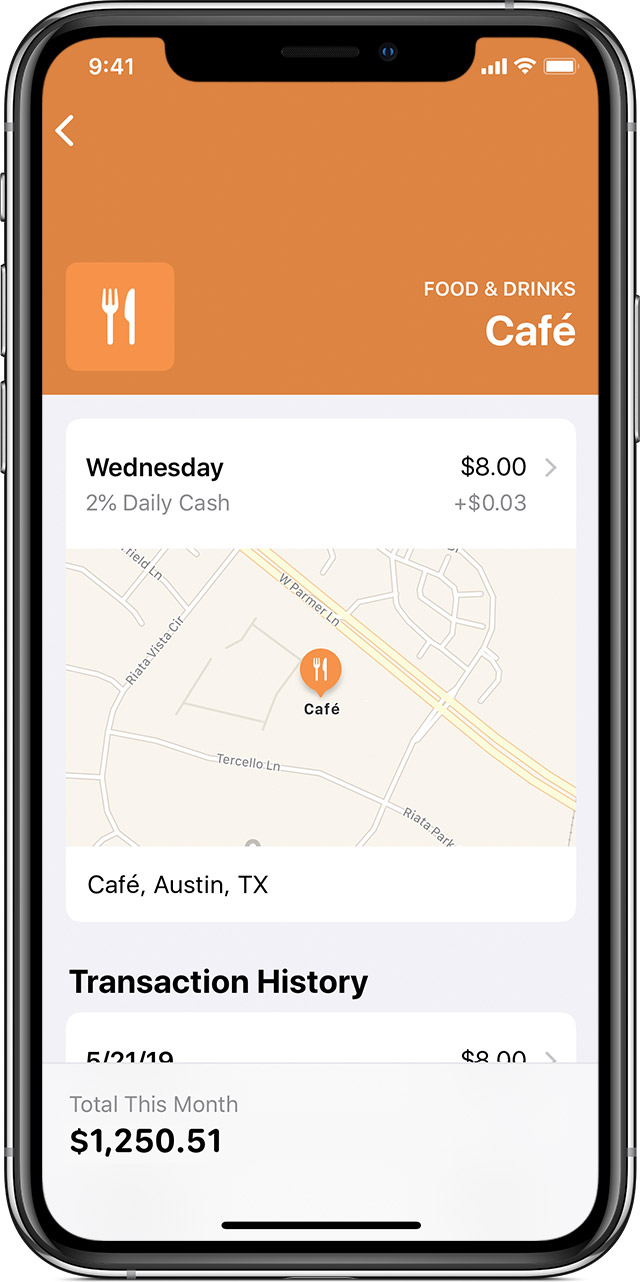
If you made multiple purchases from the same merchant, you see all of those purchases under Transaction History. To view the details for the specific transactions, tap the transaction again.
You see the amount charged to Apple Card, the status of the transaction, and the total Daily Cash you're eligible to receive. If you made multiple purchases with the same merchant, you can also see the total of all of those purchases.
If you need help with Apple Card transactions, contact Apple Support.