Hello dwilke629,
Thanks for posting your iCloud question. To confirm, you were using iCloud for Windows to sync files and documents from your PC, and you want to download those files; is that right?
You should be able to download both photos and files using these steps, from the article titled Set up and use iCloud for Windows:
When you turn on Photos, iCloud for Windows creates a Photos folder in File Explorer called iCloud Photos. iCloud Photos uploads new photos and videos that you add to the iCloud Photos Uploads folder on your PC so you can view them in the Photos app on your iPhone, iPad, iPod touch, and Mac, and on iCloud.com. New photos and videos you take automatically download from iCloud Photos and you can choose to download your entire collection by year. And Shared Albums lets you view, share, and comment on the photos and videos you share with other people.
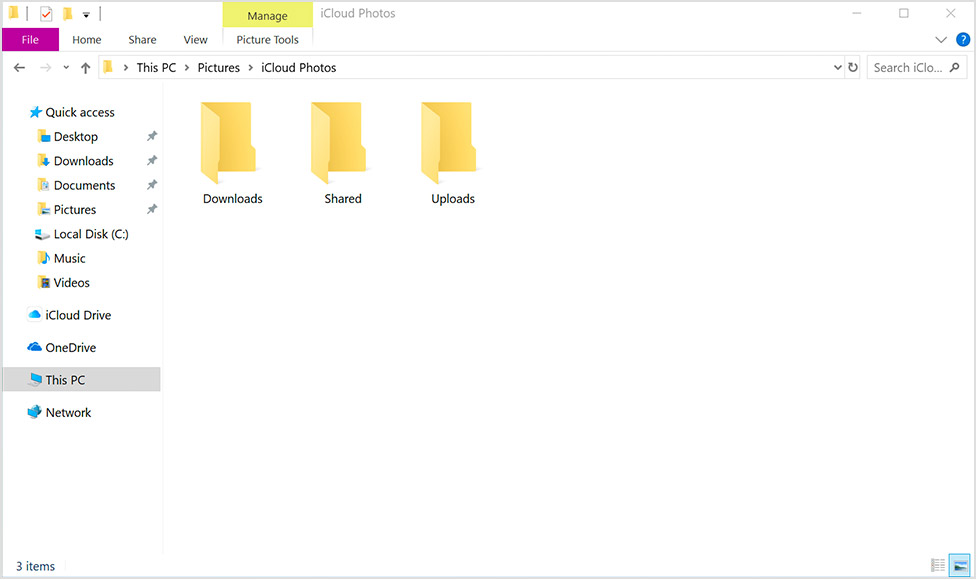
You can also use these steps to find your photos on your PC:
- Windows 10: From the Start menu, scroll down and open the iCloud folder. Select iCloud Photos.
- Windows 8.1: From the Start screen, click the down arrow in the bottom-left corner, then click the iCloud Photos app.
- Windows 8: From the Start screen, select iCloud Photos.
- Windows 7: Click the Windows Start button, then click Pictures. Click iCloud Photos or Photo Stream under the Favorites menu in the panel on the left. Double-click My Photo Stream to view your photos. This also shows up as a folder in the window that appears."
When you turn on iCloud Drive, iCloud for Windows creates an iCloud Drive folder in File Explorer. Any documents that you've stored in iCloud will automatically download to the iCloud Drive folder in File Explorer. Files that you create on your PC and save to this folder automatically appear on your other devices.
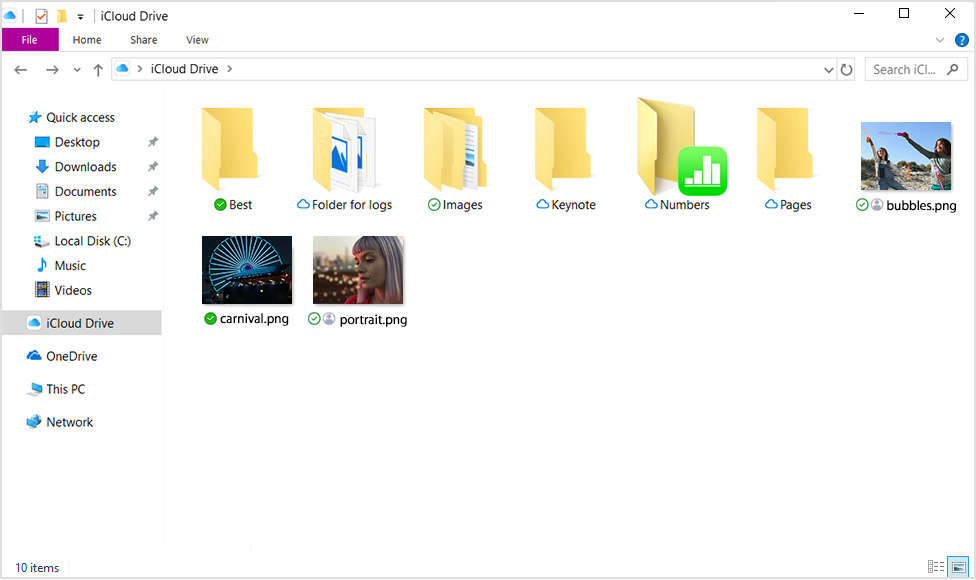
You can also access your iCloud Drive files at iCloud.com."
I hope this answers your question! Have a great day.


