Hi Seattle Jeff,
Thanks for posting your question. As I understand it, you've removed a Device Management Profile from your iPhone and you're unable to change the format for your device passcode. Is that right?
To clarify, did you use these steps to remove the profile? Install or remove configuration profiles on iPhone
Which exact iOS version are you using under Settings > General > About?
Try tapping Settings > Face ID & Passcode > Change Passcode, and then enter your current passcode. Then, tap "Passcode Options." What exactly are you seeing there? If "4-Digit Numeric Code" appears, what happens when you tap it? If you get an alert, be sure to include the full text of the alert.
This information may be helpful as well: Use a passcode with your iPhone, iPad, or iPod touch
Configuration profiles and email accounts based on Microsoft Exchange (common with business or education devices) sometimes have passcode policies that cause issues like this:
- You can't turn off your passcode.
- You can't change passcode settings because they're unavailable, gray, or dimmed.
- You see an alert about a Passcode Requirement. For example, you might see a message that says you must change your iPhone unlock passcode within 60 minutes.
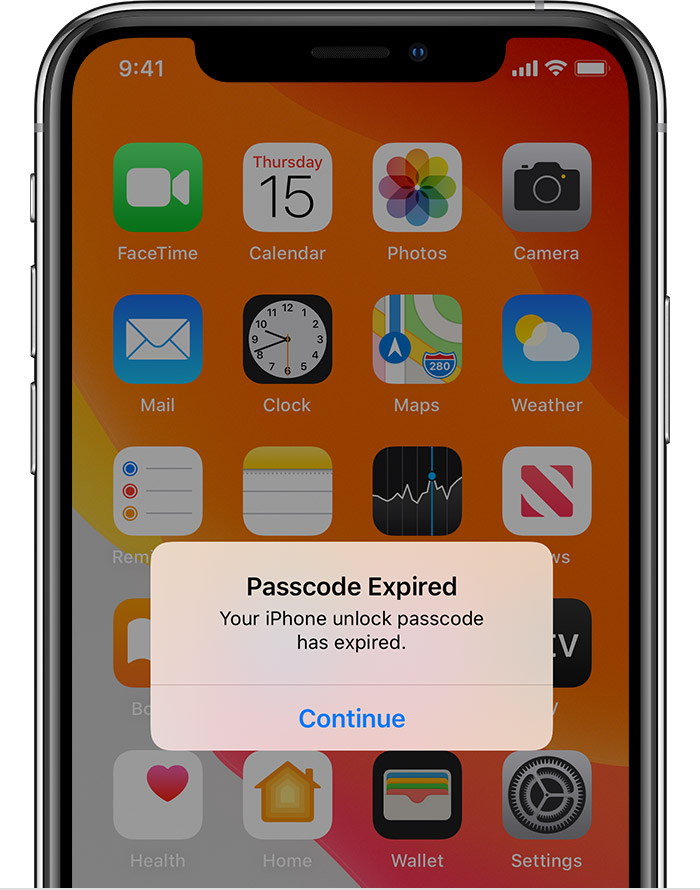
Contact your IT administrator for help. If you don’t use a configuration profile or Microsoft Exchange account, or if your device is personally owned, make sure you update your device to the latest version of iOS or iPadOS."
Take care.


