
Audio sharing
Why so there no audio sharing option on my iPhone 7 on iOS 13
Why so there no audio sharing option on my iPhone 7 on iOS 13
Both sets of audio devices must be paired with iPhone, iPad, or iPod touch. (On supported models; iOS 13.1, iPadOS 13.1, or later required.)
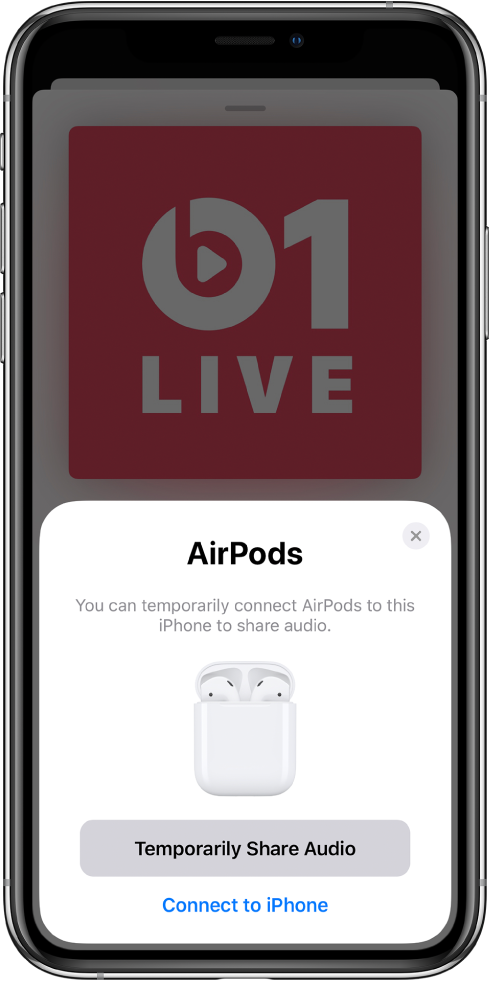
Start sharing when your friend’s earphones are in the charging case
Your earphones or headphones should be connected to your iPhone, and your friend’s earphones should be inside their case.
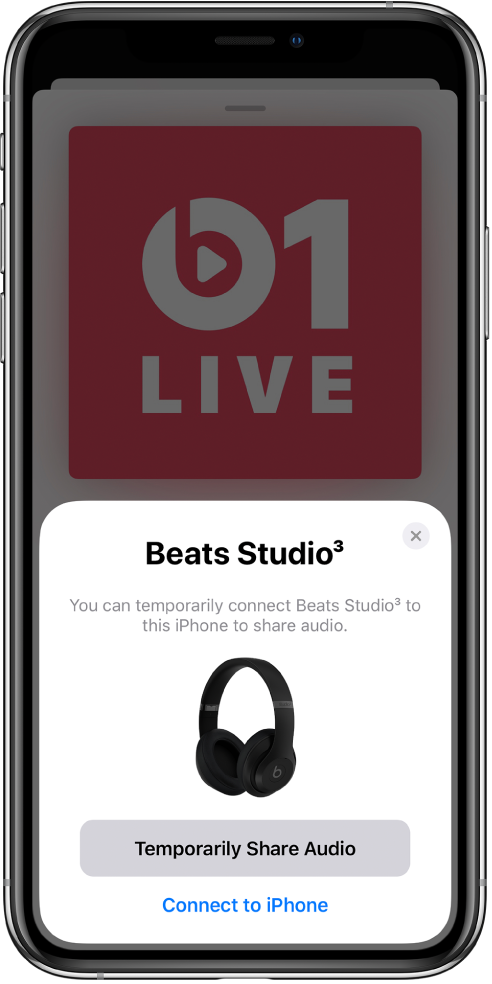
Start sharing with your friend’s Beats Studio3 Wireless or Beats Solo3 Wireless headphones
Your earphones or headphones should be connected to your iPhone.
Start sharing when your friend is wearing earphones or headphones
If your friend is wearing earphones or headphones connected to their iPhone, iPad, or iPod touch, you can share the audio that’s playing on your iPhone.
 in the Now Playing controls, either in the app you’re listening to or on the Lock screen..
Audio sharing worked for about a year on my iPhone 7, but immediately after updating my iPhone 7 to iOS 13.4, I could only connect one pair of AirPods or the other, but not both pairs! So now when I go on walks with my wife, we are forced to share one pair of AirPods. I find it hard to believe that Apple would take away this good feature even though the hardware is capable of it! I hoped that this problem would be fixed, but now my iPhone 7 is up to 13.4.1 and the problem persists.
Thank you for any help you can provide.
Audio sharing

