If you're using an iPhone, you need SMS messaging to activate your phone number with iMessage and FaceTime. Depending on your carrier, you might be charged for this (for iMessage activation only) SMS.
Turn off and restart iMessage and FaceTime (The order / sequence is very important)
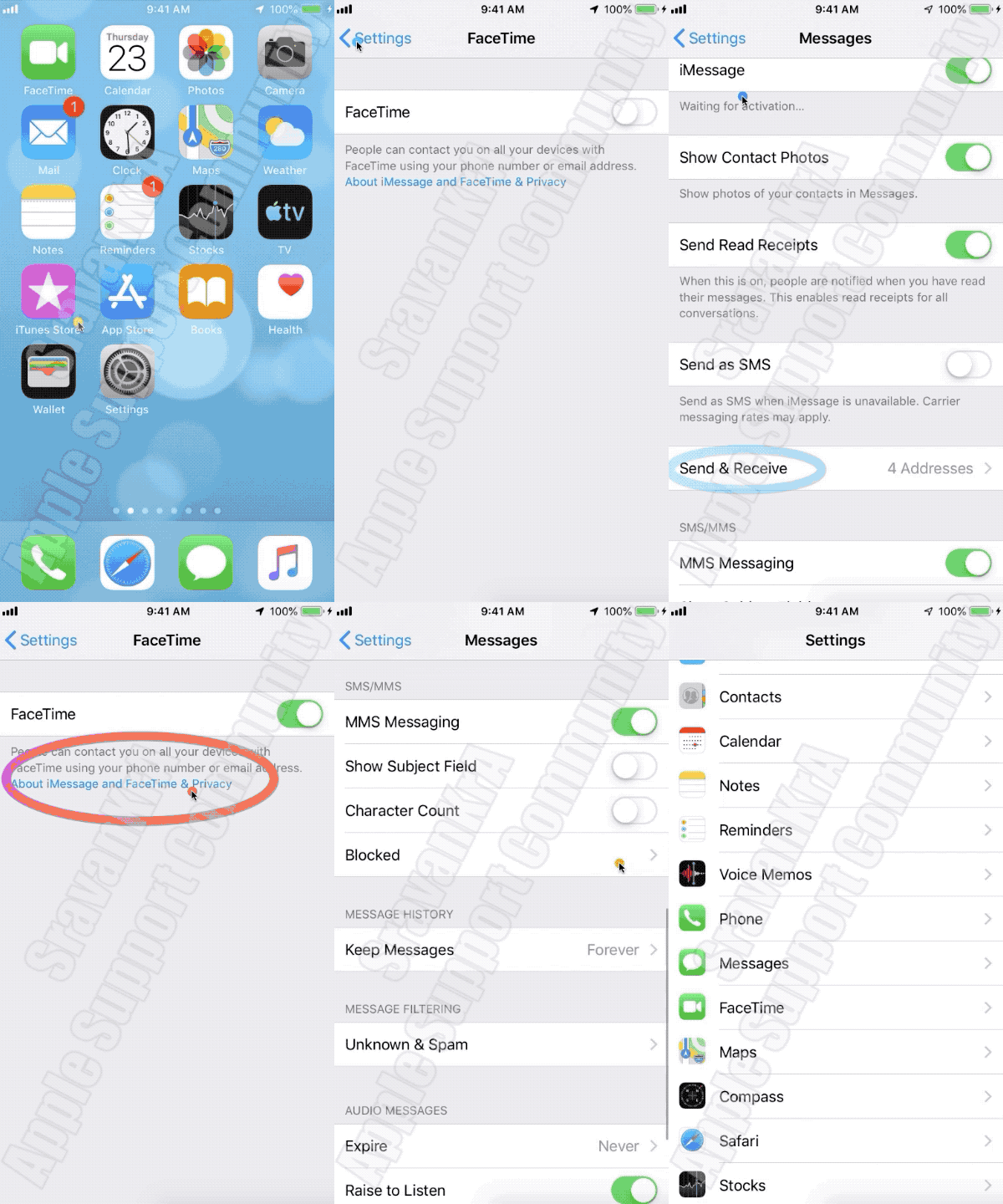
- Go to Settings > Messages and turn off iMessage.
- Go to Settings > FaceTime and turn off FaceTime.
- Restart your device.
- Turn iMessage and FaceTime back on. (Watch the GIF below)
- Still not activated after a day?
- It might take up to 24 hours to activate iMessage and FaceTime. If the issue continues after 24 hours, follow these steps:
- Make sure that your device has the latest version of iOS.
- If you're using an iPhone, contact your carrier to make sure that you can receive SMS messages.
- Contact Apple Support.
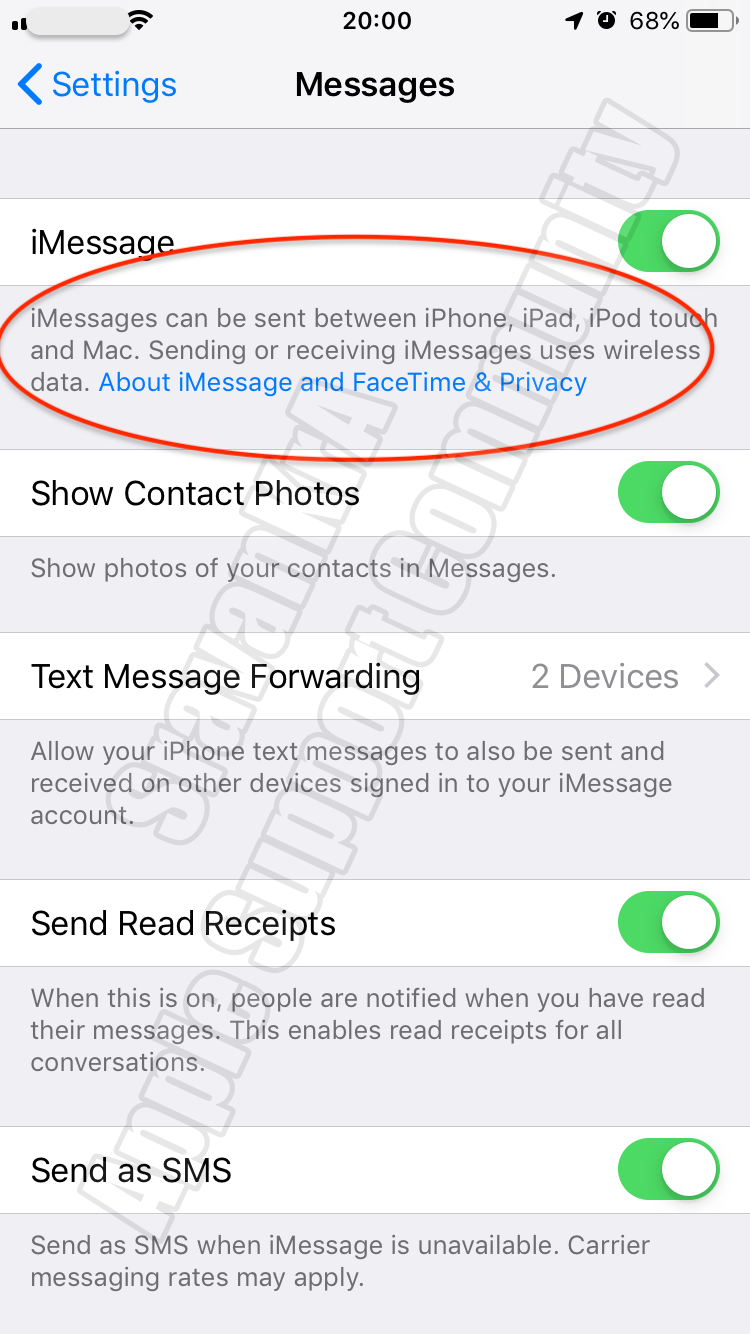
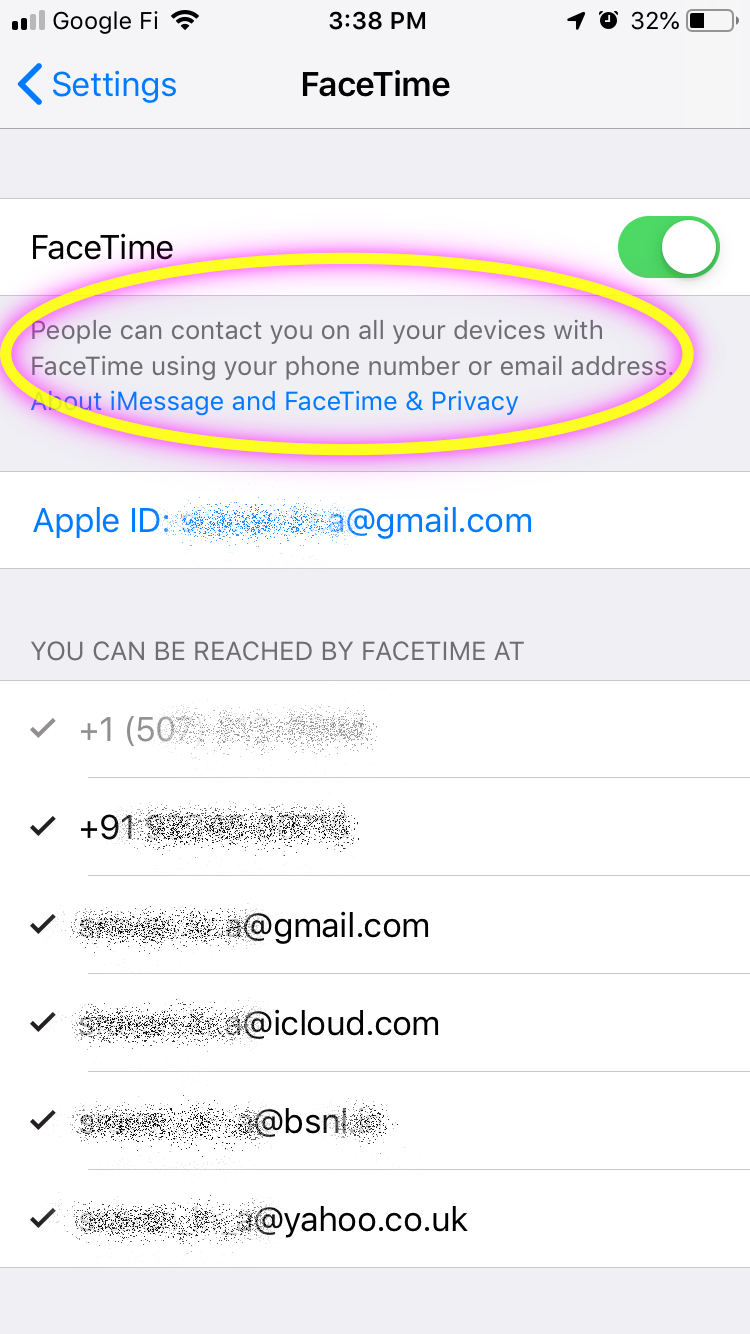
If you do not want to use Phone Number for iMessages then you can send it over WiFi without SIM through your Apple ID.
If you get an error when trying to activate iMessage or FaceTime ...

