Pass code for my Mac


Hi, I need some help for my Mac, it suddenly request for pass code even I did not do nothing, I just left it for a while.


I have tried to get into Recovery Mode, but it was locked.


I also try using iCloud, find my mac, but it show no devices


Hope I have the other way how to solve this problem. Thanks for helping.

MacBook Pro 13", macOS 10.13

Posted on Mar 30, 2020 6:11 PM

Reply
7 replies

Mar 30, 2020 7:59 PM in response to SyafiqMohamad

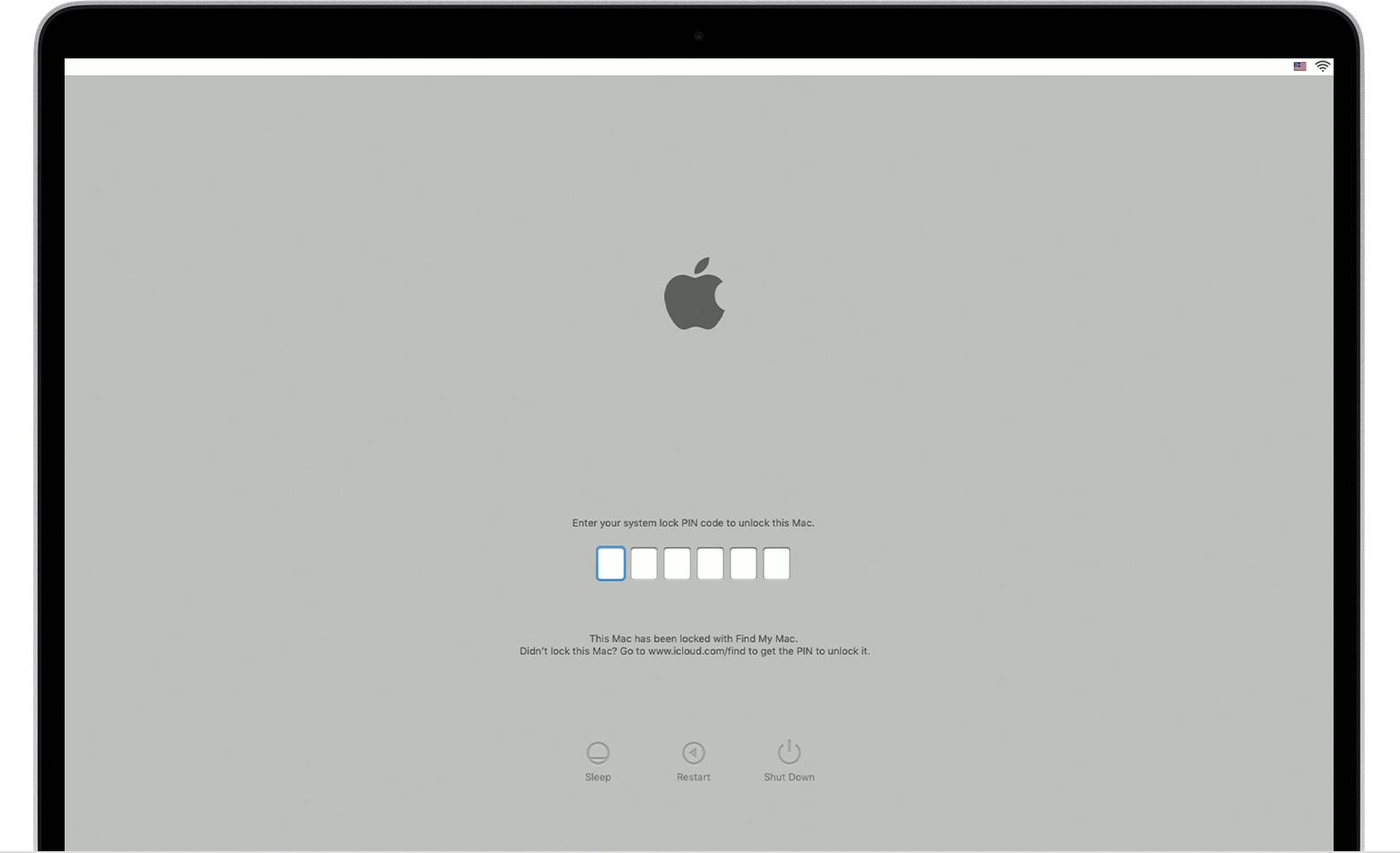
System lock PIN code


Your Mac asks for a PIN code when it has been remotely locked using Find My. Enter the four-digit or six-digit passcode to continue.


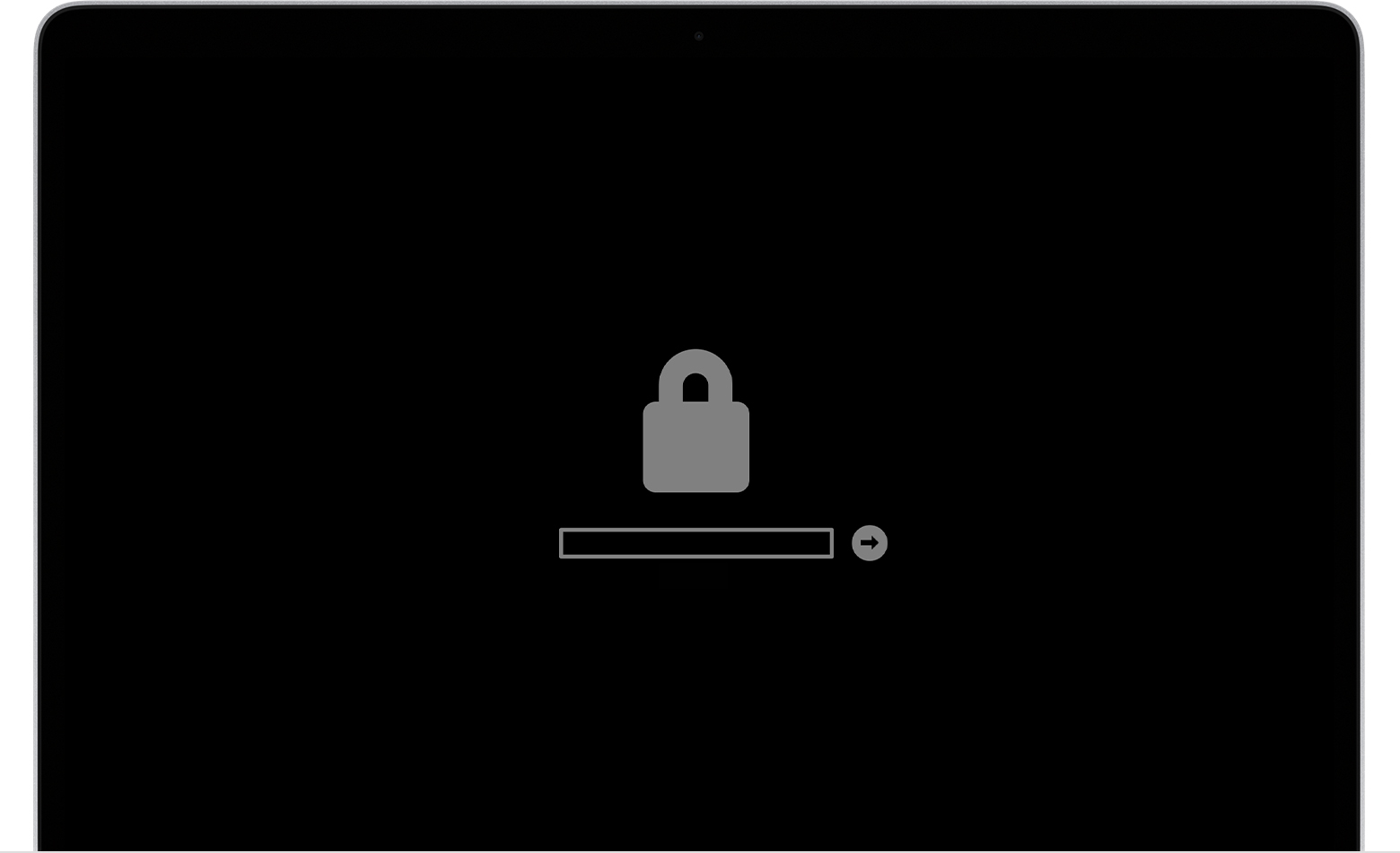
Lock icon


If your Mac is using a firmware password, the lock icon appears when you try to start up from another disk or volume, such as an external drive or macOS Recovery. Enter the firmware password to continue.

This thread has been closed by the system or the community team. You may vote for any posts you find helpful, or search the Community for additional answers.

Pass code for my Mac

Welcome to Apple Support Community
A forum where Apple customers help each other with their products. Get started with your Apple Account.