Is there a quick way to delete duplicated JPG photos automatically created from HEIC photos whenever importing from iPhone ?

Whenever importing photos from my iPhone to my Mac using Image Capture, it ends up duplicating all .HEIC photos with .JPG, taking a lot of space in my Mac 's SSD. Any one knows is there a way to delete them quickly in stead of manually delete one by one (I have about 15K photos ) ?

MacBook Pro 15", macOS 10.15

Posted on Apr 7, 2020 12:27 AM

Reply
Question marked as Top-ranking reply

Posted on Apr 7, 2020 12:46 AM

No, there is no good way to delete the duplicates. You will need a duplicate detector that can detect image files with the same content, but different filenames, for example Photo Sweeper can do this. But it is not free.

If you are lucky, the additional jpegs are appearing in separate Import sessions on your mac. Check the "Imports" album in Photos, if you are seeing all JPEGS there.

You have to avoid this duplication by changing the way you are importing. If your iPhone is converting the HEIC files to JPEGS, when you import from the iPhone, disable this setting on the iPhone: (Using HEIF or HEVC media on Apple devices - Apple Support)

  • Go to Settings > Photos. In the TRANSFER TO MAC OR PC section, tap Keep Originals to prevent the media from being converted to JPEG or H.264 when importing. 


3 replies
Question marked as Top-ranking reply

Apr 7, 2020 12:46 AM in response to Vinh Ha

No, there is no good way to delete the duplicates. You will need a duplicate detector that can detect image files with the same content, but different filenames, for example Photo Sweeper can do this. But it is not free.

If you are lucky, the additional jpegs are appearing in separate Import sessions on your mac. Check the "Imports" album in Photos, if you are seeing all JPEGS there.

You have to avoid this duplication by changing the way you are importing. If your iPhone is converting the HEIC files to JPEGS, when you import from the iPhone, disable this setting on the iPhone: (Using HEIF or HEVC media on Apple devices - Apple Support)

  • Go to Settings > Photos. In the TRANSFER TO MAC OR PC section, tap Keep Originals to prevent the media from being converted to JPEG or H.264 when importing. 


Apr 8, 2020 12:20 AM in response to léonie

thanks. I managed to create a small app to help me cleaning up duplicated images and decided to public it for anyone who encounters the same issue to use for free here https://github.com/vinhhapm/mac_cloned_duplicated_heic_jpg_remover


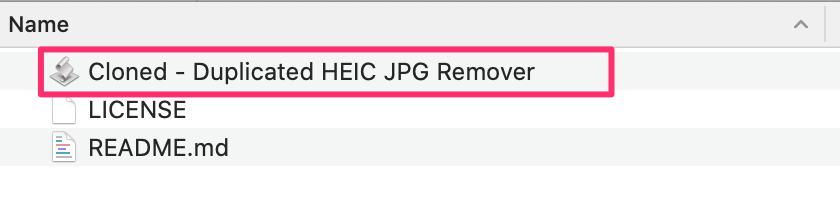
All you need to do is click the Download button above on this page to download it, then unzip and launch the Cloned - Duplicated HEIC JPG Remover.app


Select the first option if you want to delete the duplicated JPG images and keep the HEIC ones. I prefer this option because JPG are ways heavier than HEIC and this could help saving me a lot of disk space on my Macbook 's SSD. I was able to reclaim about 30GB of free space after removing all duplicated JPG images, which is a lot. In case you want to delete HEIC images and keep the JPG ones, you can select 2nd option

Next step is to select a folder that contain those images, in this version it only works with images under the parent folder that you selected, so if that folder has sub-folders and there are other images in them, those will be skip.
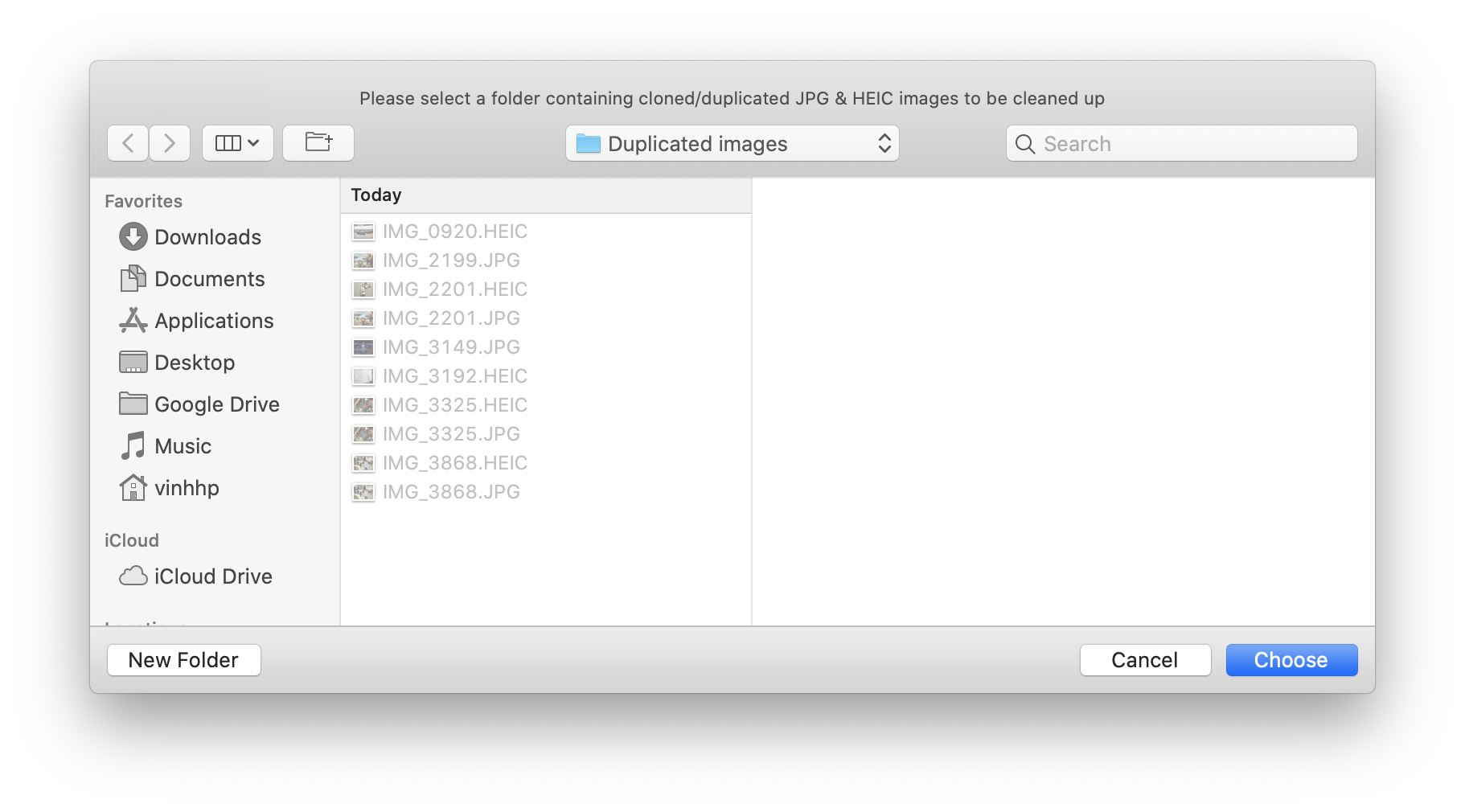


You may need to allow the tool to access your Finder, so that it can be able to find and delete duplicated/cloned images


Once it's done, you will see a pop up showing how many duplicated images have been deleted.
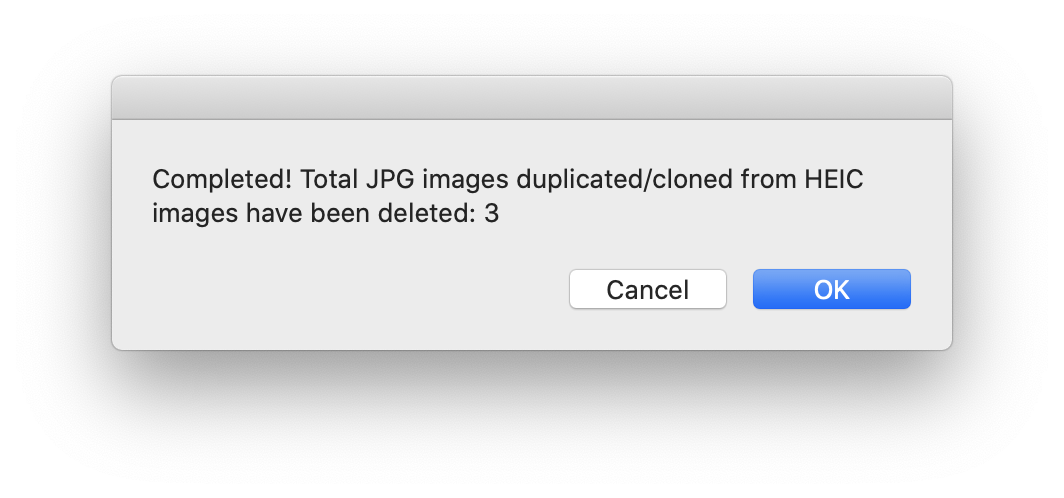

Those deleted images actually are still in your Trash, so you can open it to verify and then empty it once you are sure those are the duplicated images you want to remove



This thread has been closed by the system or the community team. You may vote for any posts you find helpful, or search the Community for additional answers.

Is there a quick way to delete duplicated JPG photos automatically created from HEIC photos whenever importing from iPhone ?

Welcome to Apple Support Community
A forum where Apple customers help each other with their products. Get started with your Apple Account.