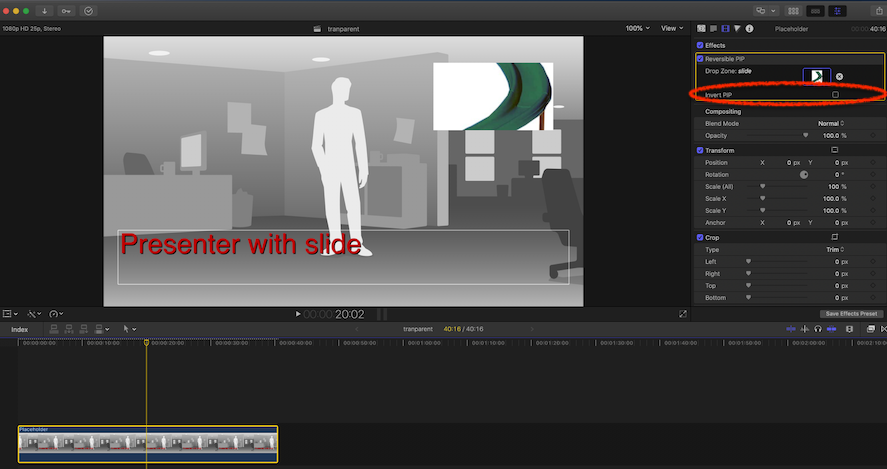
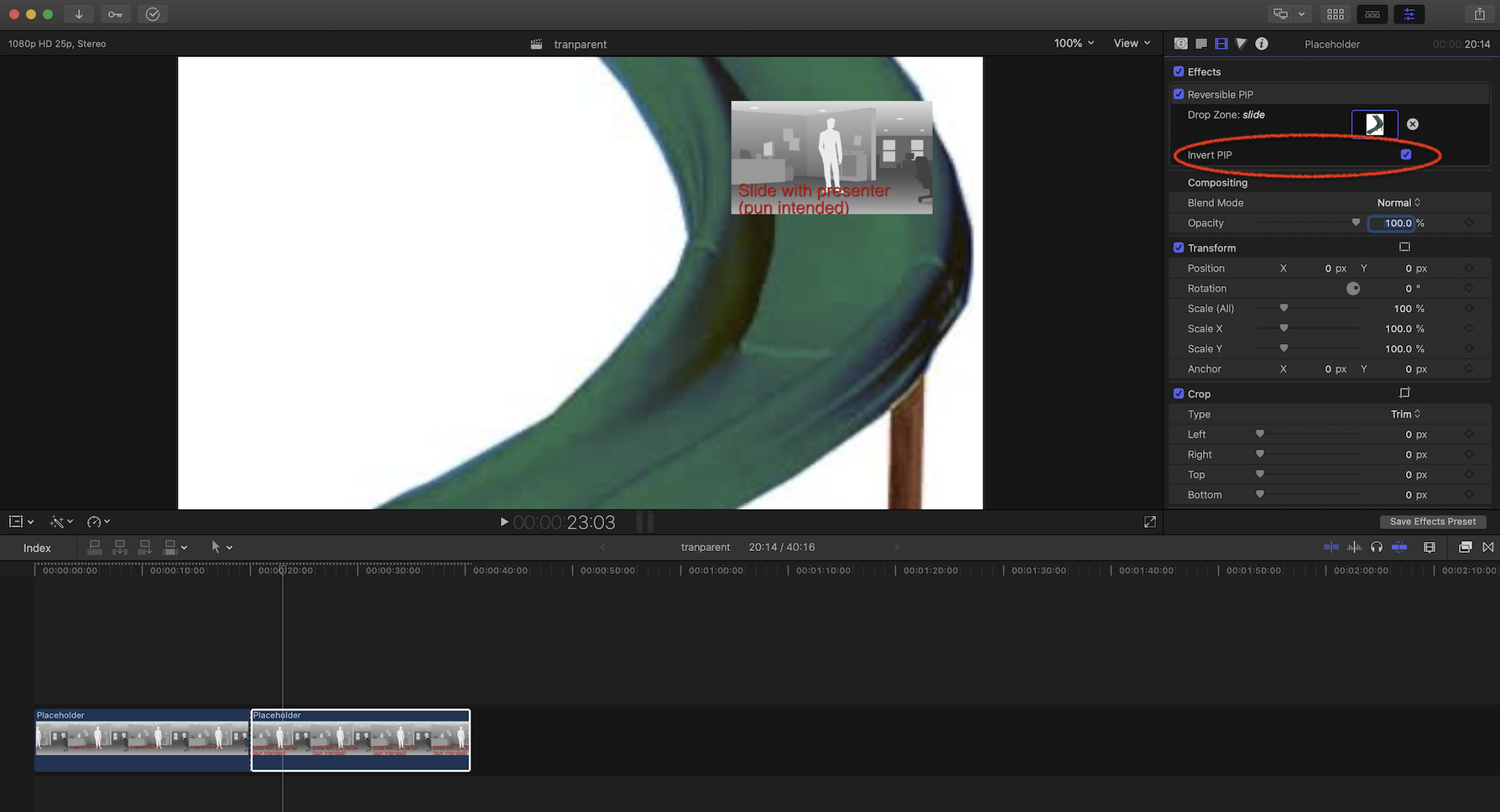
As Fox said, the difficulty in drop zones has to do with selecting the correct part of the clip.
But if the content of the drop zone is to be a still image, then this is not a problem, and one can easily create a "Reversible PIP" effect.
I did just that and it works fine. You put the main clip on the timeline, add this effect and select the content of the drop zone.
There is an "Invert PIP" checkbox that works just as you would expect.
If you want to switch positions between the main clip and the drop zone, just blade the clip and change the status of the checkbox where appropriate.
I just did this as a Motion exercise, and did not publish several parameters, so if you feel this may be useful, let me know, and I will touch it up a bit and make it available.