Greetings ParkerWH,
Thank you for using Apple Support Communities. It seems like you are trying to use an external mic with the iPhone, and you do not hear sound from the iPhone.
You can try using the headphones that came with the iPhone, they have a mic connected inline.
"Apple In-Ear Headphones with Remote and Mic
Apple In-Ear Headphones with Remote and Mic work with iPhone, iPad, and iPod models that have a 3.5 mm headphone jack. You can also use these headphones with other products that have a standard 3.5 mm headphone jack.

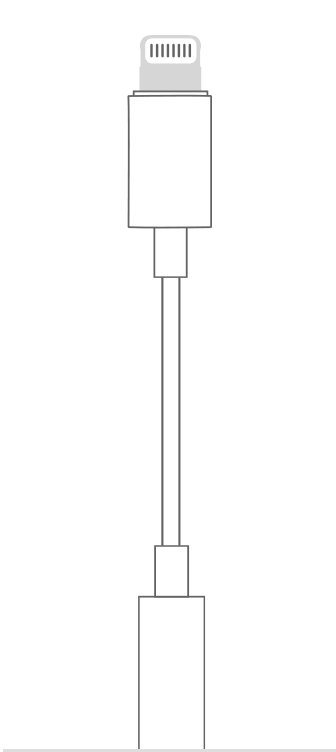
Lightning to 3.5 mm Headphone Jack Adapter
The Lightning to 3.5 mm Headphone Jack Adapter lets you connect 3.5 mm headphones and other audio devices to an iPhone, iPad, or iPod touch that has a Lightning connector. Your iOS device also needs iOS 10 or later.
Plug your Lightning to 3.5 mm Headphone Jack Adapter into the Lightning connector on your iOS device and plug the other end into your headphones."
Use Apple headphones with your iPhone, iPad, and iPod
If you hear no sound or distorted sound from your iPhone, iPad or iPod touch speaker
Please don't hesitate to let us know if the steps resolved your issue or if you need additional assistance.
Take care.


