
I phone 5 c won’t update 10 ios
I need help, my I phone 5c won’t update to a 10 iOS!!!!! Idk how to do it with out a SIM card!!!
iPhone 8 Plus, iOS 13
I need help, my I phone 5c won’t update to a 10 iOS!!!!! Idk how to do it with out a SIM card!!!
iPhone 8 Plus, iOS 13
Is it locked on to carrier?
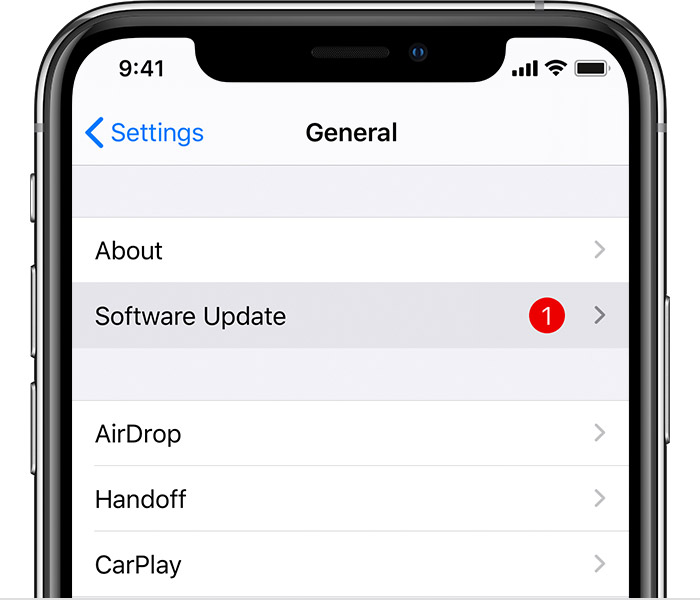
Update your device wirelessly
If a message says that an update is available, tap Install Now. You can also follow these steps:
If you see an error or need more space when updating wirelessly
If you see an error message while trying to update your device wirelessly, learn what to do. If you need more space for a wireless update, you can update using your computer or delete content manually from your device. Whether you use your computer or update wirelessly, you'll have the same amount of free space on your device after you update.
Some software updates aren't available wirelessly. VPN or proxy connections might prevent your device from contacting the update servers.
I phone 5 c won’t update 10 ios
