
Back up my iCloud
How do I back up to iCloud or the clown
iPhone 11 Pro, iOS 13
How do I back up to iCloud or the clown
iPhone 11 Pro, iOS 13
How to back up with iCloud
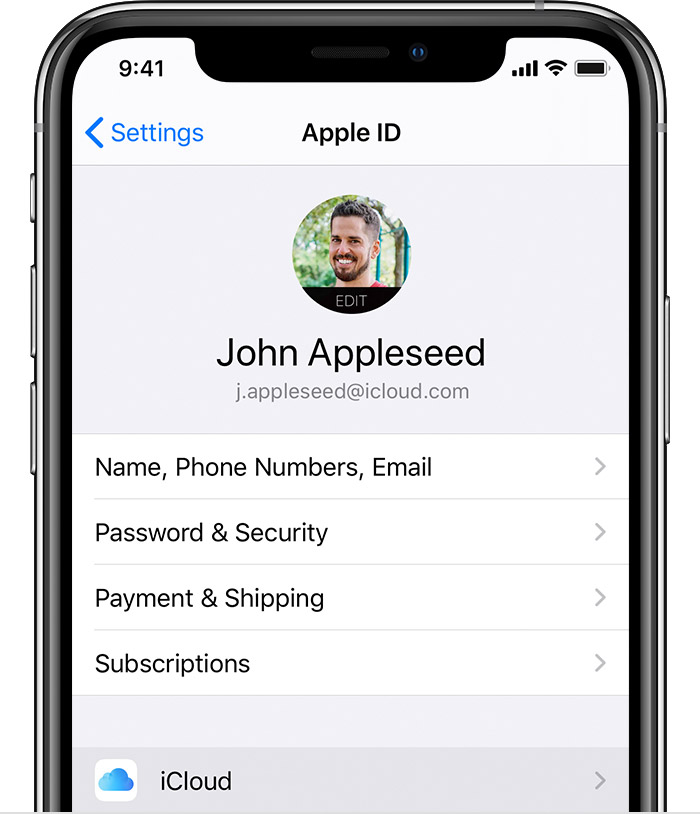
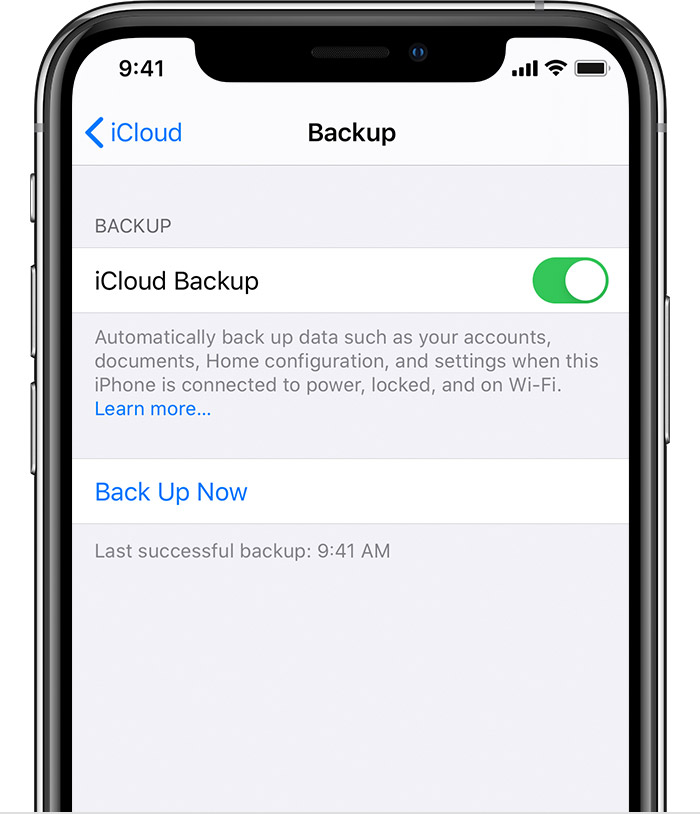
You can check the progress and confirm the backup completed. Go to Settings > [your name] > iCloud > iCloud Backup. Under Back Up Now, you'll see the date and time of your last backup.
Get help making a backup or manage your available space in iCloud.
Automatically back up with iCloud Backup
To let iCloud automatically back up your device each day, here's what you need to do:
What does iCloud back up? - Apple Support
iCloud backup doesn’t include information that are synced and stored in iCloud, like Contacts, Calendars, Bookmarks, Mail, Notes, Voice Memos, shared photos, iCloud Photos*, Health data, call history, and files you store in iCloud Drive.
*-If you had turned on iCloud Photos, your content is automatically stored in iCloud.
How to back up with iCloud
You can check the progress and confirm the backup completed. Go to Settings > [your name] > iCloud > iCloud Backup. Under Back Up Now, you'll see the date and time of your last backup.
Get help making a backup or manage your available space in iCloud.
Automatically back up with iCloud Backup
To let iCloud automatically back up your device each day, here's what you need to do:
What does iCloud back up? - Apple Support
iCloud backup doesn’t include information that are synced and stored in iCloud, like Contacts, Calendars, Bookmarks, Mail, Notes, Voice Memos, shared photos, iCloud Photos*, Health data, call history, and files you store in iCloud Drive.
*-If you had turned on iCloud Photos, your content is automatically stored in iCloud.
Back up my iCloud
