Hello fdominic,
Welcome to Apple Support Communities! I understand that the other person cannot hear you when on a phone call on your iPhone. It's important that you're able to hear and be heard when keeping in touch with others and you've come to the right place for help.
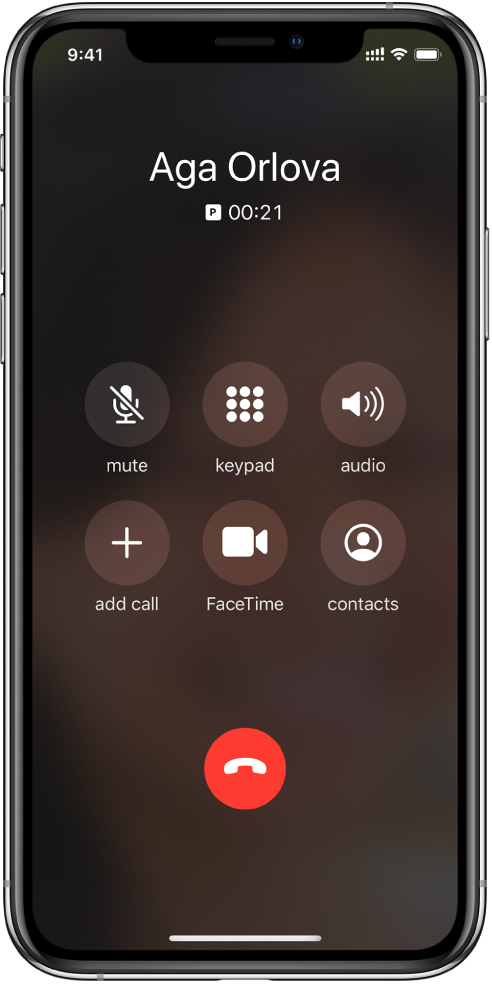
While on a phone call, tap the mute button to toggle mute on or off. When mute is off, it should look like the picture shown below:
While on a call on iPhone - Apple Support
"
- Change the volume: Press the volume buttons on the side of iPhone.
- Mute: Tap the mute button."
If mute is already off and the other person still can't hear you, I suggest following the steps in the support article below next:
If the microphones on your iPhone aren't working - Apple Support
Take care.


