
touch screen on phone not working
touch screen on my 8plus phone is not working. it works off and on.
touch screen on my 8plus phone is not working. it works off and on.
Change 3D or Haptic Touch sensitivity on your iPhone
You can change the amount of pressure you need to activate 3D or Haptic Touch on your device.
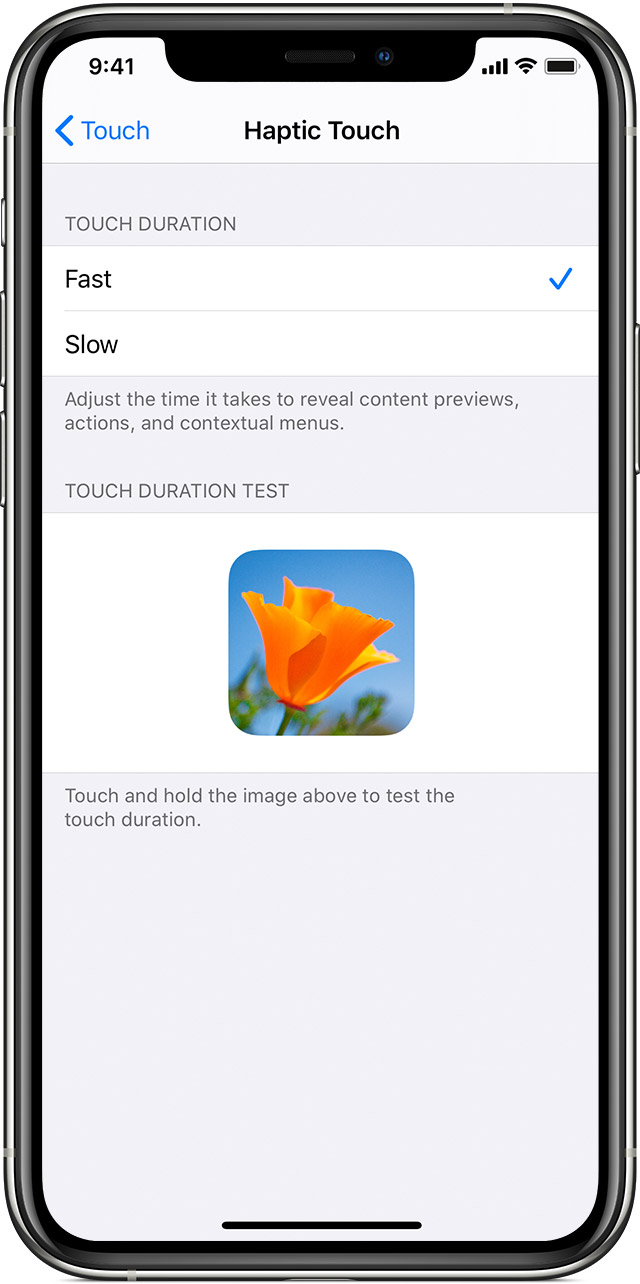
How to turn on 3D or Haptic Touch and adjust the sensitivity
* These devices support Haptic Touch: iPhone SE (2nd generation), iPhone 11, iPhone 11 Pro, iPhone 11 Pro Max and iPhone XR. These devices support 3D Touch: iPhone 6s, iPhone 6s Plus, iPhone 7, iPhone 7 Plus, iPhone 8, iPhone 8 Plus, iPhone X, iPhone XS and iPhone XS Max.
touch screen on phone not working
