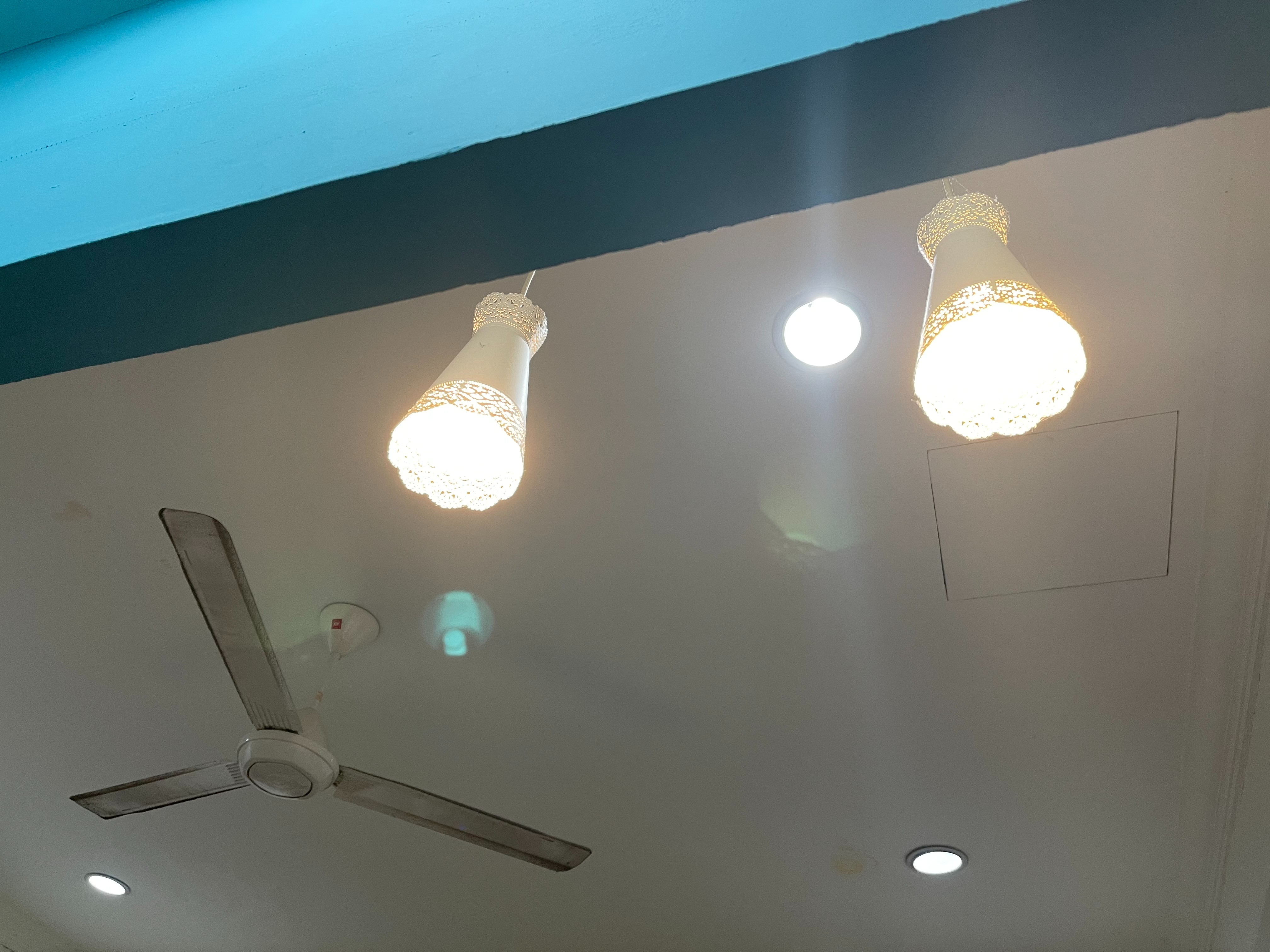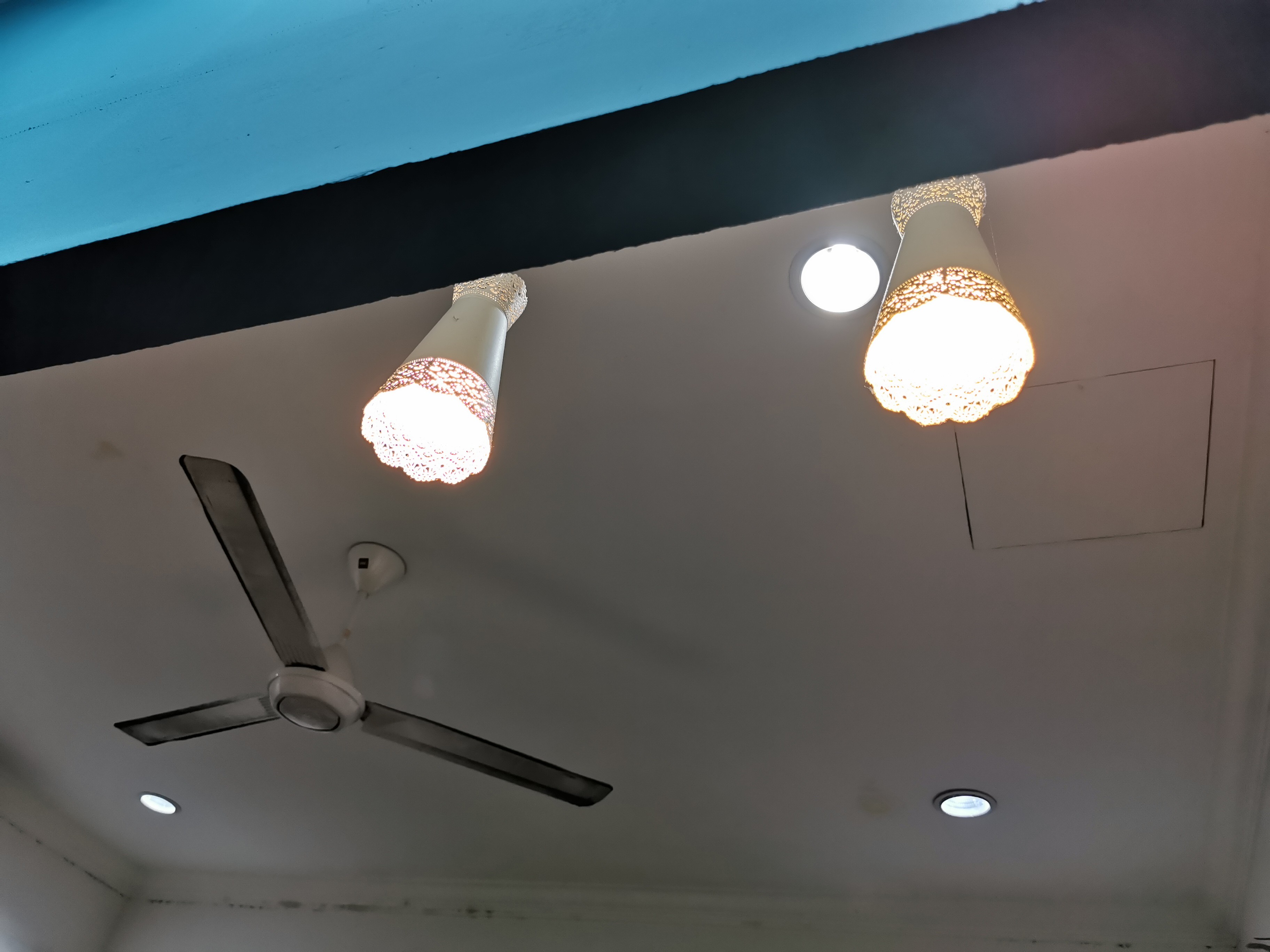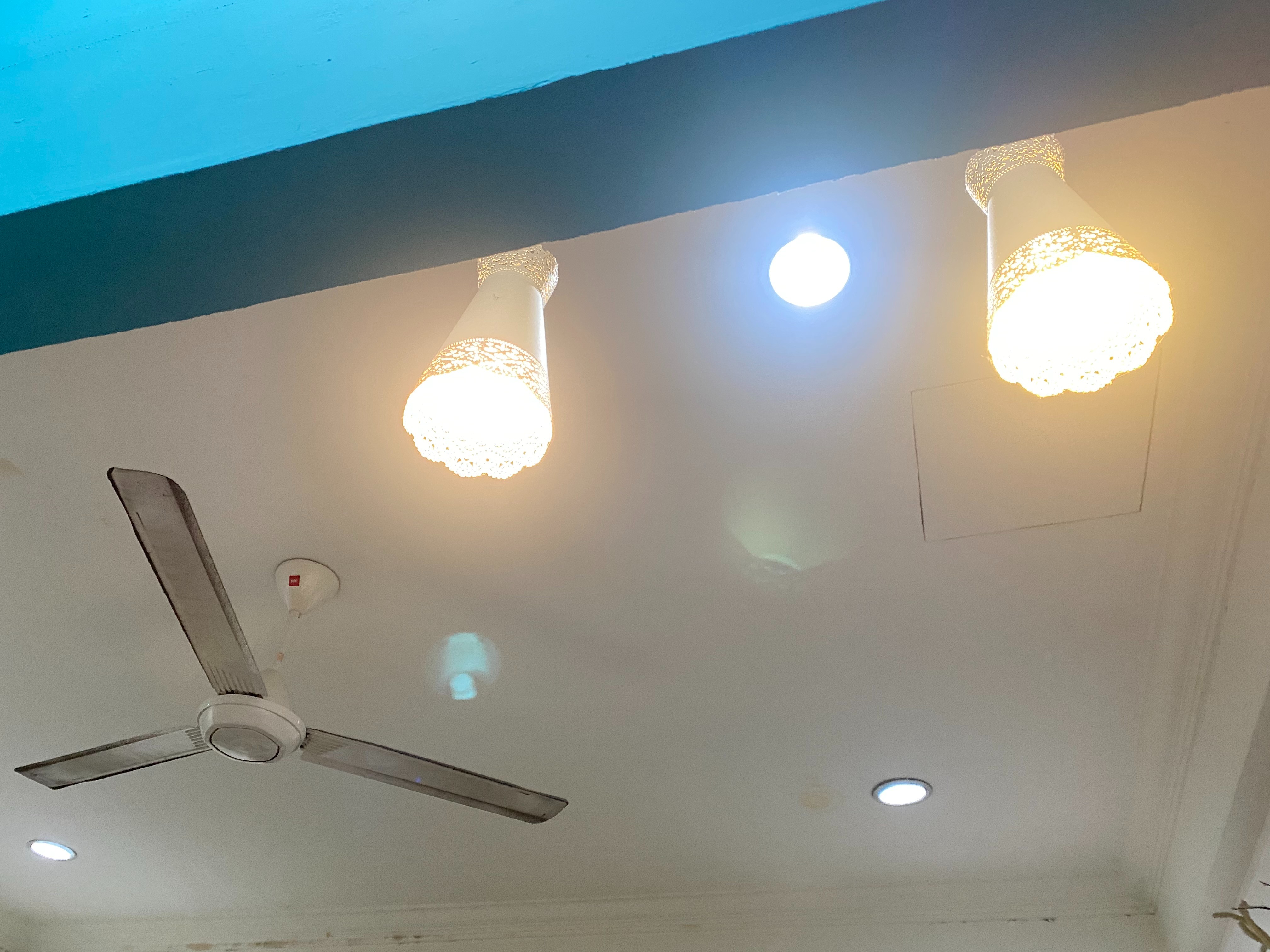
IPhone 12 Pro lens flare

Is anyone else experiencing a bright reflection when shooting towards a light source. On both the 1x and 2x I am getting a bright reflection that appears in the photo. (iPhone 12 pro was not listed in the device options below)

iPhone 11 Pro

Posted on Oct 24, 2020 5:55 AM

Reply
Question marked as Top-ranking reply

Posted on Oct 27, 2020 10:45 PM

I have contacted Apple and they are replacing my iPhone 12 Pro after I sent them sample photos of the ghosting/reflections in the images. A $300 point and shoot digital camera produces lens flare, as does a $10,000 professional DSLR kit--but neither will produce the ghosting/reflecting I and others are seeing with photos taken with these faulty Apple lenses. The problem Apple has with the iPhone lens is NOT lens flare, it's ghosting/reflecting.


I did a camera test with my iPhone X and I had nice lens flares--as was to be expected--but again I didn't see any ghosting/reflections like I am seeing with the 12 Pro. If the replacement phone has the same issue, I'm going to get a refund. There is nothing "Pro" about using a camera that doesn't work as advertised.


[Edited by Moderator]

991 replies

Dec 2, 2020 12:47 PM in response to mohit3112

mohit3112 wrote:

If it's a software fix or a tool that is provided in edit mode they can deploy that solution faster and in background work on the better lens

It was that simple, it would have come with iPhone 11, which did/does the exact thing as iPhone 12 and people have complained about for over a year.


That said, there is an App from Snapseed, which anyone can download, which has a healing tool which is very effective at eliminating flares just by touching them using the app --> https://apps.apple.com/us/app/snapseed/id439438619


Dec 30, 2020 3:19 AM in response to rajafromsurbiton

At least one has had their phone replaced… and the replacement has done the exact same thing, because it's normal for these phones.


So you can feel free to believe what you like, you can even see if you can have your phone exchanged under warranty if you like, but the results you get will not change.


If you go back and read this thread, you will see examples of the same artifacts of phones going back to the iPhone 6+, other phones like the Google Pixel 4, other devices altogether (Panasonic digital camcorder) and an explanation of why these artifacts are normal from Samsung.


Jan 2, 2021 10:16 PM in response to Dogcow-Moof

Here's an example


11ProMax


12ProMax


Huawei P30Pro


They are shot at the same time & angle


I don't care what Huawei says or what you say.


Just let the pictures talk. I however agree that Apple provides one of the best image/video quality but if they don't resolve this matter quickly, they will be losing customers everyday. I am an Apple fan since day 1. Talking about replacement or refund is not the issue here. This is for Apple to live up to its name. I want Apple to improve so that it may become the best but it's a shame, they don't listen to consumers. They just need more and more people like you to make their life easier.
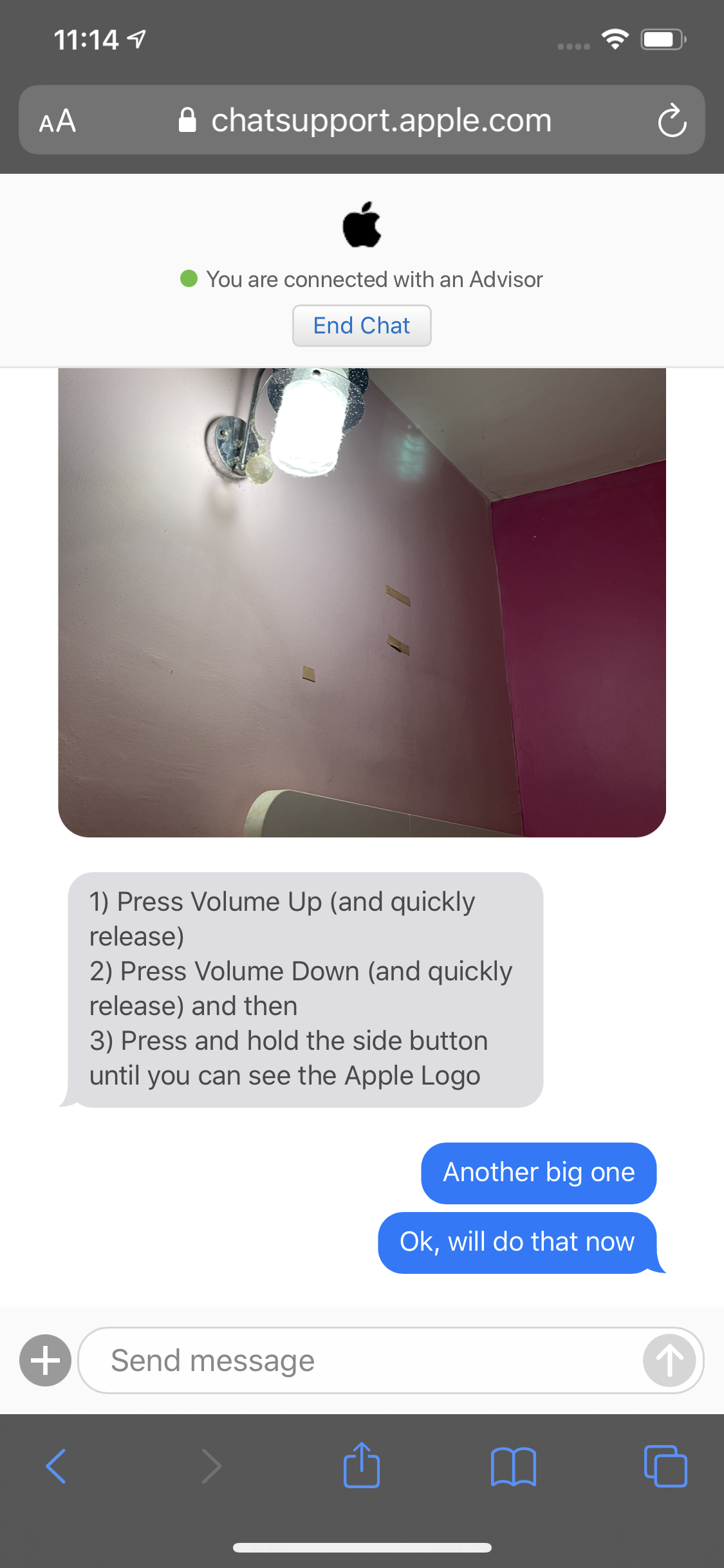

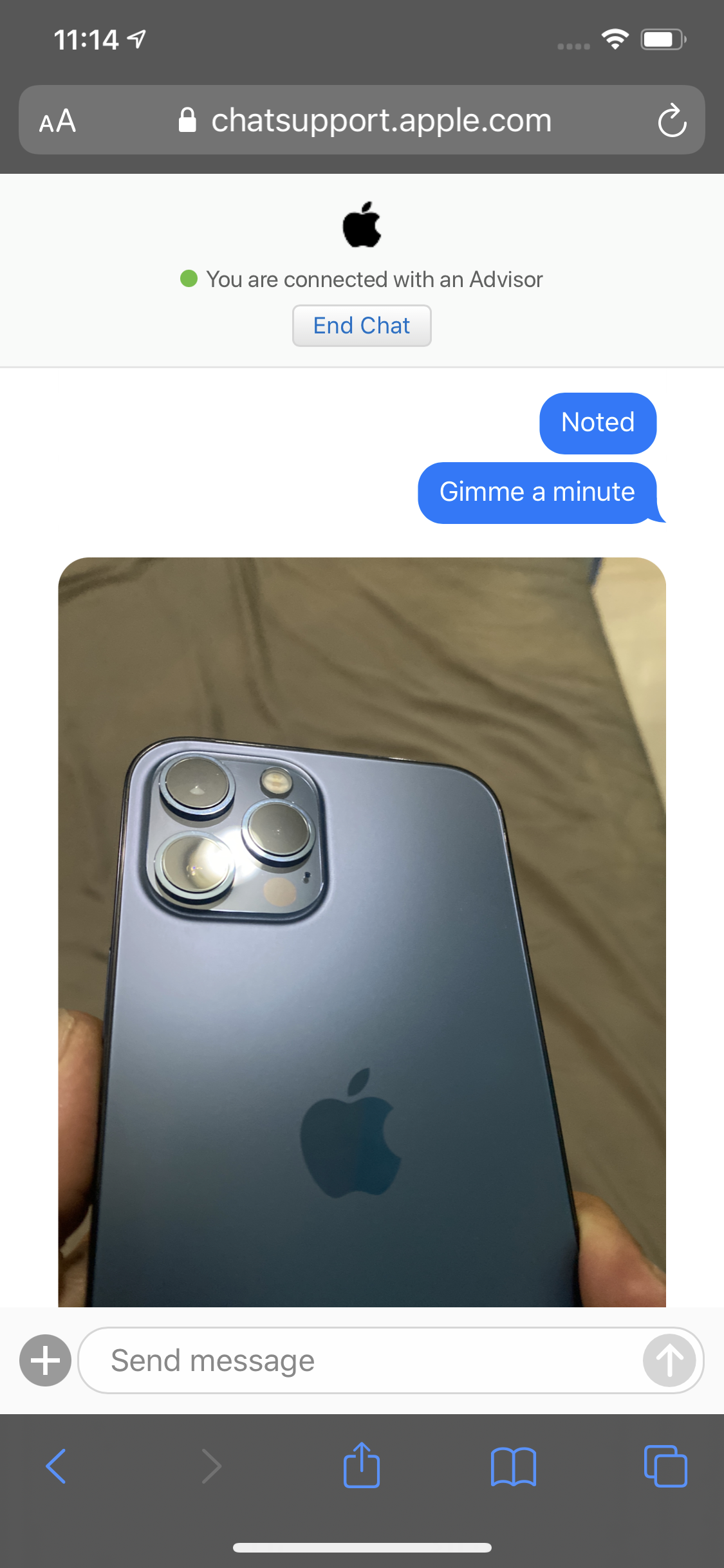
Even Apple Support just noticed this issue and asked to bring it to the nearest service centre immediately and not a word about it being NORMAL.


I can tolerate a small amount of lens flare because the lenses are not human eye they do reflect but to reflect extremely like this state of the art phone is simply not acceptable to most, only to you perhaps.


[Image Edited by Moderator to Remove Personal Information]

Mar 30, 2021 4:42 AM in response to Grapes of Wrath

You ignore the photos I've posted showing it's just as noticeable on the Galaxy S21 Ultra as it is on the 12 Pro Max.


As cameras get better it will be more noticeable, as seen in the shot from the $40K+ ARRI Alexa.


If a shot is "ruined" by "orbs" it is because you have not done anything to mitigate them or to plan to remove them in post-processing. If you can't get the shot you want without flare, you have to choose an alternate shot; professional and prosumer photographers and videographers have to do just that all day when shooting.


You will not be getting some admission that older cameras were better because in fact if their flares were less noticeable it was because their cameras were worse - less light sensitive with poorer lenses; you're not likely to see flare on say an old flip phone whose camera was a 640x480 sensor covered with a cheap clear plastic "lens."

May 18, 2021 2:31 PM in response to Dogcow-Moof

Dogcow-Moof wrote:

Again, completely normal any time you have intense pinpoints of light like that.

Here are similar photos taken with a brand new Google Pixel 5.

And the same thing would happen with a $10,000 DSLR or a $100,000 cine camera. Skilled photographers sometimes take advantage of lens flare to create artistic effects like these.

May 29, 2021 12:48 PM in response to Grapes of Wrath

What camera would you suggest buying that doesn’t exhibit lens flare when a light source impinges on the lens? My $5,000 DSLR will exhibit lens flare if I let a light source fall on the lens. And I’ve seen it on a $100,000 professional video camera. Are you suggesting that Apple can solve this when Nikon, Canon, Leica, Hasselblad or any other camera manufacturer has never been able to?


One thing you can do is add a lens shade (they are readily available for iPhones). That will take care of light sources that aren’t in the direct view of the camera. And it’s what I use with my DSLR.

May 31, 2021 12:04 PM in response to fczina

Fixed, or nearly so.


Anti-glare camera lens cover off Amazon. 2-pack for $7 bucks.


Direct sunlight into the sun still has it of course but they all do that. Now indirect sunlight doesn't do it. I get a little off LED lights inside but not nearly as badly as before.


They just didn't anti-glare coat the lens. It's just that simple.


On Amazon type in Noli iPhone glare and it'll come up.


Jan 26, 2022 12:01 PM in response to trish4

trish4 wrote:

I’m having the same issue and super disappointed that I spent all this money for the 12 only to see a green dot in video and photos regularly! I may try a few things or get a new phone. I stopped lugging my Canon and lenses around so I could just carry this but I’m disappointed.

If you took that identical photo with any cell phone camera on the market you would see the same thing, and you would probably even see it with your Canon and lens. When there is a light source in the photo or falling on the lens from outside of the image you will get lens flares. Every camera ever made that has a compound lens will have similar results. As you most likely missed it in posting in this long thread, please look at all of the examples in this link, which has images taken with Samsungs, Pixels, and $50,000 professional cameras→iPhone Camera Lens Flare and Reflections - Apple Community


And here is a technical explanation of lens flare by a professional photographer→What is Lens Flare and How to Deal with it in Photography

Jan 26, 2022 2:32 PM in response to krissysb

As you apparently haven’t read any of the thread you posted to either, I will repeat what has been said hundreds of times. Any time there is a light source in a photo taken with any camera in the world you will see lens flare or ghost images. ANY CAMERA made since the invention of photography.


As you most likely missed it in posting in this long thread or even reading the page you posted to, please look at all of the examples in this link, which has images taken with Samsungs, Pixels, and $50,000 professional cameras→iPhone Camera Lens Flare and Reflections - Apple Community


And here is a technical explanation of lens flare by a professional photographer→What is Lens Flare and How to Deal with it in Photography

Feb 11, 2022 11:31 PM in response to g4xn0n4m3

It’s how the phone works and in fact the same happens with the 11 Pro Max.


The bottom line is it is up to the photographer to determine the best way to capture the scene; the issue you describe is one professional photographers and videographers have to deal with every day.


All you can do is try different positioning to minimize or eliminate the flares and perhaps remove them later using third-party software.

Oct 26, 2020 4:55 PM in response to stormyva

As a professional photographer, I can tell you that the living room image you took shows that there is indeed a defect. It's an internal glare/reflection issue. The protective glass over the lens element should be anti-glare coated like any other conventional DSLR camera lens to prevent mirroring/ghosting of the image. I am putting in a replacement for my own iPhone 12 Pro because of this issue. It's ridiculous.

This thread has been closed by the system or the community team. You may vote for any posts you find helpful, or search the Community for additional answers.

IPhone 12 Pro lens flare

Welcome to Apple Support Community
A forum where Apple customers help each other with their products. Get started with your Apple Account.