I’ve been having issues ever since getting my new phone. I transferred the data from iPhone X to the 12 Pro. When you switch phones apparently the phone number did not settle and needs to be “reconnected”. T-Mobile support had me:
1. From the Home screen, tap Settings > Cellular (iPhone)
2. Tap Network Selection.
3. Slide the Automatic slider to the off position to start scanning for networks.
4. Select desired carrier (T-Mobile)
- Restart phone
- Settings > Messages > Turn on Send as SMS
- Click Sent & Receive
- Make sure the Number and Apple ID are listed and correct
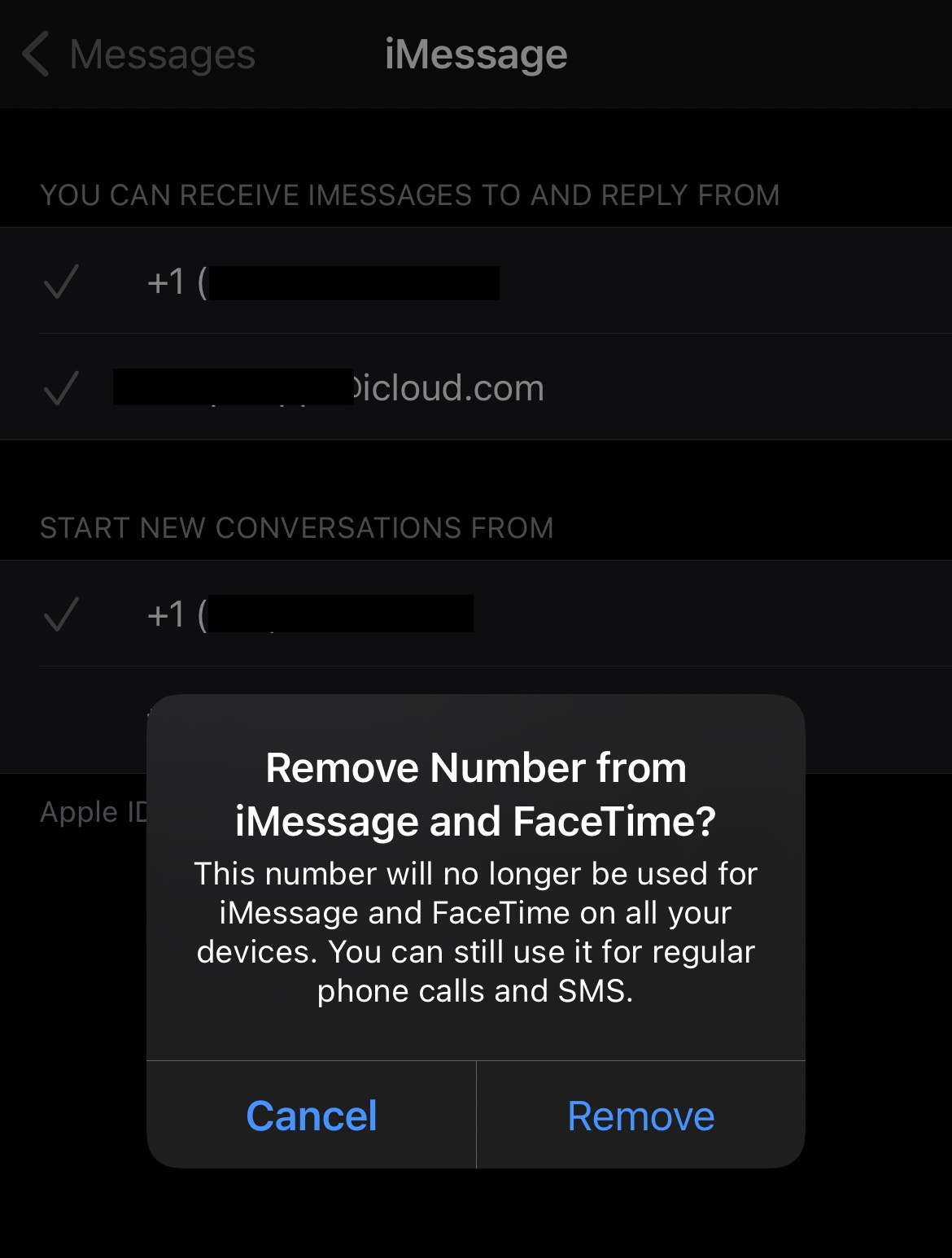
- Remove the check on your phone number by tapping it. And select Remove.
- Now that it’s unchecked, tap to apply it again. This reconnects your phone.
- Done.
- So far so good
- Screenshot of Step 5