Hello broonsau,
Welcome to Apple Support Communities!
We understand that you want to know how to turn off the laugh tracks. We're happy to help!
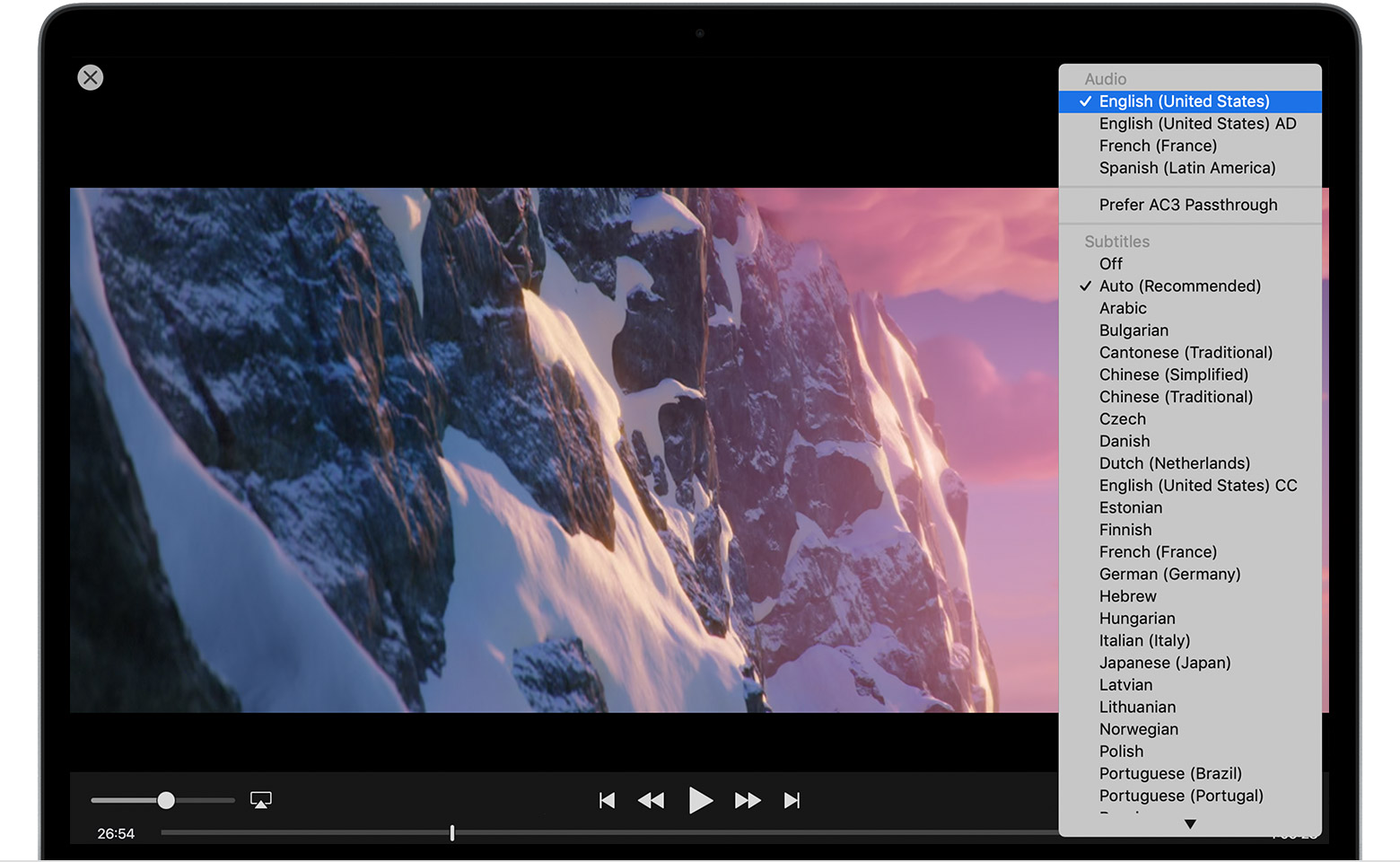
- Move your pointer over the video.
- Click the speech bubble icon
 .
. - Choose the language or subtitles that you want to use.
If you don't see an option for SDH, or you want to turn on CC or SDH by default, follow these steps:
- On a Mac, choose Apple () menu > System Preferences from the menu at the top of your computer screen. Click Accessibility, then click Captions in the sidebar. Select "Prefer closed captions and SDH" to turn it on. If you want to customize captions and subtitles, choose from the options on this screen.
- On a PC, choose Edit > Preferences from the menu at the top of the iTunes window, then click the Playback tab. Select "Prefer Closed Captions and SDH" to turn it on. If you want to customize captions and subtitles, choose different options from the menu to the right of Caption Style or click the Configure button."
For more information check out this article: Change the closed captions or language for movies and TV shows in the Apple TV app
Let us know if you have any questions.
Thank you for using Apple Support Communities.
Take care!



