cant access time machine backup

hi all.

I have a time machine backup on an external NAS drive which I'm trying to access via 'browse other backup disks'.

when I enter time machine there is nothing but today.

is there another way of accessing it or do you think something could be have gone wrong with the backup?

thanks!

MacBook Pro 16″, macOS 10.15

Posted on Feb 9, 2021 7:55 AM

Reply
3 replies

Feb 9, 2021 11:19 AM in response to benjigordon

I think you will have trouble accessing inside a package while the backup is in progress, as the files have not been finalized or written out yet, the files are still open and being modified, and hence restricted access, and many are likely temporary files not the actual files that you want.


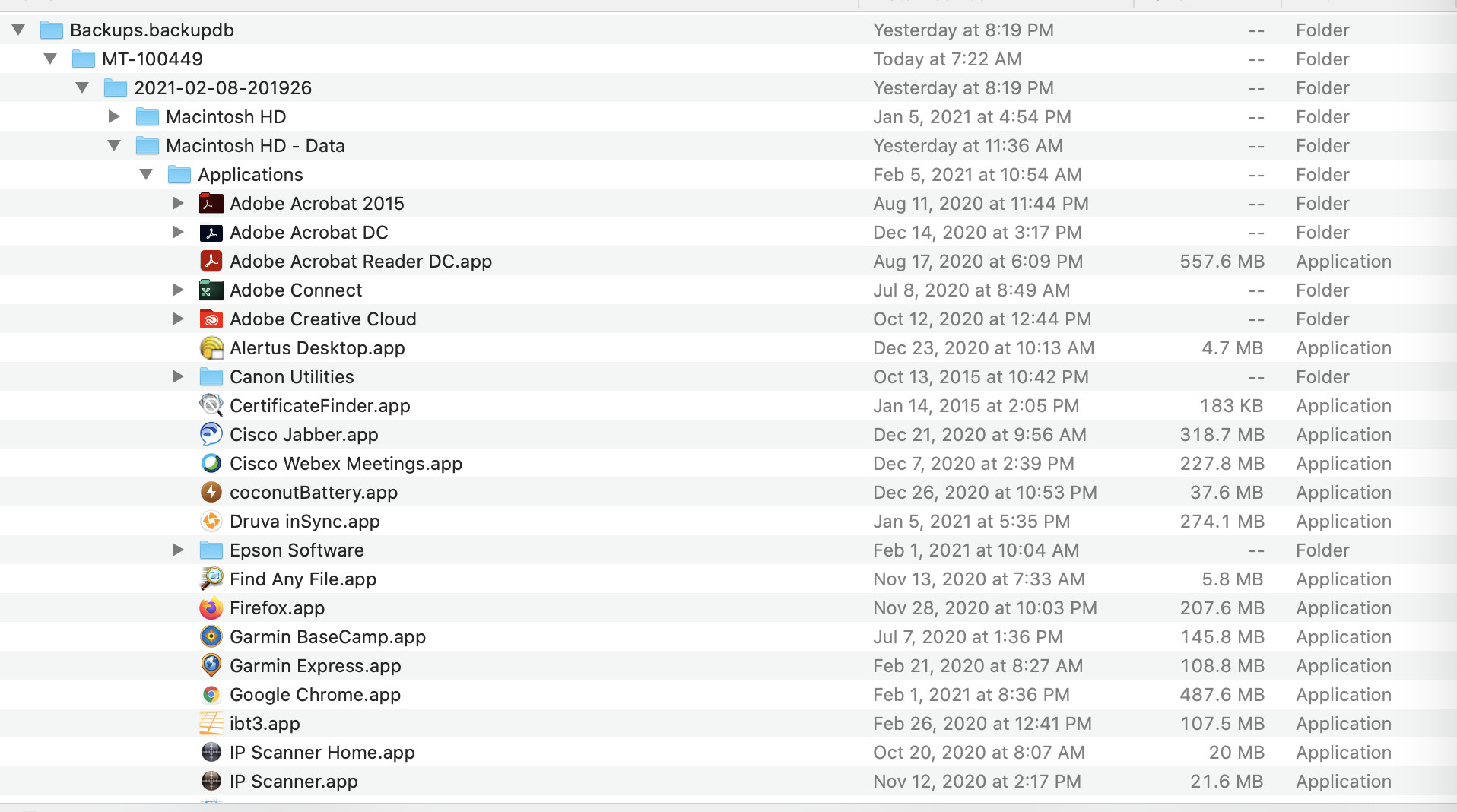
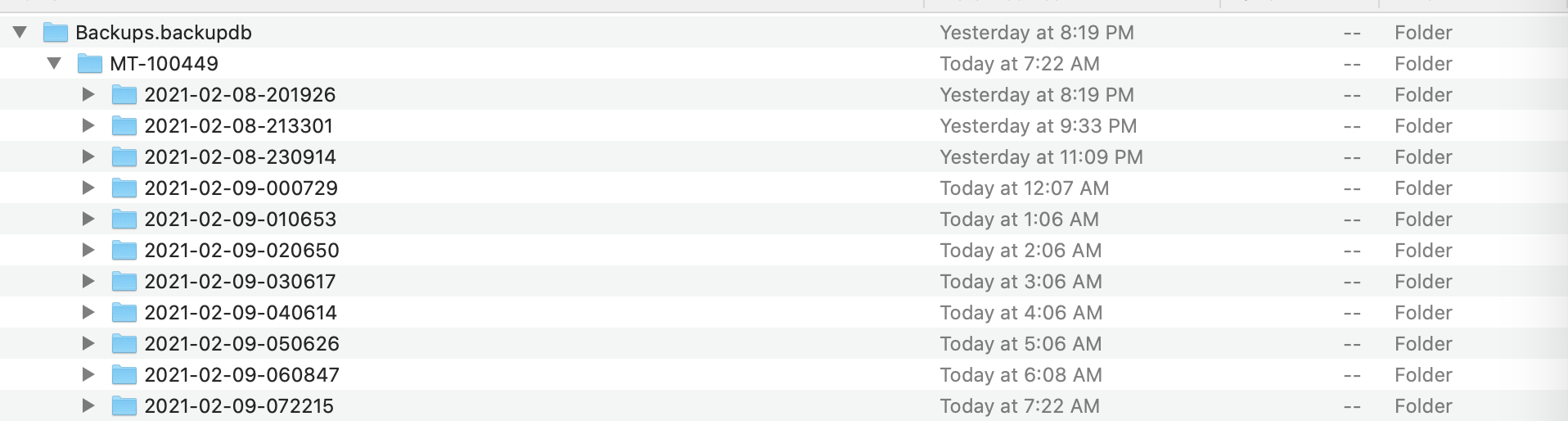
Here is what I see in my backups and these folders can be browsed like normal in the Finder (but not the inProgress item). It looks like you are trying access a backup that has not completed yet. I think you have to let it complete before you can access it. Once it completes, it has a folder with a date/time stamp and you can look at the backed up files as if you are in the Finder. A better way to access the files is through the Time Machine browser itself, but you can also use the Finder.


Feb 9, 2021 9:35 AM in response to steve626

I can access it but when the disk mounts but I can't seem to get access to the files within.

I right click on the .inProgress file to see 'show package contents' but then within that folder of data I can't get into my actual folder structure as the 'Macintosh HD - Data' folders are greyed out.

pls see attached images.

I've got the NAS connected via ethernet to usb c on my Mac.

any ideas what I could try next?

This thread has been closed by the system or the community team. You may vote for any posts you find helpful, or search the Community for additional answers.

cant access time machine backup

Welcome to Apple Support Community
A forum where Apple customers help each other with their products. Get started with your Apple Account.