
iPad pro
I just got my new iPad Pro. How do I turn it off?
I just got my new iPad Pro. How do I turn it off?
To turn off iPad, do one of the following:
 > General > Shut Down, then drag the slider.
To turn iPad back on, press and hold the top button until the Apple logo appears.
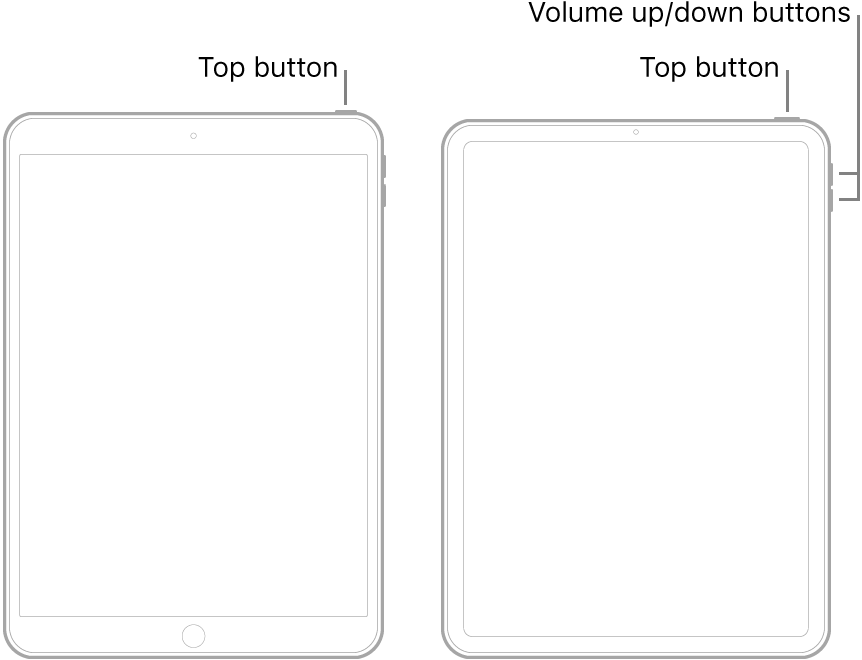
To turn off iPad, do one of the following:
> General > Shut Down, then drag the slider.To turn iPad back on, press and hold the top button until the Apple logo appears.
Just press the top button once and quickly release it. That puts it into stand by mode.
There is no reason to completely shut it down in normal use. Also if you completely shut it down and then connect it to power, it will automatically turn back on.
iPad pro

