
Understanding Activity Monitor
What are the time units under CPU Time? Days/ Hours/ Minutes?
Examples:
"deleted" 1:22:28.22
"kernel_task" 1:03:29:87
Mac mini, macOS 10.15
What are the time units under CPU Time? Days/ Hours/ Minutes?
Examples:
"deleted" 1:22:28.22
"kernel_task" 1:03:29:87
Mac mini, macOS 10.15
Activity Monitor User Guide
for macOS Big Sur
Search this guide
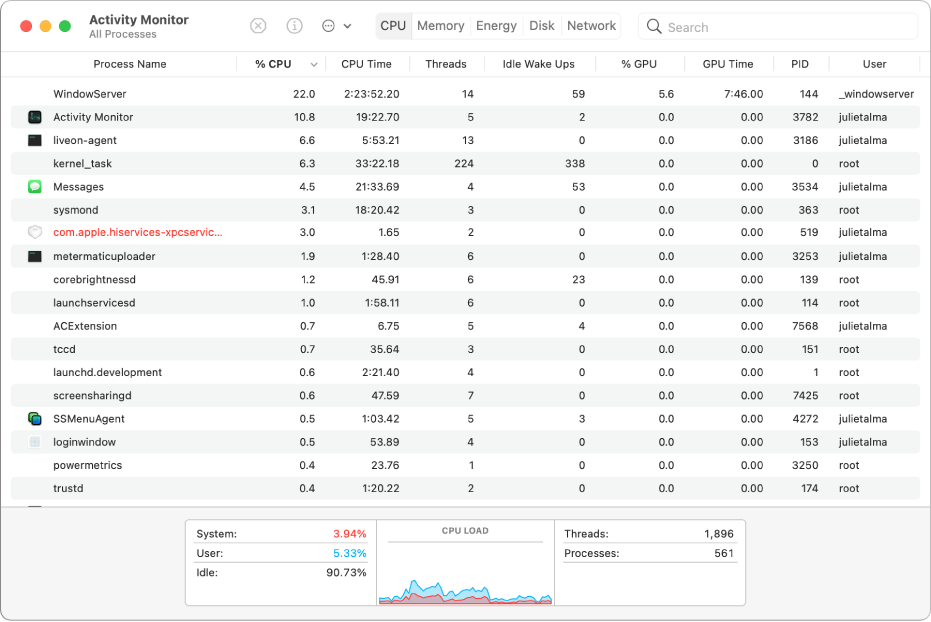
Close unresponsive apps and processes
When your system is acting sluggish or simply not responding, an app or process may be the source of the problem. You can use Activity Monitor to locate the troublesome app or process and force it to quit.
How to close an unresponsive app or process
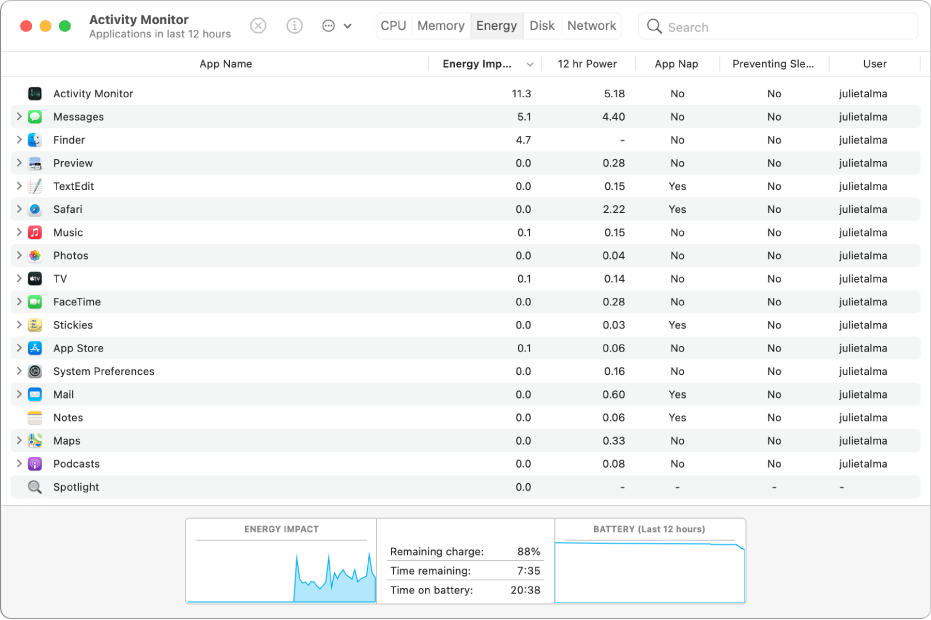
See how much energy your Mac is using
You can find out how much energy your Mac is using, and see which apps or processes are using the most energy.
How to monitor overall energy use
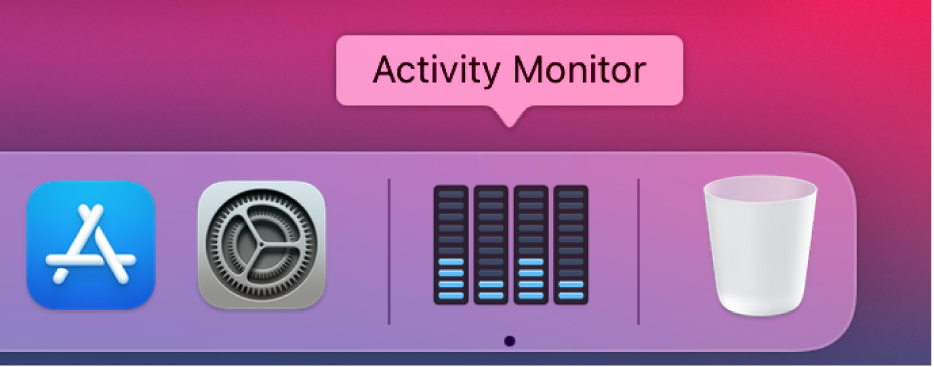
See real-time CPU, network, or disk status in the Dock
It’s easy to keep an eye on your system status without even looking at the Activity Monitor window—you can monitor your CPU, network, or disk usage as a live graph right in the Dock.
How to see your system status in the Dock
To explore the Activity Monitor User Guide, click Table of Contents at the top of the page, or enter a word or phrase in the search field.
Thank you for your reply.
The guide referenced by your reply does not provide any information about understanding the units of measurement as asked in my question.
Understanding Activity Monitor
