How to disable save passwords on the phone

How to disable saved password on iPhone

iPhone XS Max, iOS 14

Posted on Oct 6, 2021 2:58 AM

Reply
Question marked as Top-ranking reply

Posted on Oct 6, 2021 3:01 AM

Turn OFF iCloud Keychain on your iPhone
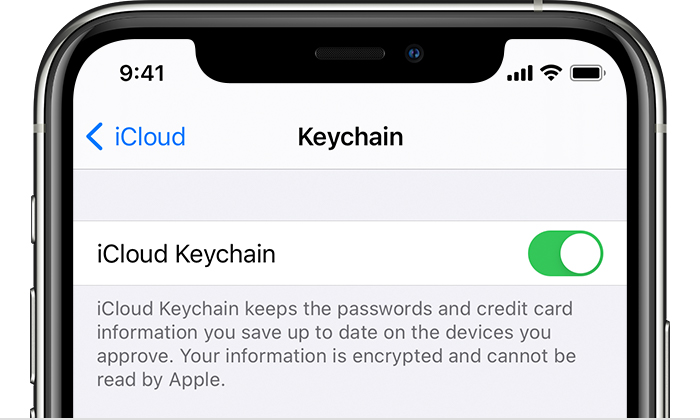
  1. Tap Settings, tap [your name], then choose iCloud.
  2. Tap Keychain.
  3. Slide to turn OFF iCloud Keychain. You might be asked for your passcode or Apple ID password. 


1 reply

This thread has been closed by the system or the community team. You may vote for any posts you find helpful, or search the Community for additional answers.

How to disable save passwords on the phone

Welcome to Apple Support Community
A forum where Apple customers help each other with their products. Get started with your Apple Account.