
I want to reset my id password
I want to reset my id password
I want to reset my id password
On your iPhone, iPad, iPod touch, or Apple Watch with watchOS 8 or later

On your Mac with macOS Catalina or later
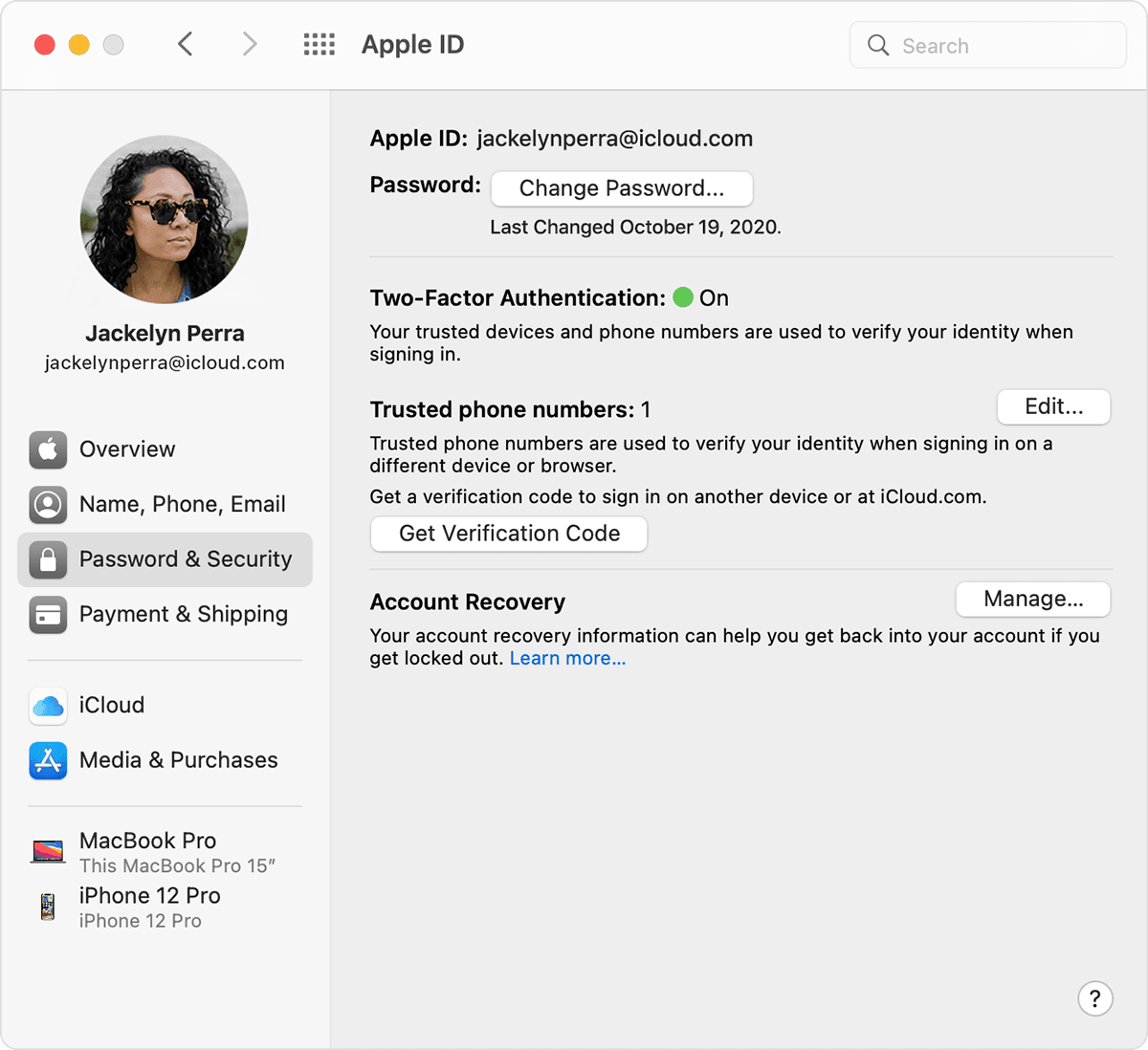
Use a trusted phone number, trusted email, recovery key, or account recovery contact
Use someone else's device to reset your password
You can reset your Apple ID password on a friend or family member's iPhone, iPad, or iPod touch using the Apple Support app or the Find My iPhone app. You can also visit an Apple Store and ask to use a device on site.
Use the Apple Support app
Ask your friend or family member to open the App Store and download the Apple Support app on their iPhone, iPad, or iPod touch. Can't download the Apple Support app?
Then open the Apple Support app and follow these steps:
Any information that you enter will not be stored on the device.
Use the Find My iPhone app
If your friend or family member uses iOS 9 through 12 and they can't download the Apple Support app, use the Find My iPhone app instead.
Don't see a Sign In screen? Tap Sign Out. After you sign out, make sure the Apple ID field is empty. Then tap Forgot Apple ID or Password, and follow the onscreen steps.
If you tried the previous steps or live in a country or region where Support App is not available, you can still reset your password and regain access to your account with account recovery. In some cases, you might have the option to speed up the account recovery process or reset your password immediately by verifying a six-digit code sent to your primary email address. Learn more about account recovery.
If you can't change or reset your password
If you tried the previous steps and were unable to change or reset your password, try these steps instead.
After you reset your password, you'll be asked to sign in again with your new password. You also might need to update your password in Settings on your devices.
* If you permanently lost your Recovery Key or access to your trusted device, you can't change your password.
Get more help
On your iPhone, iPad, iPod touch, or Apple Watch with watchOS 8 or later
On your Mac with macOS Catalina or later
Use a trusted phone number, trusted email, recovery key, or account recovery contact
Use someone else's device to reset your password
You can reset your Apple ID password on a friend or family member's iPhone, iPad, or iPod touch using the Apple Support app or the Find My iPhone app. You can also visit an Apple Store and ask to use a device on site.
Use the Apple Support app
Ask your friend or family member to open the App Store and download the Apple Support app on their iPhone, iPad, or iPod touch. Can't download the Apple Support app?
Then open the Apple Support app and follow these steps:
Any information that you enter will not be stored on the device.
Use the Find My iPhone app
If your friend or family member uses iOS 9 through 12 and they can't download the Apple Support app, use the Find My iPhone app instead.
Don't see a Sign In screen? Tap Sign Out. After you sign out, make sure the Apple ID field is empty. Then tap Forgot Apple ID or Password, and follow the onscreen steps.
If you tried the previous steps or live in a country or region where Support App is not available, you can still reset your password and regain access to your account with account recovery. In some cases, you might have the option to speed up the account recovery process or reset your password immediately by verifying a six-digit code sent to your primary email address. Learn more about account recovery.
If you can't change or reset your password
If you tried the previous steps and were unable to change or reset your password, try these steps instead.
After you reset your password, you'll be asked to sign in again with your new password. You also might need to update your password in Settings on your devices.
* If you permanently lost your Recovery Key or access to your trusted device, you can't change your password.
Get more help
If you know the current password.
What to do after you change your Apple ID or password - Apple Support - I suggest doing this before you change your Apple ID or password.
If you forgot the Apple ID (iCloud) password, enter the Apple (iCloud) ID, and click Forgot Password. See if you can get a Rescue or Notification email option if necessary. Link to contact Apple Support at the end of the 2nd article.
I want to reset my id password

