Just checked. DEGREES is a function included in Numbers 11.2, as is the function ATAN.
The formula uses these two Functions.
Click a cell to select it. press = to open the Formula editor AND the Function browser.
In the browser's Search box, type 'deg'
This should trim the list of functions displayed to one item: DEGREES.
Double click that item OR click it once, then click Insert Function to insert it into the formula being built in the Formula editor.
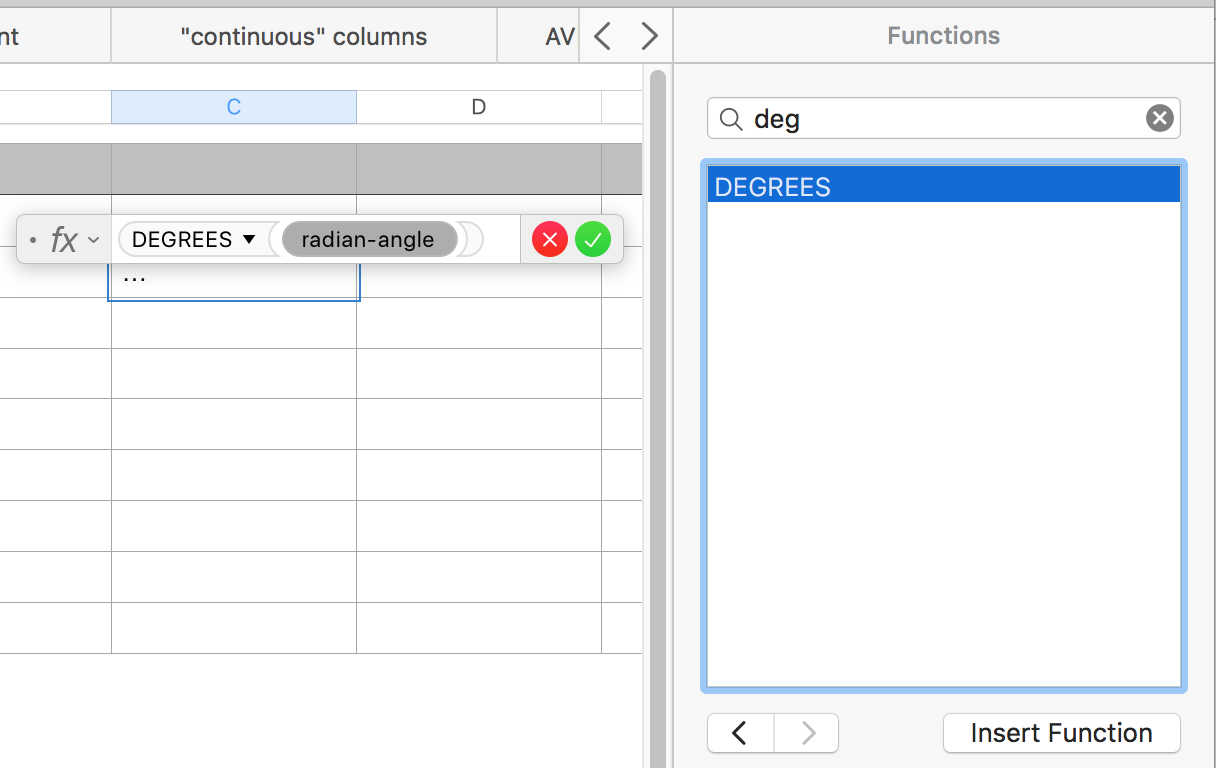
The function requires one argument—a number representing the size of the angle in radians.
Click the 'radian-angle' lozenge to select it, then type AT
Tjis should be enough to narrow your choices for this space to three:
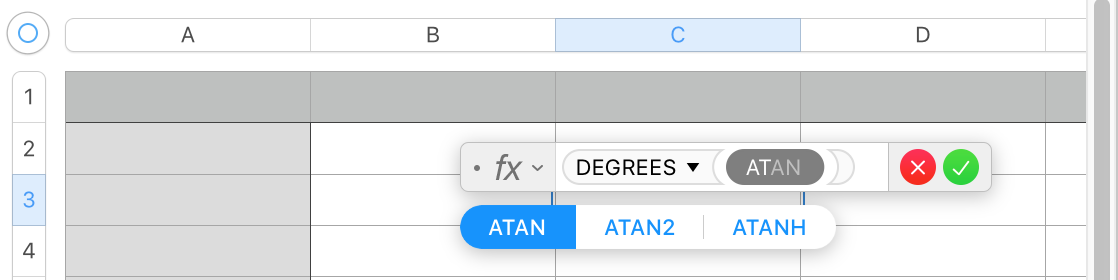
Click ATAN to insert this function into the formula.

ATAN has a single argument, num, which is a number representing the tangent of a specific angle.
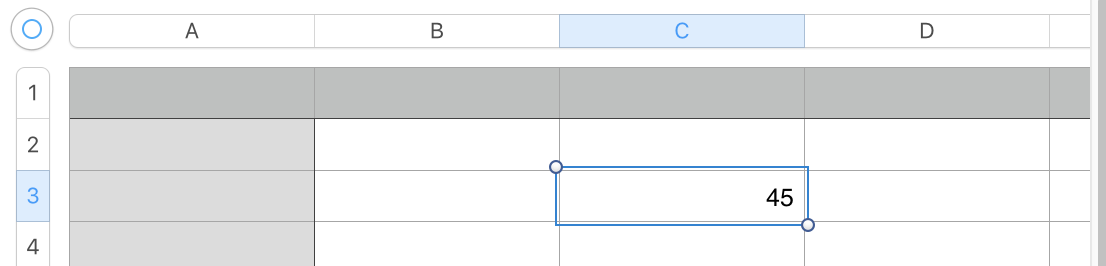
Enter 1 in place of num, then click the green check mark button to close the formula editor (and activate the formula).
ATAN returns the angle (expressed in radians) with that tangent.
DEGREES returns the mesure of that angle, expressed in degrees.
Regards,
Barry

