
I can’t get into my computer
Im locked out of my mac
Im locked out of my mac
lehua_scholl wrote:
Me too. Don’t remember the password. Went to do recovery and it says “there was an error connecting to the Apple ID Servers”
Maybe try going into recovery mode by pressing Cmd + R while rebooting and resetting the password from there?
That's what I did when I forgot my password.
How to start up from macOS Recovery
Turn on your Mac and immediately press and hold these two keys: Command (⌘) and R. Release the keys when you see an Apple logo, spinning globe, or other startup screen. Need help?
You might be prompted to enter a password, such as a firmware password or the password of a user who is an administrator of this Mac. Enter the requested password to continue:
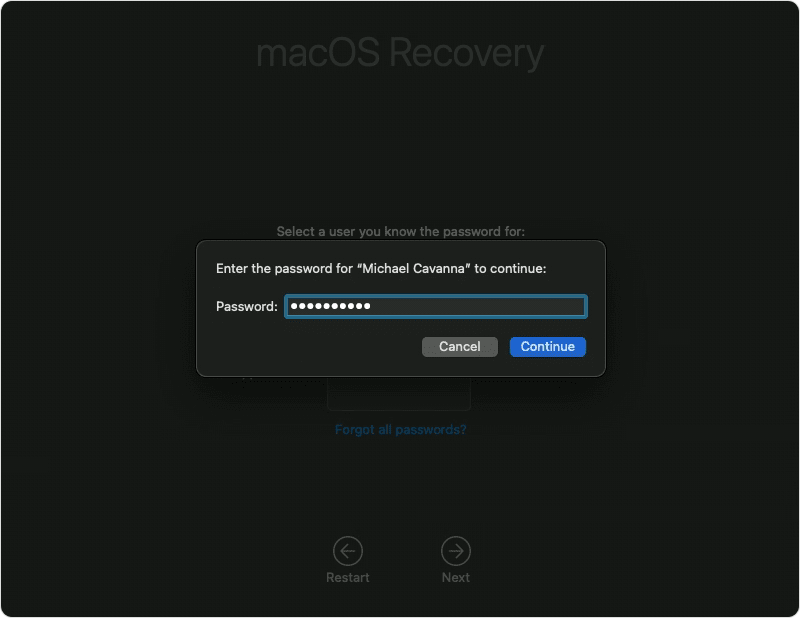
Startup is complete when you see the utilities window:
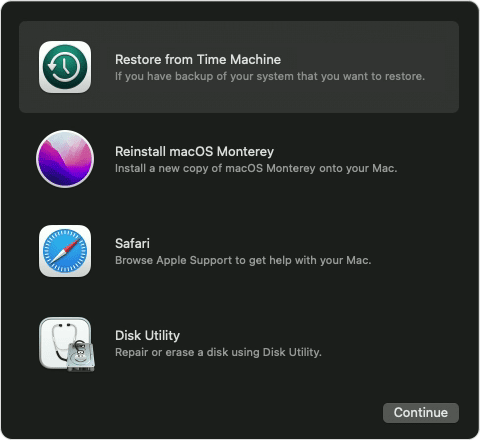
Restore from Time Machine: Restore your files from a Time Machine backup.
Reinstall macOS: Download and reinstall the Mac operating system.
Safari (or Get Help Online): Use Safari to browse the web and find help for your Mac. Links to Apple's support website are included. Browser plug-ins and extensions are disabled.
Disk Utility: Use Disk Utility to repair your disk or erase your disk or other storage device.
Additional utilities are available from the Utilities menu in the menu bar, including Startup Security Utility (or Firmware Password Utility), and Terminal.
To quit macOS Recovery, choose Restart or Shut Down from the Apple menu . If you want to choose a different startup disk before quitting, choose Startup Disk from the Apple menu.
If you can't start up from macOS Recovery
If your Mac can't start up from its built-in macOS Recovery system, it might try to start up from macOS Recovery over the Internet. When that happens, you see a spinning globe instead of an Apple logo during startup:
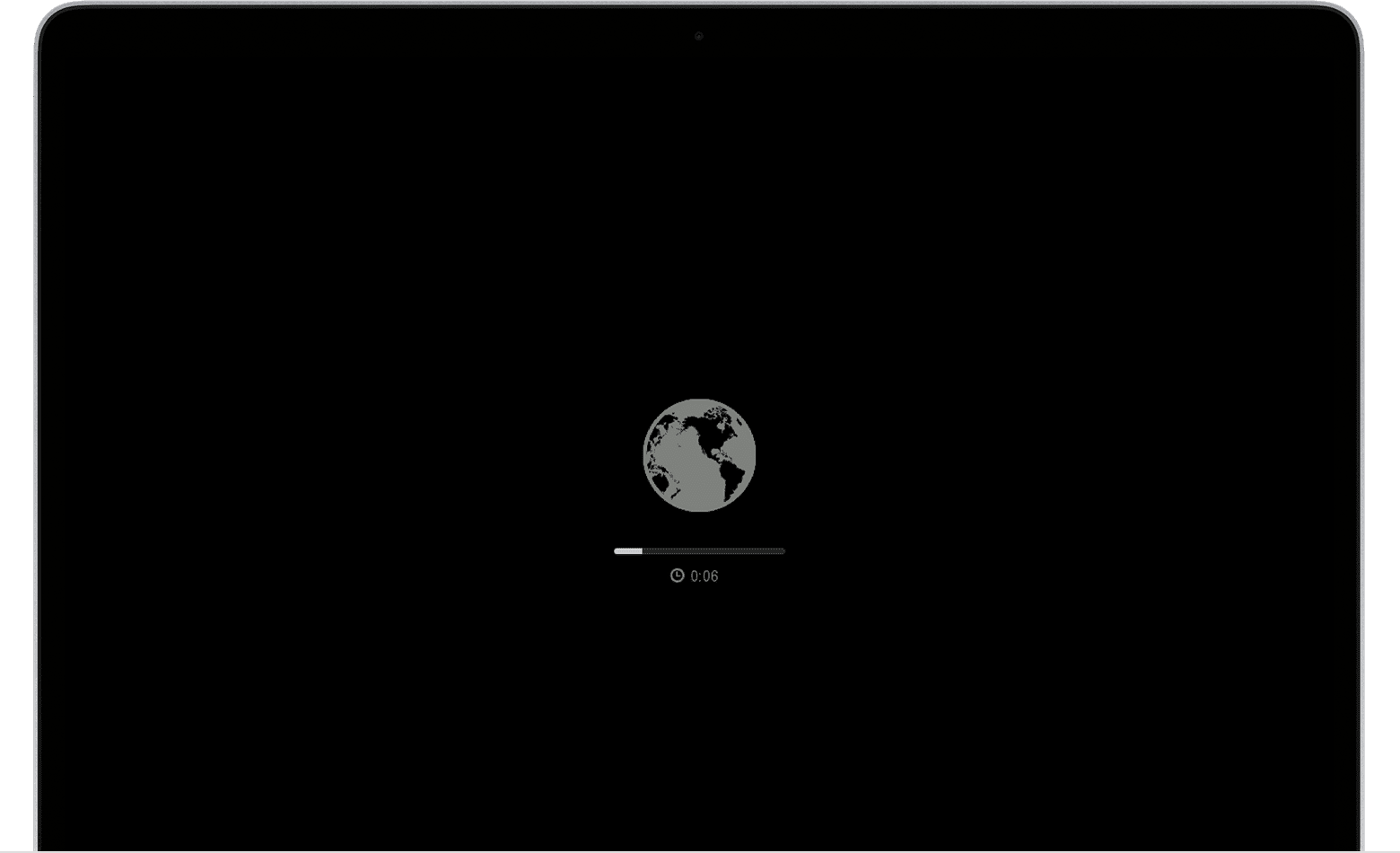
To manually start up from Internet Recovery, press and hold either of these key combinations at startup:
If startup from Internet Recovery is unsuccessful, you see a globe with an alert symbol (exclamation point):
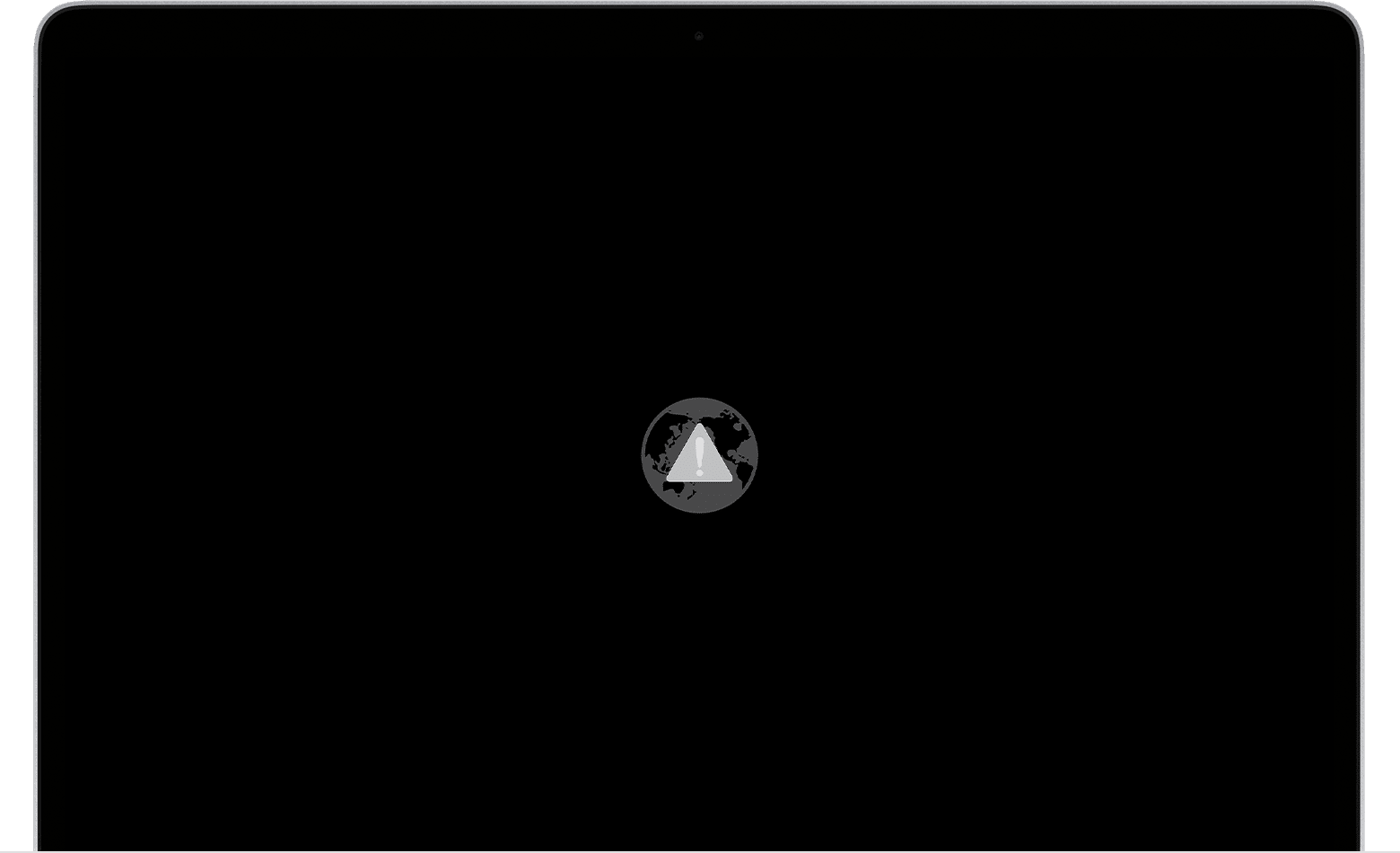
If you see the globe and alert symbol, try these solutions:
 , if available.
If you still need help, please contact Apple Support.
lehua_scholl wrote:
Me too. Don’t remember the password. Went to do recovery and it says “there was an error connecting to the Apple ID Servers”
Maybe try going into recovery mode by pressing Cmd + R while rebooting and resetting the password from there?
That's what I did when I forgot my password.
How to start up from macOS Recovery
Turn on your Mac and immediately press and hold these two keys: Command (⌘) and R. Release the keys when you see an Apple logo, spinning globe, or other startup screen. Need help?
You might be prompted to enter a password, such as a firmware password or the password of a user who is an administrator of this Mac. Enter the requested password to continue:
Startup is complete when you see the utilities window:
Restore from Time Machine: Restore your files from a Time Machine backup.
Reinstall macOS: Download and reinstall the Mac operating system.
Safari (or Get Help Online): Use Safari to browse the web and find help for your Mac. Links to Apple's support website are included. Browser plug-ins and extensions are disabled.
Disk Utility: Use Disk Utility to repair your disk or erase your disk or other storage device.
Additional utilities are available from the Utilities menu in the menu bar, including Startup Security Utility (or Firmware Password Utility), and Terminal.
To quit macOS Recovery, choose Restart or Shut Down from the Apple menu . If you want to choose a different startup disk before quitting, choose Startup Disk from the Apple menu.
If you can't start up from macOS Recovery
If your Mac can't start up from its built-in macOS Recovery system, it might try to start up from macOS Recovery over the Internet. When that happens, you see a spinning globe instead of an Apple logo during startup:
To manually start up from Internet Recovery, press and hold either of these key combinations at startup:
If startup from Internet Recovery is unsuccessful, you see a globe with an alert symbol (exclamation point):
If you see the globe and alert symbol, try these solutions:
, if available.If you still need help, please contact Apple Support.
LisaHarlacher wrote:
Im locked out of my mac
If you have Catalina or later:
To see one of the following password-reset options, click the question mark next to the password field in the login window. If you don't see a question mark, enter any password three times.
If you see the option to reset using your Apple ID
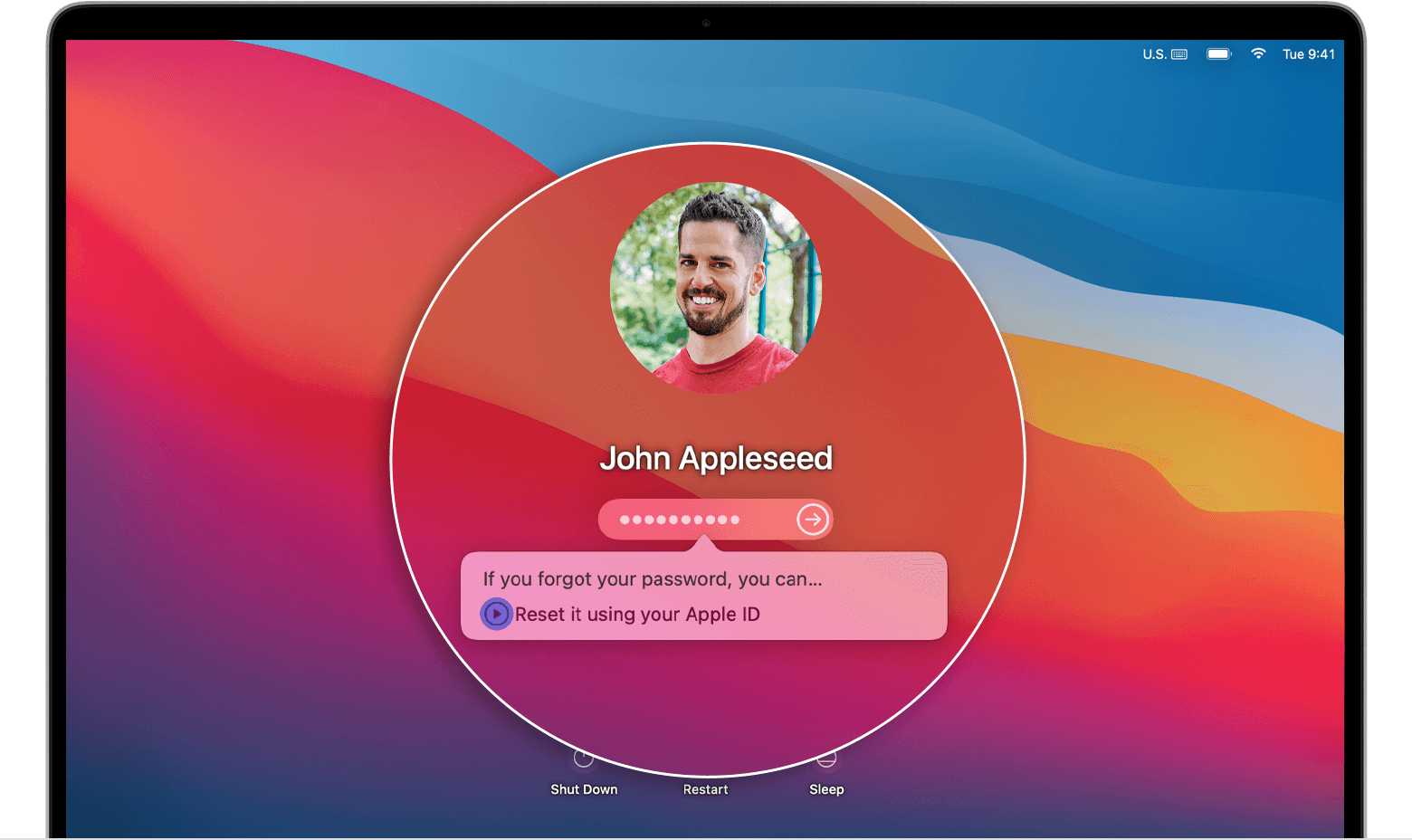
If you see the option to restart and show password options
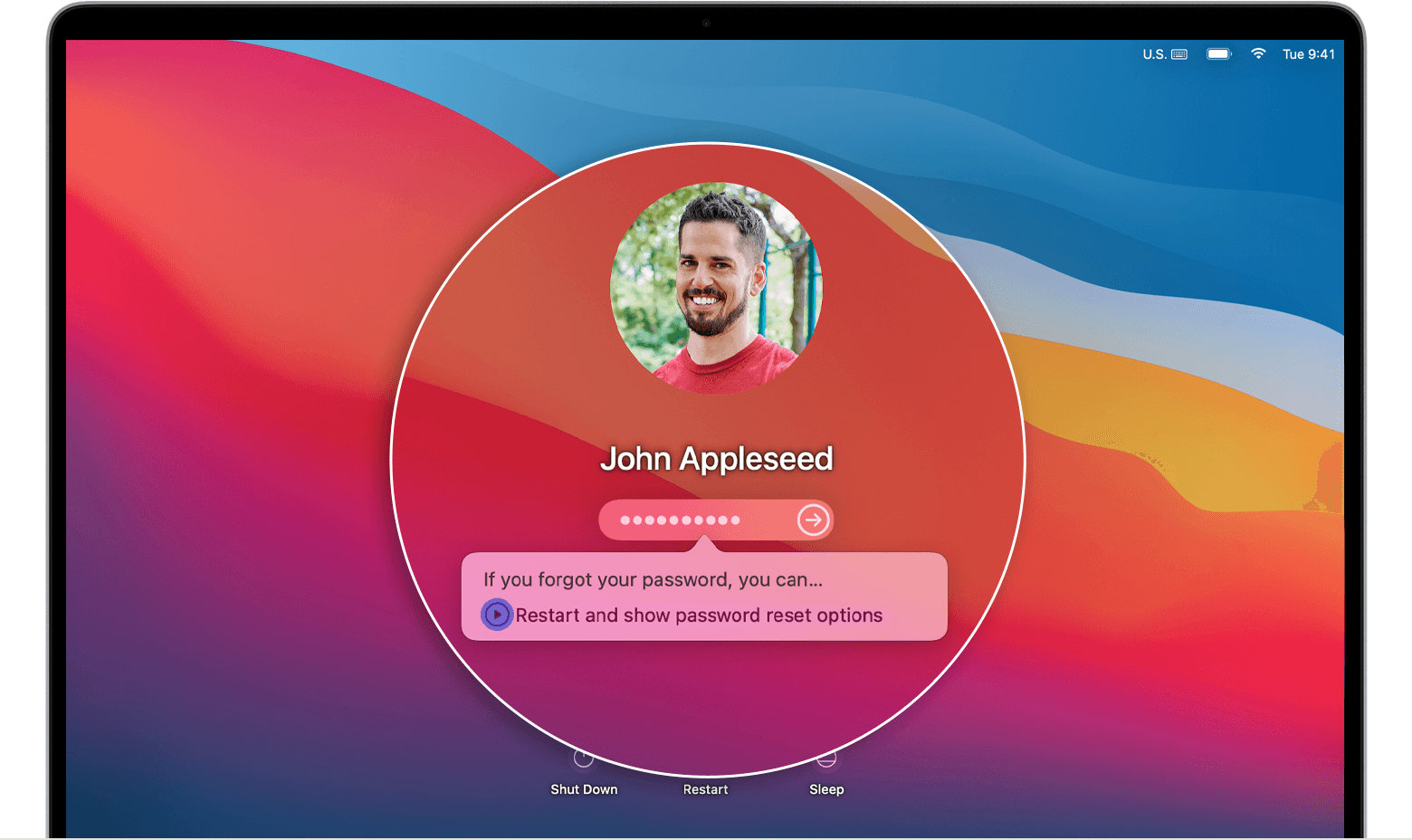
If you see the option to reset using your recovery key
If you can't reset your password
Learn what to do if you can't reset your password.
Mojave or earlier
Me too. Don’t remember the password. Went to do recovery and it says “there was an error connecting to the Apple ID Servers”
I can’t get into my computer
