What happens when you get a window asking to select the disk whete your want to install ID, but no options are presented?

What do you do when you get a window asking to select the disk where you want to install OS, but no options appear?

MacBook Air 13″, macOS 11.6

Posted on Jan 5, 2022 4:15 PM

Reply
5 replies

Jan 6, 2022 2:17 AM in response to TLCB7

How to reinstall macOS


Follow these guidelines during installation:

  • If the installer asks to unlock your disk, enter the password you use to log in to your Mac.
  • If the installer doesn't see your disk, or it says that it can't install on your computer or volume, you might need to erase your disk first.
  • If the installer offers you the choice between installing on Macintosh HD or Macintosh HD - Data, choose Macintosh HD.


Jan 6, 2022 8:10 AM in response to TLCB7

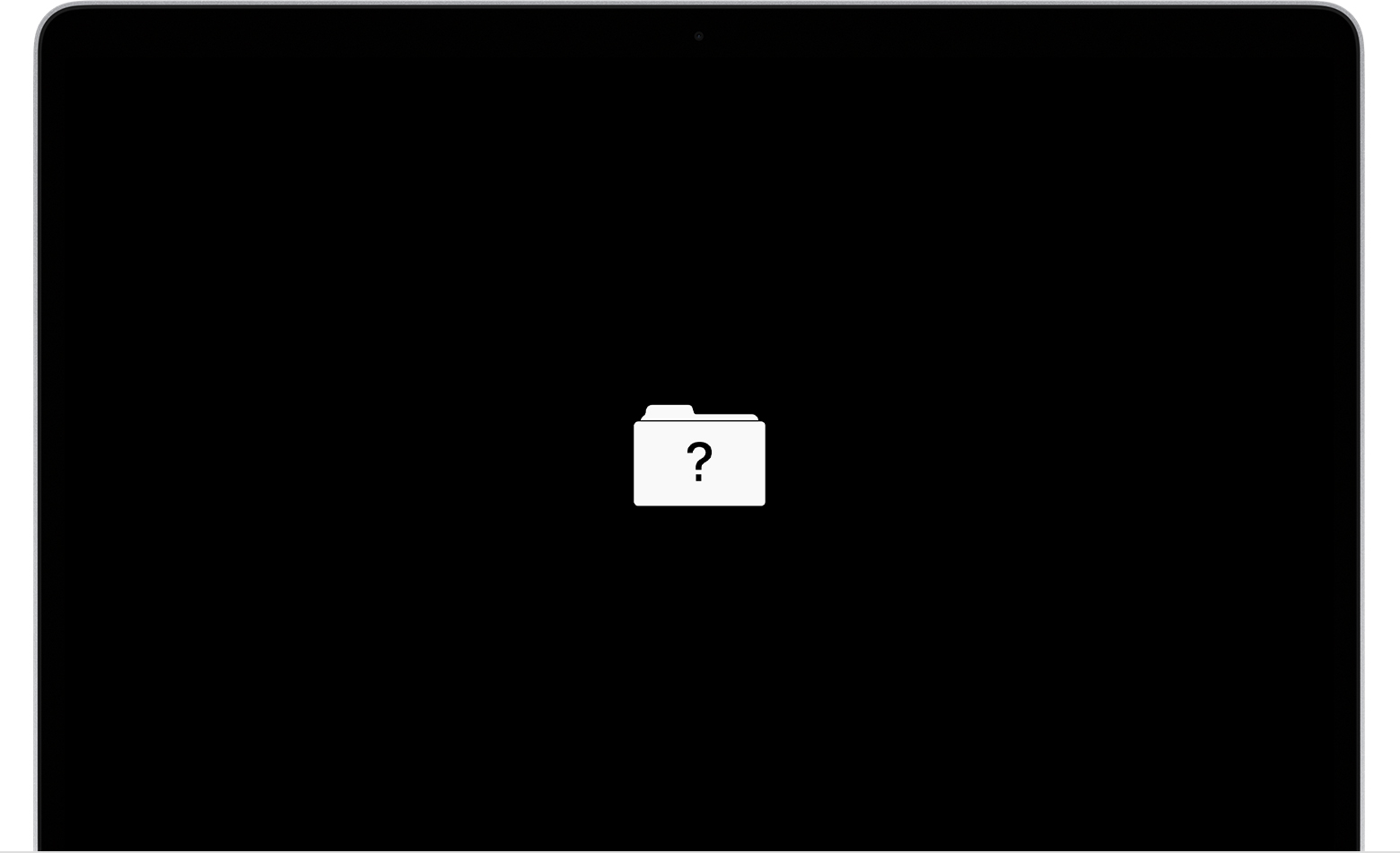
If your Mac starts up to a question mark


A folder with a flashing question mark means that your startup disk is no longer available or doesn't contain a working Mac operating system.


If the question mark appears only momentarily before your Mac starts up normally:

  1. Reset NVRAM.
  2. Make sure that your preferred startup disk is selected in Startup Disk preferences.

If the question mark persists, follow these steps:

  1. Press and hold the power button on your Mac for up to 10 seconds, until your Mac turns off.
  2. Turn on your Mac and immediately press and hold Command (⌘) and R to start up from macOS Recovery.
  3. While in macOS Recovery, use Disk Utility to repair your startup disk.
  4. If Disk Utility found no errors or repaired all errors, reinstall macOS.
  5. If you still need help, please contact Apple Support.


Jan 6, 2022 7:34 AM in response to Owl-53

Thank you so much.


When I tried that, I get to a window asking me to choose Startup Disk to select to restart. But when I click the "choose startup disk" I get the the same issue with no options to select to complete the request.


Also, I was willing to try to erase, but the erase button is not activated for me under the Disk Utility to even select that as an option.


I tried to do a chat with Apple, but after putting in the serial number of my laptop, I got a notice that my machine isn't eligible for chat support.


I am trying all this because when I start my laptop I get a blinking folder with a question mark on the startup screen.


This thread has been closed by the system or the community team. You may vote for any posts you find helpful, or search the Community for additional answers.

What happens when you get a window asking to select the disk whete your want to install ID, but no options are presented?

Welcome to Apple Support Community
A forum where Apple customers help each other with their products. Get started with your Apple Account.