Unwanted underlines

It seems with the last iOS most selections and commands are now underlined. These clutter up the visual image and draw too much attention away from the former elegance of the display. Is there a command I can use to eliminate the underlining?? Thanks.

Posted on Feb 24, 2022 11:03 AM

Reply
8 replies

Feb 26, 2022 7:00 PM in response to LD150

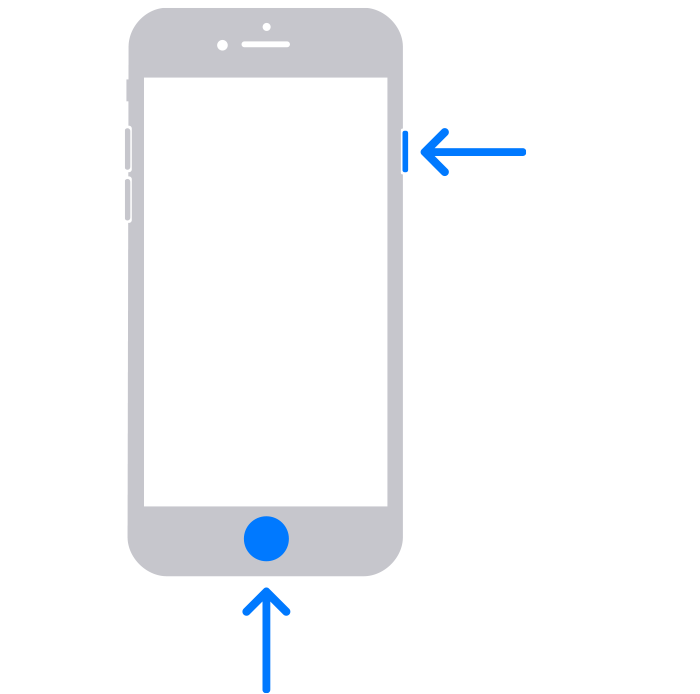
I have been using an iPhone 6S as an iPod after purchasing an SE2. I opened the Apple Stocks app and the stock changes (price, %) had the unwanted underlines. I checked my email to relearn how to take a screenshot and reopened Stocks. But the unwanted underlines were gone! Did I receive a clandestine iOS update? I know I saw those underlines. If they stay gone I’ll be happy, but suspicious. Thanks.

Feb 27, 2022 8:28 PM in response to LD150

About the unwanted underlines - I found them again on my iPhone 6S, which I use as an iPod. They appear in the standard Apple Music app. The iOS is 15.3.2.


The underlines do not appear in my iPhone SE2 using the same Music app. The iOS is 15.3.1.


The underlines appear to identify “hyperlinks” to elsewhere. And, on an iPhone are not needed as the blue text is simple, nice, and elegant. Is there a setting that is set incorrectly?


Many thanks for your attentiveness. Bart Dawson

This thread has been closed by the system or the community team. You may vote for any posts you find helpful, or search the Community for additional answers.

Unwanted underlines

Welcome to Apple Support Community
A forum where Apple customers help each other with their products. Get started with your Apple Account.