
payment method fail
Getting notification that my payment method has failed but card is working.
iPhone 6s, iOS 9
Getting notification that my payment method has failed but card is working.
iPhone 6s, iOS 9
Hello fhussein7,
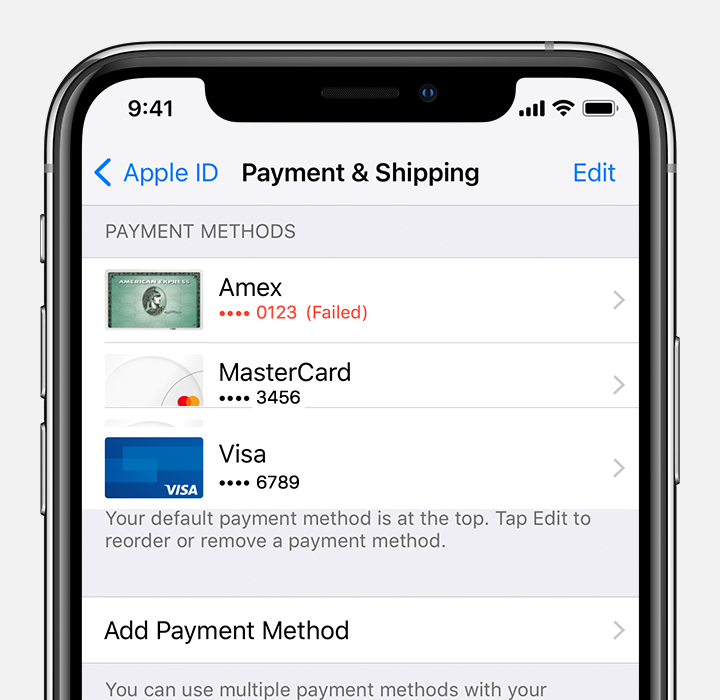
If your card was declined, add a new payment method or update your payment information. You can add multiple payment methods to your Apple ID.Your payment method will be charged for the unpaid balance. Then you can make other purchases and update your apps, including free apps.If you use Family Sharing and Purchase Sharing is turned on, the family organizer must update their billing information or add a new payment method. If you're not the family organizer, you can't change the payment method.See which payment methods are accepted in your country or region.
This article provides additional helpful information to help you resolve this issue: If your payment method is declined in the App Store or iTunes Store
Best Regards.
payment method fail
