Hello PCSue1707,
You can Organize apps on Apple Watch by following one of the methods below:
Rearrange your apps in grid view1. On your Apple Watch, press the Digital Crown to go to the Home Screen.If the screen is in list view, touch and hold the Home Screen, then tap Grid View. Or open the Settings app  on your Apple Watch, tap App View, then tap Grid View.2. Touch and hold an app, then tap Edit Apps.3. Drag the app to a new location.4. Press the Digital Crown when you’re done.
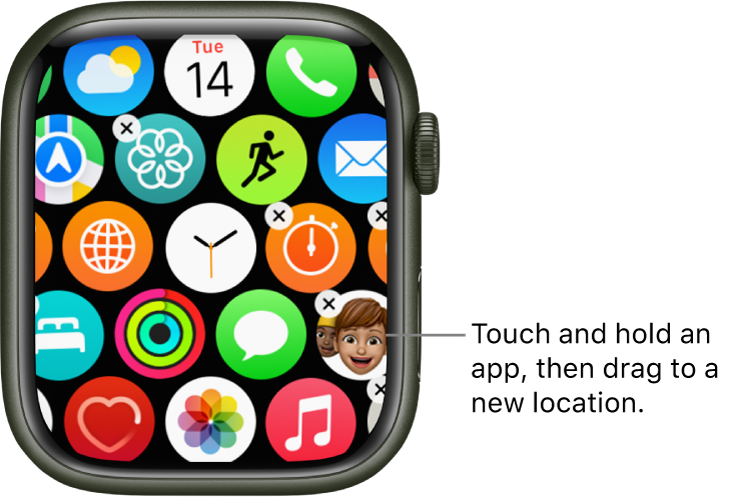 Or open the Apple Watch app on your iPhone, tap My Watch, tap App View, then tap Arrangement. Touch and hold an app icon, then drag it to a new location.Note: In list view, apps are always arranged in alphabetical order.
You can also review that article to see how to delete your Watch apps if. you would like to.
Best Regards.

