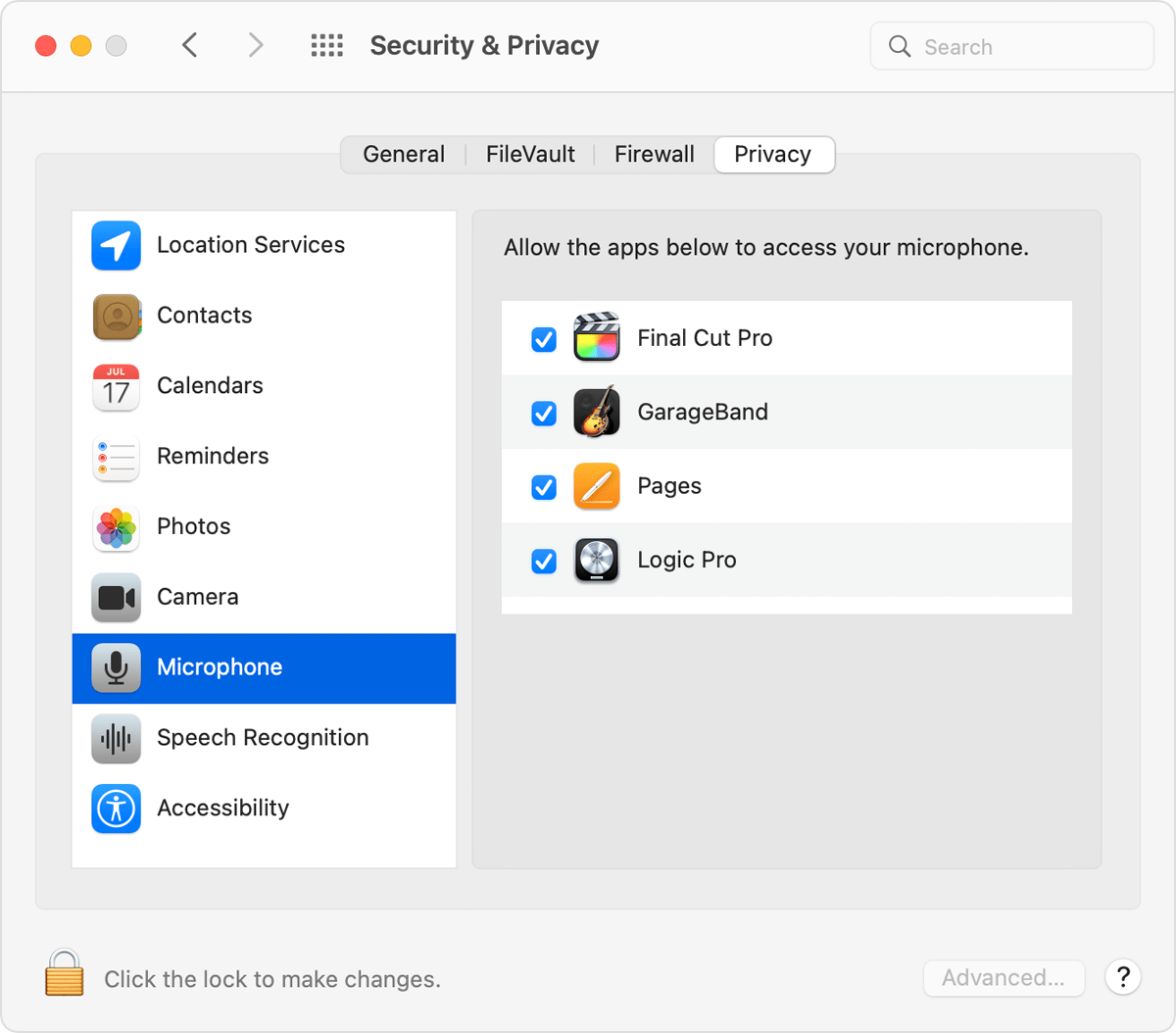
microphone reset command
hey all,
using a mbp M1, 2020, 12.2.1
i have a freaking annoying problem that i can't replicate, so i'm really looking for a command-line solution.
so, the issue: using tools like skype, zoom, discord, whatsapp for mic and camera, occasionally the application of choice (any of them, when it breaks), will send some kind of 'microphone not detected' alert. it's seemingly random.
i've tried to use the tccutil commands, but to no avail.
the only way to reset the mic is to reboot. i do all the resets i can (nvram, smc-which i don't think even is relevant anymore), and it makes no difference. somewhere, something is not letting go of the mic (i think).
tech support has been unhelpful, so i'm hoping one of you smart folks out there can point me in the right direction. until then, i'll keep searching.
THANK YOU
MacBook Pro 13″, macOS 12.2