
Can’t find App Store on iPad 5th generation
I am on 15. 4 software update. I can’t find the App Store on my iPad.
i did everything. What should I do?
I am on 15. 4 software update. I can’t find the App Store on my iPad.
i did everything. What should I do?
If you “did everything” there’s not much we can actually suggest.
In case you did not do everything, and the App Store app is not on any of your Home Screens, look for it in the App Library. The icon on the far right corner of the Dock.
Link-> Find your apps in App Library on iPad - Apple Support
If you “did everything” there’s not much we can actually suggest.
In case you did not do everything, and the App Store app is not on any of your Home Screens, look for it in the App Library. The icon on the far right corner of the Dock.
Link-> Find your apps in App Library on iPad - Apple Support
Check Settings->Screen Time->Content & Privacy Restrictions->iTunes & App Store Purchases->Installing Apps and make sure its set to “Allow”. Then look for the App Store again.
Well, then it has to be somewhere. Because the App Store cannot be deleted.
So again, use the App Library or Spotlight search to try to find it.
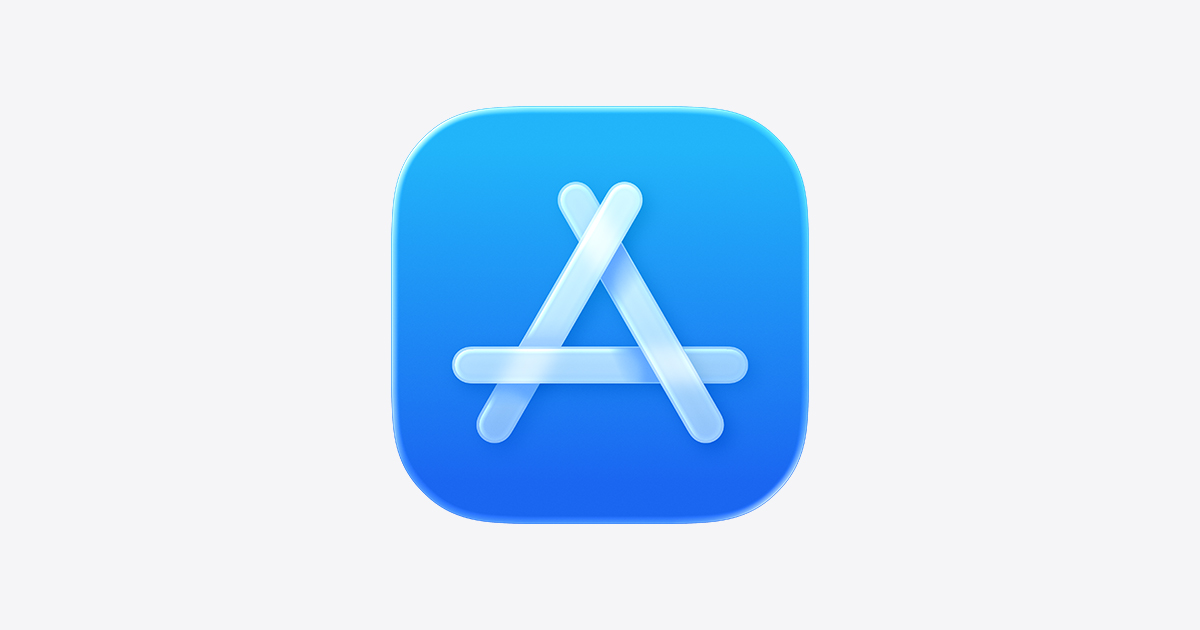
Look for this icon:
I did that. Not there.
that is allowed!
Can’t find App Store on iPad 5th generation
