Your screenshot suggests you're running Numbers on an iPad. But just in case you run it on a Mac as well you can set up a shortcut like this in the Shortcuts app and assign a shortcut to it or have it as a menu item.
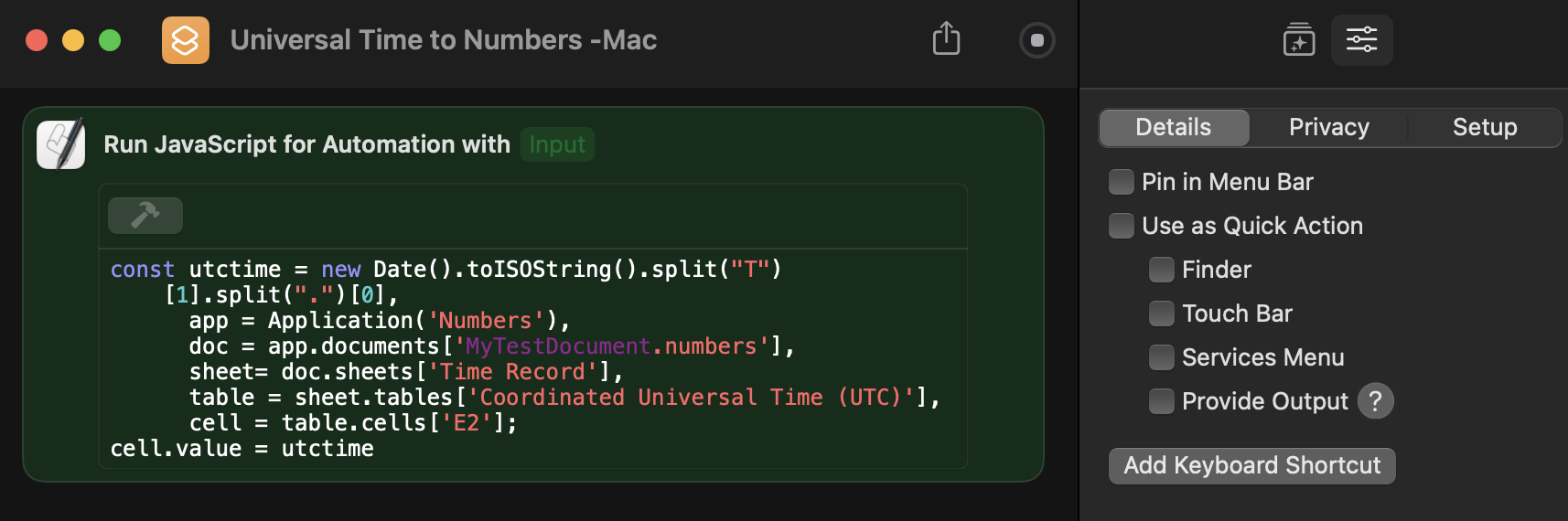
The JavaScript, in which you'd need to change the document name, etc, to exactly match your setup, is:
const utctime = new Date().toISOString().split("T")[1].split(".")[0],
      app = Application('Numbers'),
      doc = app.documents['MyTestDocument.numbers'],
      sheet= doc.sheets['Time Record'],
      table = sheet.tables['Coordinated Universal Time (UTC)'],
      cell = table.cells['E2'];
cell.value = utctime;
On the iPad there appears to be a way to get UTC but no way to insert it into a specific cell. The closest you could get would be to have it inserted in a new row at the bottom of a designated table. Referencing that last row in formulas would be possible, but kludgy.
SG

