
iphone (2) on devices
Hello! When i go to the settings> icloud and see my devices it says iphone (2) which is the iphone im using. I dont have any other iphones. Does anyone know what that (2) stands for?
thank u in advance!
iPhone 11 Pro, iOS 15
Hello! When i go to the settings> icloud and see my devices it says iphone (2) which is the iphone im using. I dont have any other iphones. Does anyone know what that (2) stands for?
thank u in advance!
iPhone 11 Pro, iOS 15
Hello ariadne225,
What you're seeing is the name of your iPhone. You can change your device name by following this user guide: Change the name of your iPhone - Apple Support
You can also see a complete list of where your Apple ID is signed in by following these steps: Check your Apple ID device list to see where you're signed in - Apple Support
We hope that this helps!
Regards.
Hi ariadne225,
Do you have a previous iPhone in the list that you no longer have access to or aren't using? If so, you can remove that device and see if the issue resolves itself.
If it continues, test removing the account using a web browser. The steps are in the same article shared by Drew_7.
Specifically,
"Use the web to remove a device
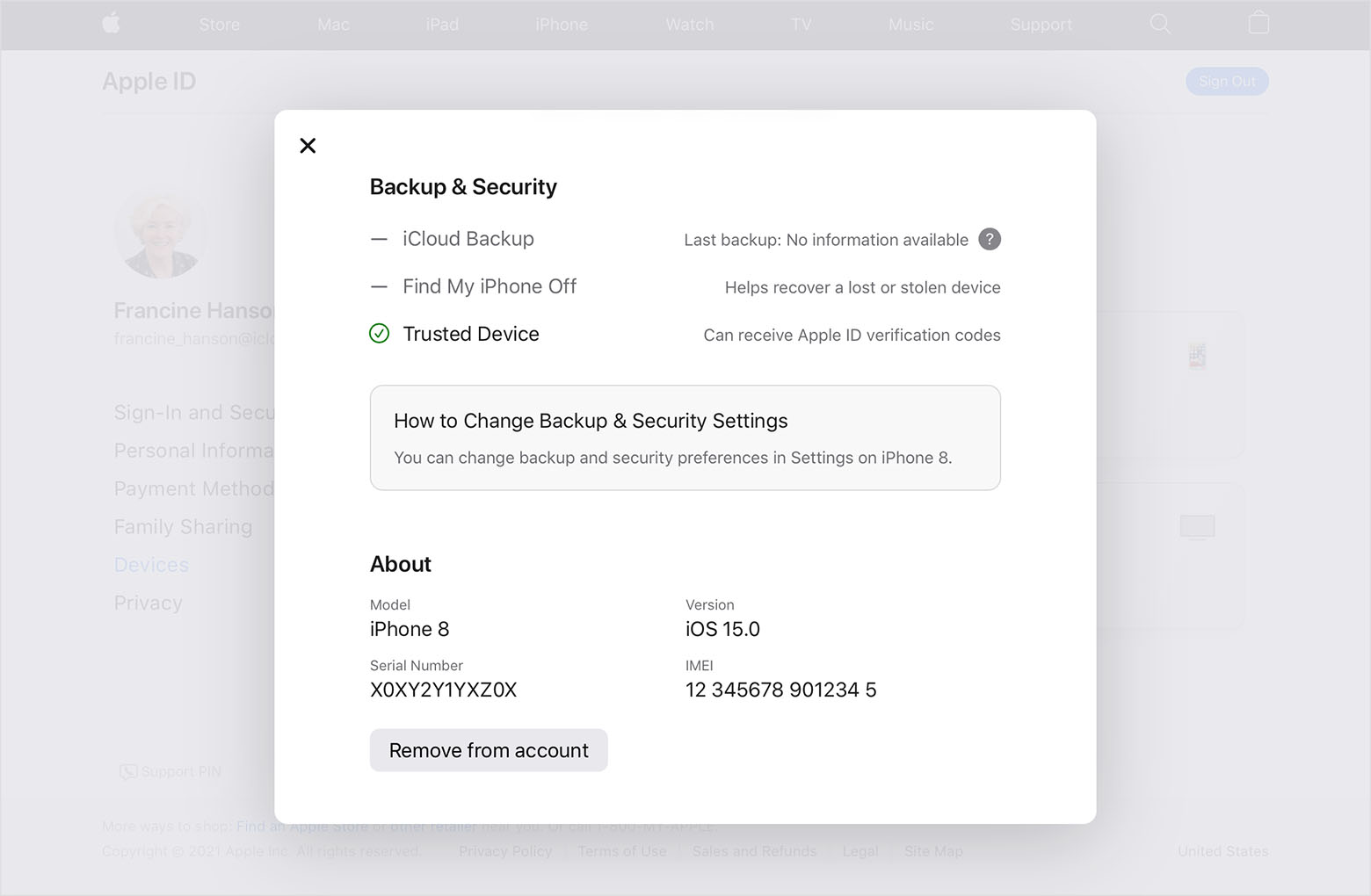
Use your iPhone as you normally would, and as you may need to re-enter your Apple ID password be sure you have that information handy.
After about 24 hours check to see if the account is listed with the correct name and details. Keep us posted on the results.
Cheers.
I have changed the name back to iphone and after a day it says iphone (2). This is very confusing
iphone (2) on devices


