Pay with Apple Cash or a different bank account
If you choose Pay Now, you can use your Apple Cash balance to make an immediate one-time payment. If the balance of your Apple Cash account is less than the amount of your payment, the remaining balance is paid from your default bank account.
You can also choose a different bank account to pay your Apple Card balance:
- Open the Wallet app on your iPhone and tap Apple Card.
- Tap Pay.
- Choose a payment amount and tap the Pay Now button.
- Tap your bank account, then choose a different bank account.
- Tap the Back button and authenticate with Face ID, Touch ID, or your passcode to make a payment.
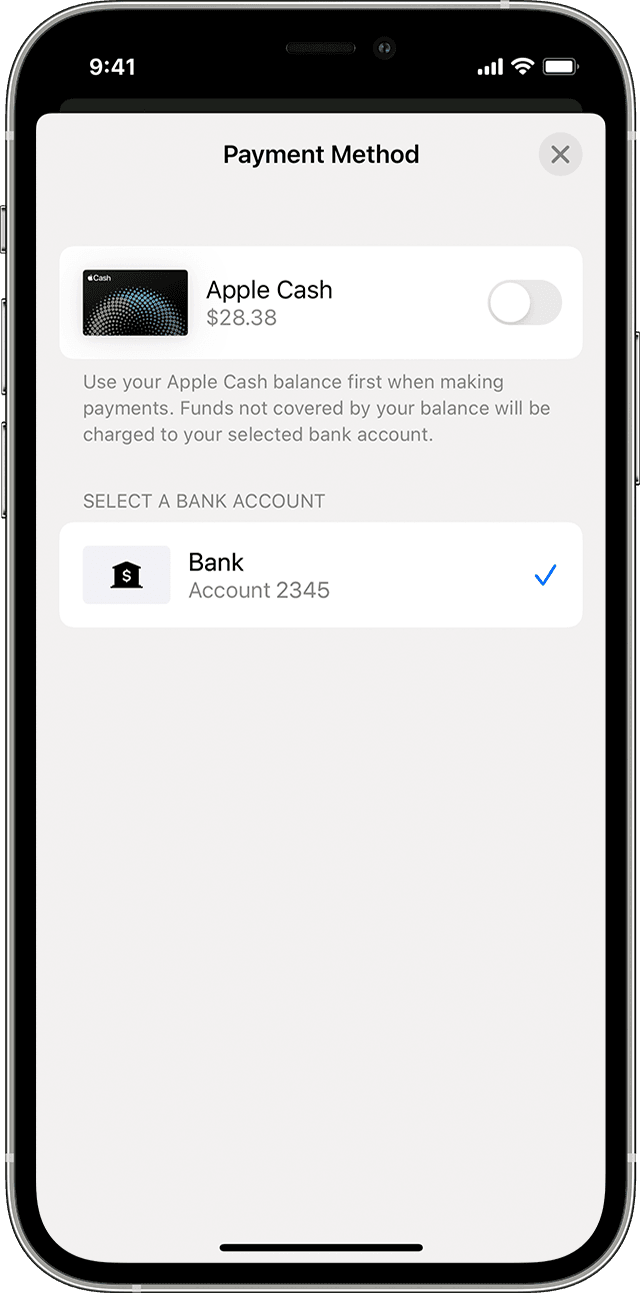
Turn payments with Apple Cash on or off
If you want to pay from only your bank account without using your Apple Cash balance, follow these steps:
- Open the Wallet app on your iPhone and tap Apple Card.
- Tap Pay.
- Choose a payment amount and tap Pay Now.
- Tap your bank account, then turn Apple Cash on or off.
- Tap the Back button, then authenticate with Face ID, Touch ID, or passcode to make a payment.
If you don't have an Apple Cash account, learn how to set one up.

